Answer

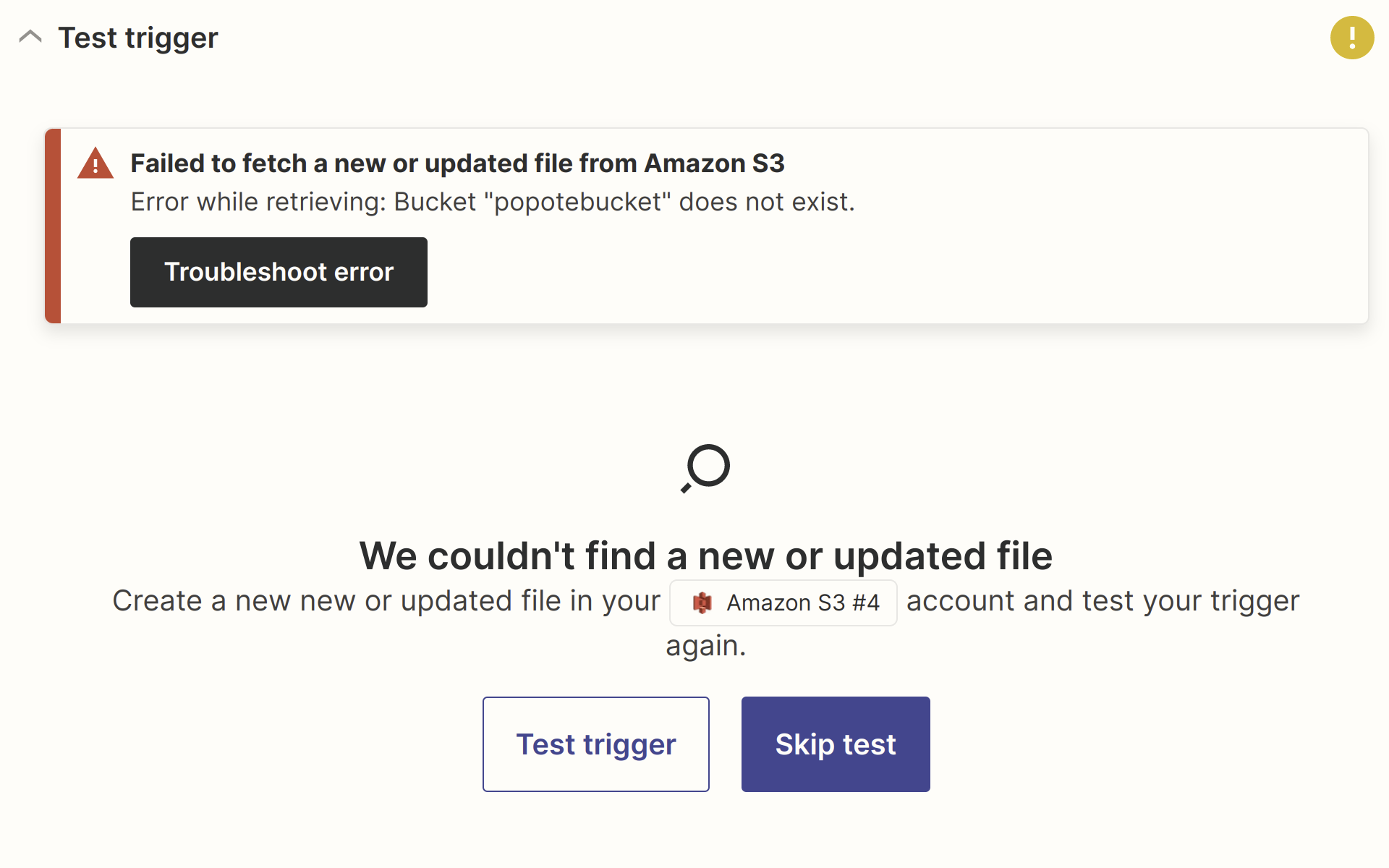
Failed to fetch a new or updated file from Amazon S3 Error while retrieving: Bucket "xxxx"

  • February 24, 2023
  • 1 reply
  • 491 views

cadoad

Hi guys, 


I am trying to create a new Zap to fetch new files from a S3 Bucket. Everything works fine until the test trigger.


I got the following error message :


I have read a few posts on this community about the quite same issue.


Any workaround please ?


Thank you all 💪

Best answer by SamB

Hey @cadoad, welcome to the Community!

Ah yes, it sounds like you’re running into the bug mentioned on this related topic: 

I’ve added you to the list of users being affected by that so we can notify you by email as soon as it’s resolved. We’ll post any news on that front in the related topic so please do subscribe to it for future updates on that!

There’s a workaround mentioned on that post about moving the S3 bucket to the "N California" region which should allow it to be seen by the Zap.

If you’ve already tried that and it didn’t work, I remember an instance from when I worked on the Support team where a customer changed the policy/permissions to make the condition keys less specific and got it working. If you give that a try and it does the trick please let us know! 🙂

This post has been closed for comments. Please create a new post if you need help or have a question about this topic.

1 reply

SamB
Community Manager
Forum|alt.badge.img+11
  • Community Manager
  • Answer
  • February 24, 2023

Hey @cadoad, welcome to the Community!

Ah yes, it sounds like you’re running into the bug mentioned on this related topic: 

I’ve added you to the list of users being affected by that so we can notify you by email as soon as it’s resolved. We’ll post any news on that front in the related topic so please do subscribe to it for future updates on that!

There’s a workaround mentioned on that post about moving the S3 bucket to the "N California" region which should allow it to be seen by the Zap.

If you’ve already tried that and it didn’t work, I remember an instance from when I worked on the Support team where a customer changed the policy/permissions to make the condition keys less specific and got it working. If you give that a try and it does the trick please let us know! 🙂