
Answer

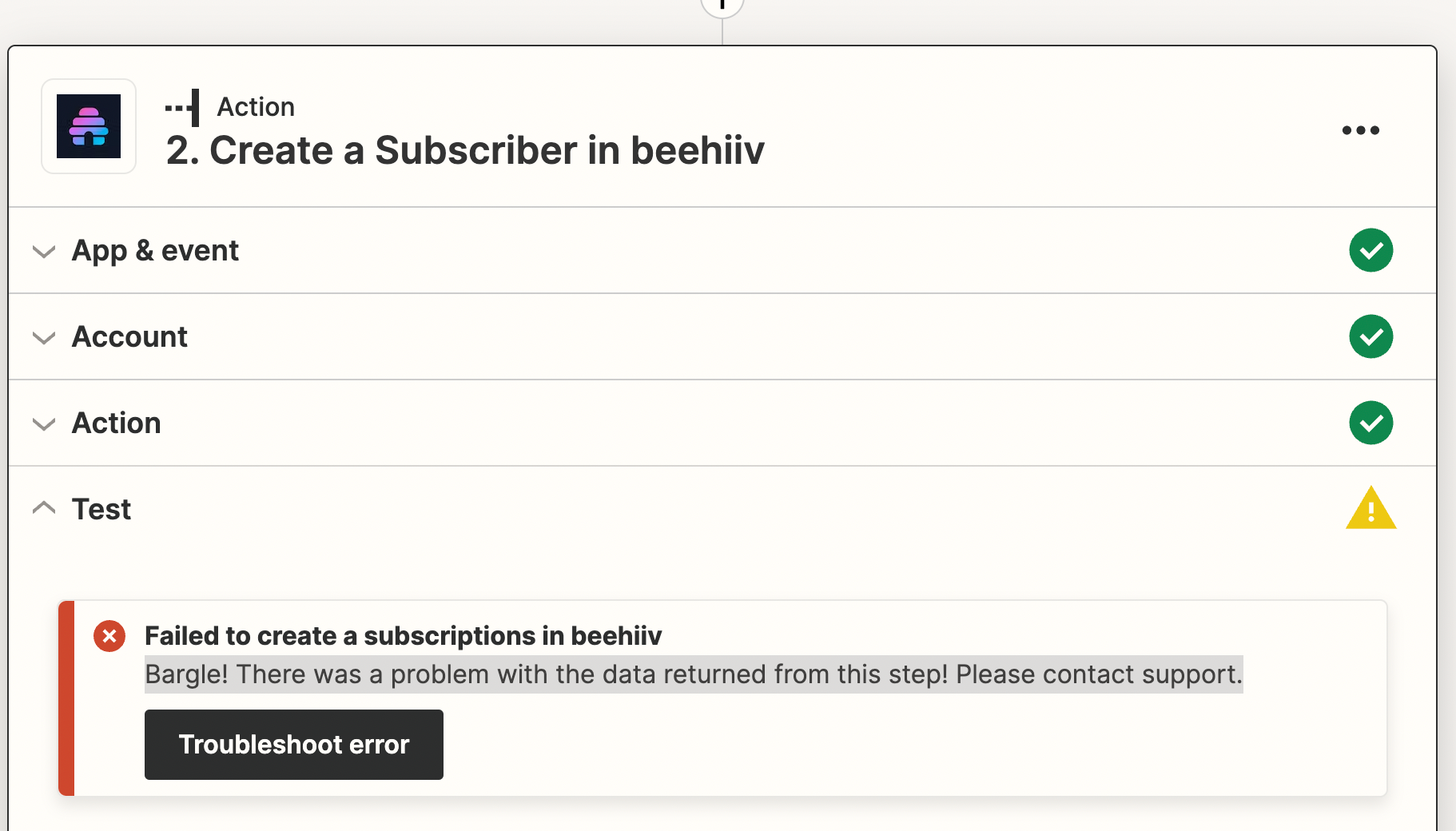
Failed to create a subscription in beehiiv: There was a problem with the data returned from this step! Please contact support.

  • May 22, 2023
  • 6 replies
  • 805 views

maclean023

I tried setting this zap up months ago and got frustrated by an error I couldn’t resolve. Trying again and coming up on the same issue.


Zap: 

When a form is submitted in Kajabi > Create a new subscriber in Beehiiv


All goes well until it’s time to test. Then I receive the

“Bargle! There was a problem with the data returned from this step! Please contact support.”

Support was not helpful. 


The zap is pretty simple with email being the only required field under “action”
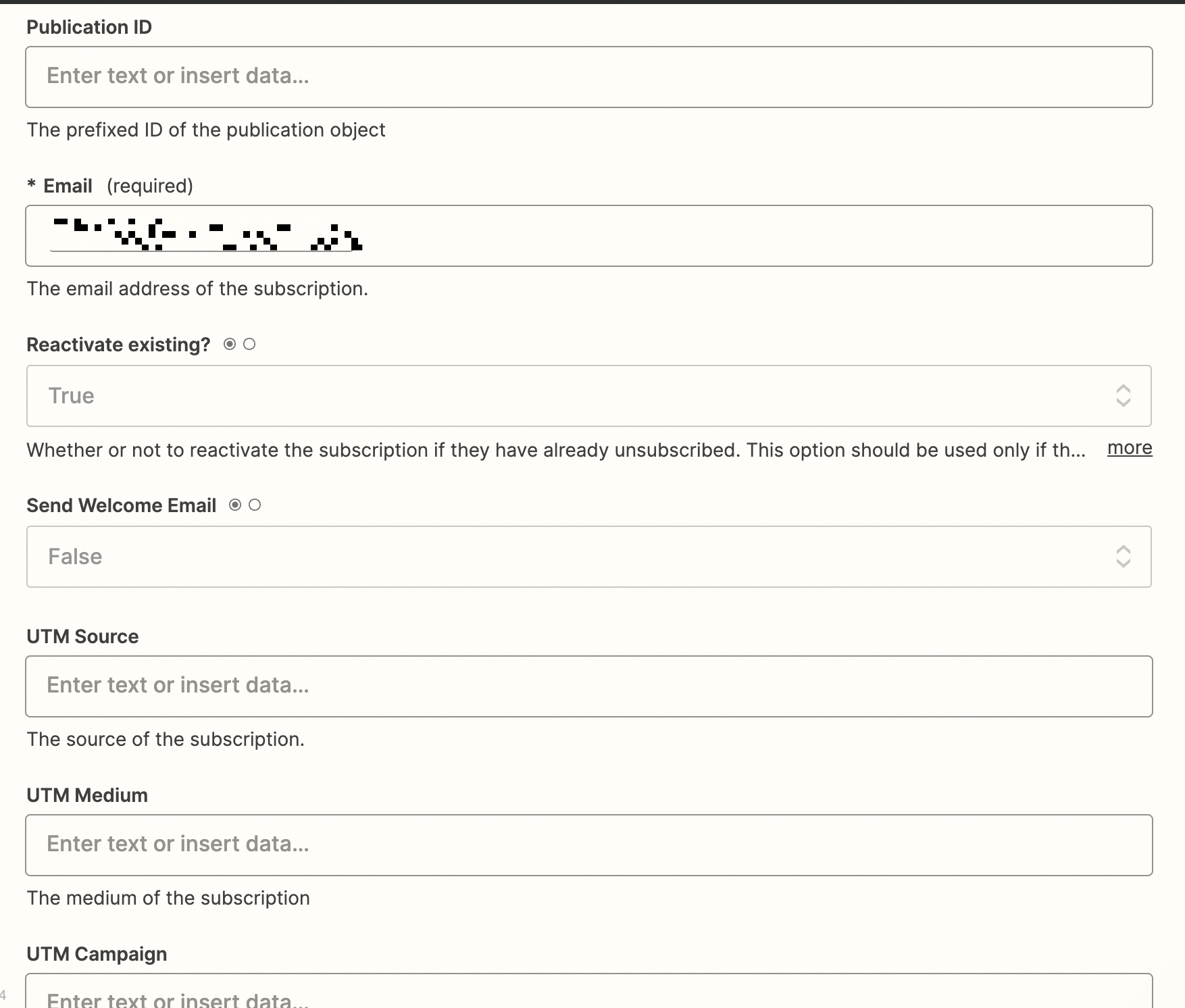
 

This post has been edited by a moderator to remove personal information. Please remember that this is a public forum and to remove any sensitive information prior to posting. 

Best answer by CollabWORK

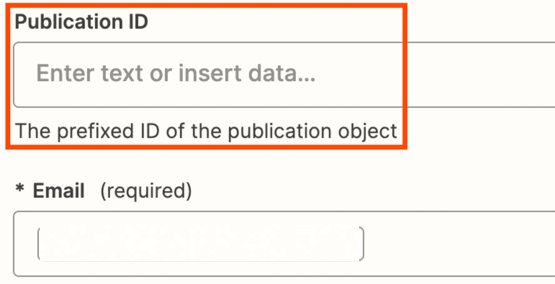
Hi! We had the same issue but adding the Publication ID fixed the issue!
Thanks, Christina!
& fyi for others, we’re Grow plan in Beehiiv.

This post has been closed for comments. Please create a new post if you need help or have a question about this topic.

6 replies

christina.d
Forum|alt.badge.img+9
  • Zapier Staff
  • May 23, 2023

Hey there,  @maclean023 - thanks for reaching out in community! Sorry to hear you’re running into this and we definitely want to help.

I took a look at some of the notes from our partners at beehiiv and it appears the Publication ID (while not marked) as a required field is actually necessary to create a subscriber in beehiv. 

While I’m not super familiar with this app I did find this documentation on the beehiv site on how to locate the Publication ID. Specifically this section may be useful.

Are you able to give that a shot and see if that helps? Keep us posted!


maclean023
  • Author
  • Beginner
  • May 23, 2023

Thanks, Christina! I should have added that I’ve tried this with and without the publication ID.


christina.d
Forum|alt.badge.img+9
  • Zapier Staff
  • May 23, 2023

Aww, man - that’s a bummer. Thanks for that! 

Will it let you skip the test action and publish the zap without it? I wonder if we can try this with a live run and if it’ll 1.) work or 2.) give us more detailed error to work with in the zap history. More on that here. 🤞🏽

I also wanted to mention on the beehiiv site (this app is in beta and owned/maintained by their team) it states only subscribers on their grow or scale plans are able to use Zapier. It might be worth double checking you’re on one of those plans. 🙂


  • New
  • Answer
  • August 11, 2023

Hi! We had the same issue but adding the Publication ID fixed the issue!
Thanks, Christina!
& fyi for others, we’re Grow plan in Beehiiv.


ken.a
Forum|alt.badge.img+6
  • Zapier Staff
  • August 14, 2023

Hi @CollabWORK,

Awesome! We’re glad to hear you were able to get it sorted!

If you have any other questions, please don’t hesitate to reach out to the Community. We’re always happy to help! 😊


DelaneyChaffee

Hi! We had the same issue but adding the Publication ID fixed the issue!
Thanks, Christina!
& fyi for others, we’re Grow plan in Beehiiv.

Thanks for the help!