Question

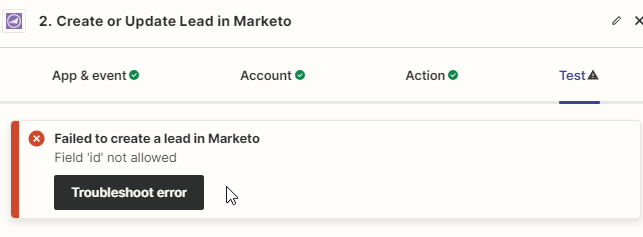
Failed to create a lead in Marketo: Field 'id' not allowed

  • May 22, 2024
  • 8 replies
  • 83 views

Hi all,


I am simply trying to update records from Google sheets to Marketo via Zapier. 

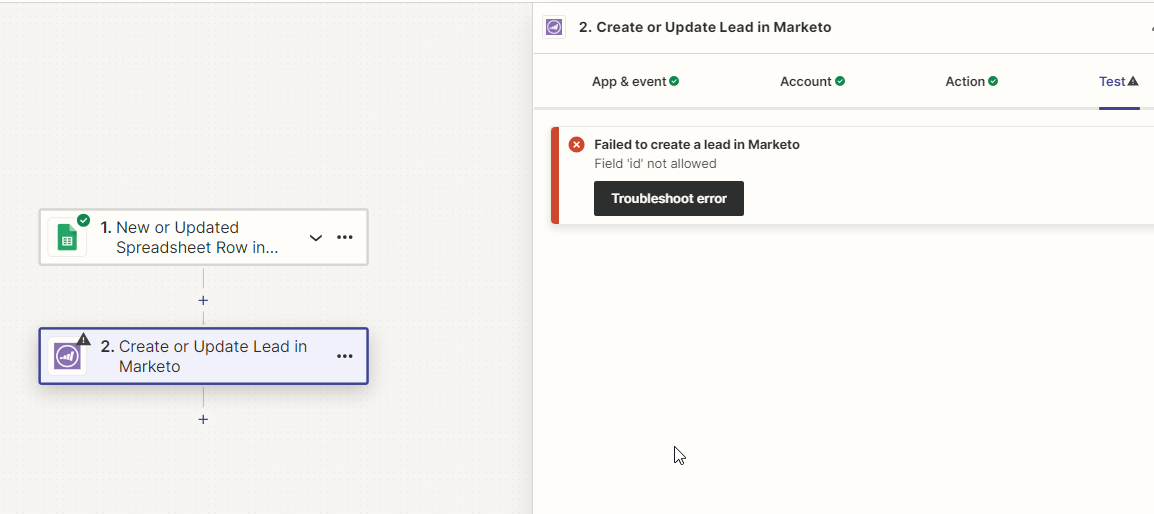
While doing this using Zapier, I am seeing error called

"Failed to create a lead in Marketo

Field 'id' not allowed"


any help on this please?


This post has been closed for comments. Please create a new post if you need help or have a question about this topic.

8 replies

Troy Tessalone
Zapier Orchestrator & Solution Partner
Forum|alt.badge.img+14
  • Zapier Orchestrator & Solution Partner
  • May 22, 2024

Hi @sarabjeetm 

Post screenshots with how your Zap step ‘Action’ tab section is configured.


  • Author
  • New
  • May 22, 2024

Thanks Troy, below are the screenshots

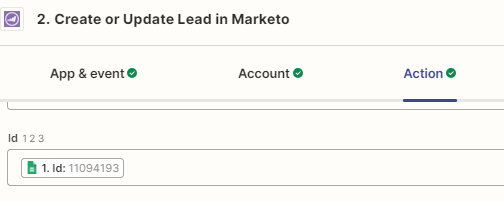
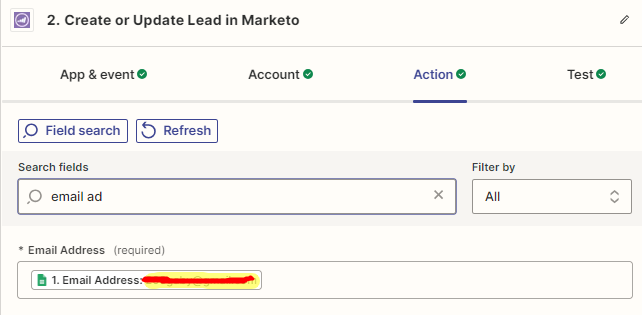
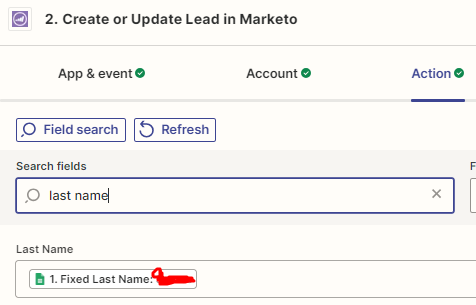
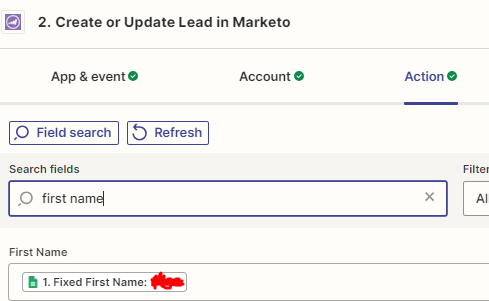
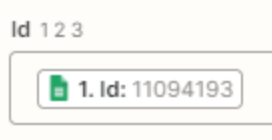
I have selected ID , email address (didnt want to but its mandatory), first name, last name fields to be updated - which are being taken from google sheet


thisi s google sheet screenshot - columns containing the Data


Below are the Zap action fields screenshots


Here is the error screenshot too


Troy Tessalone
Zapier Orchestrator & Solution Partner
Forum|alt.badge.img+14
  • Zapier Orchestrator & Solution Partner
  • May 22, 2024

@sarabjeetm 

Zap step error is likely related to the ID field.

The ID field is optional.

The ID field expects a numerical ID for the existing Marketo Lead.

If the mapped variable value from GSheets is not an existing Marketo Lead ID, then that is probably causing the Zap step to encounter an error.

You can try removing that mapped variable and test.


  • Author
  • New
  • May 22, 2024

I have matched the ID and Email address field values with exisitng records in marketo, they are same as per my google sheet. I still gives me the error. I can’t remove the ID field, its just that I need to update the first name and last name fields- and I can’t do this basis only email address field because there are duplicates in marketo upon email ids, and there are chances I end up creating more duplicates basis email id field. So I am relying on ID field which is unique value field.


Troy Tessalone
Zapier Orchestrator & Solution Partner
Forum|alt.badge.img+14
  • Zapier Orchestrator & Solution Partner
  • May 22, 2024

@sarabjeetm 

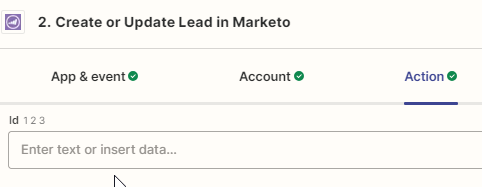
Can you post screenshots showing the fields descriptions while in Zap EDIT mode so we can see if that offers any guidance about the expected valid values?


  • Author
  • New
  • May 22, 2024

You mean for example for Id field something like below?


Troy Tessalone
Zapier Orchestrator & Solution Partner
Forum|alt.badge.img+14
  • Zapier Orchestrator & Solution Partner
  • May 22, 2024

@sarabjeetm 

Looks like the ID field has no field descriptions.

Some fields have field descriptions that can help provide guidance about the expected valid values.


Things to check/try:

  • Reference the available help articles for using Marketo in Zaps: https://zapier.com/apps/marketo/help
  • Try reaching out to Marketo Support for help with troubleshooting their Zap app
  • Some apps have internal/external IDs, so make sure the correct version is being used

  • New
  • May 22, 2024

@sarabjeetm

In my experience you might be including the ID field during the “Create or Update Lead” test during the connectivity with Marketo, as Marketo leadId field is a read-only field you can’t use this field during the Create or Update Lead process or even during the Find Lead process.

For zapier the primary and required field for lead creation or search is “Email Address”.

If you remove the ID from your field mapping during the Marketo setup your step test to add Marketo will succeed.