I need help with a Facebook Messenger trigger that works during testing but does not fire on live incoming messages.
Zap setup
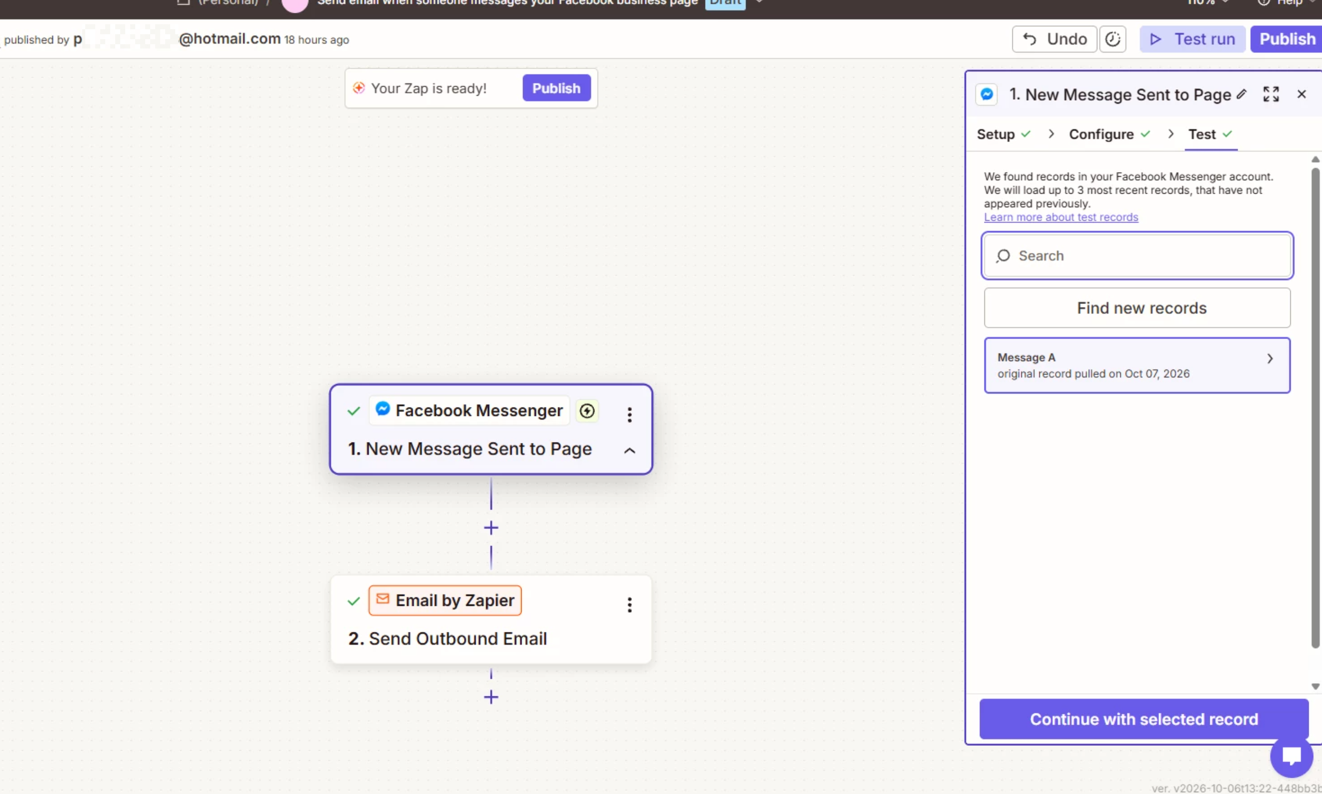
- Trigger: Facebook Messenger → New Message Sent to Page
- Action: Email by Zapier → Send Outbound Email
- Facebook Page: Patton Plumbing Heating and AC
- Page ID: 141460579227019
What is working
- The Facebook Page receives incoming messages normally in Meta Business Suite.
- I disconnected and reconnected Facebook Messenger in Zapier from scratch.
- During Meta authorization, I explicitly selected the Patton Plumbing page.
- Meta granted Zapier-Messenger access to:
- Manage and access Page conversations in Messenger
- Read content posted on the Page
- Manage accounts, settings, and webhooks for the Page
- Show a list of Pages I manage
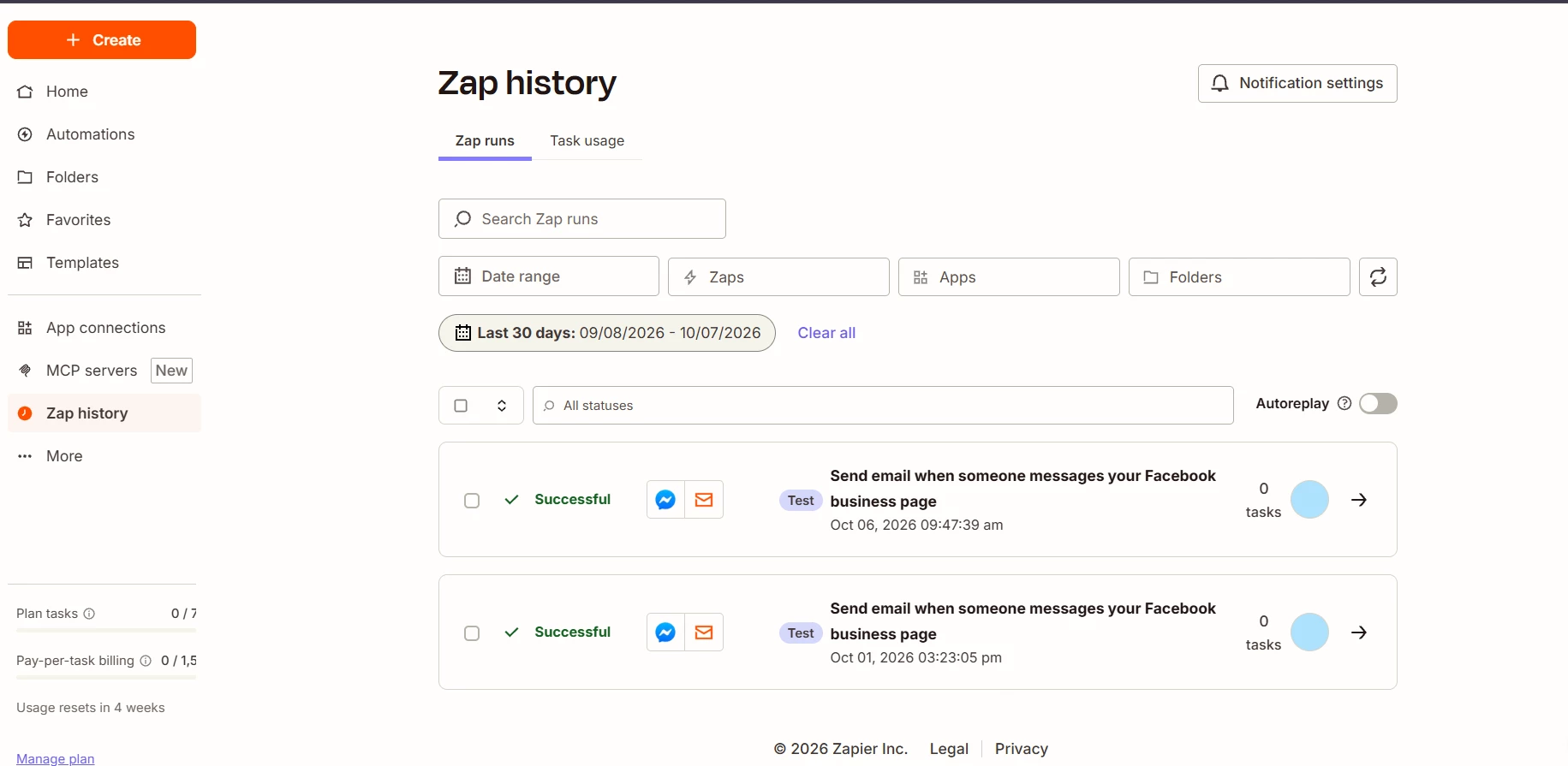
- Zapier’s Test Trigger successfully finds actual recent Messenger messages.
- The email action also tests successfully.
- The Zap is published and turned ON.
The problem
When a different Facebook account sends a brand-new Messenger message to the Patton Plumbing Page:
- The message appears immediately in Meta Business Suite.
- No new live run appears in Zap History.
- Because the trigger never fires, the email action never runs.
This appears to be a live webhook/Page subscription issue, not an email issue and not a basic authentication issue.
Can someone from Zapier please check whether the Facebook Messenger app is correctly subscribed to live messages events for Page ID 141460579227019, or whether there is a known issue with the New Message Sent to Page instant trigger?
I have already opened support requests and have not received a response after more than 24 hours, so I’m hoping someone here can help identify whether this is a Zapier-side webhook issue or a Meta-side event delivery issue.
This post has been edited by a moderator to remove personally identifiable information (PII). Please remember that this is a public forum and avoid sharing personal or potentially sensitive details.