Question

Facebook account not showing in Zapier when trying to send Calendly conversions

  • May 6, 2026
  • 3 replies
  • 24 views

Hi everyone,

I’m trying to set up a Zap with the following flow:
Calendly (Invitee Created) → Send Conversion to Facebook (Meta Ads)

The goal is to track bookings from Calendly as conversions in Facebook Ads.

I used Zapier’s AI builder to create the Zap from scratch, and everything works fine on the Calendly side — I’m able to pull in invitee data without any issues.

However, when I reach the step where I need to connect my Facebook account (to send the conversion), no Facebook account shows up at all as an option to connect.

Here’s what I’ve tried so far:

  • Rebuilding the Zap from scratch
  • Changing triggers and actions
  • Refreshing/reconnecting accounts
  • Checking Facebook permissions (admin access, ad account access, etc.)

Still, I’m unable to see or connect any Facebook account in Zapier.

It seems like it could be a syncing or integration issue, but I’m not sure if I’m missing something on the Facebook or Zapier side.

Has anyone experienced this issue when trying to send Calendly conversions to Facebook?
Any suggestions on how to resolve this or force the connection to appear?

Thanks in advance

3 replies

  • May 6, 2026

This one's almost always a Facebook Business Manager permissions issue, not a Zapier bug.

A few things to check in order:

First, make sure the Facebook account you're trying to connect has admin access at the Business Manager level, not just the ad account. Zapier connects to the Business Manager, and if your personal account isn't listed as an admin there, it won't surface.

Second, try connecting the account in a fresh browser session (incognito, no extensions). Facebook's OAuth flow is sensitive to cached tokens and ad blockers — both will silently kill the handshake.

Third, double-check which Zapier app you're using. There's a "Facebook Conversions" app and a "Facebook Lead Ads" app — they're different. If you ended up on the wrong one via the AI builder, that could explain why accounts aren't populating.

If none of that works, one alternative worth knowing about: Meta's own event setup through Events Manager supports server-side events natively. One alternative worth knowing: Meta's Events Manager supports server-side events natively. You can send conversions via webhook without the Zapier integration entirely.


Troy Tessalone
Zapier Orchestrator & Solution Partner
Forum|alt.badge.img+14
  • Zapier Orchestrator & Solution Partner
  • May 7, 2026

Hi ​@Cooper_envision 

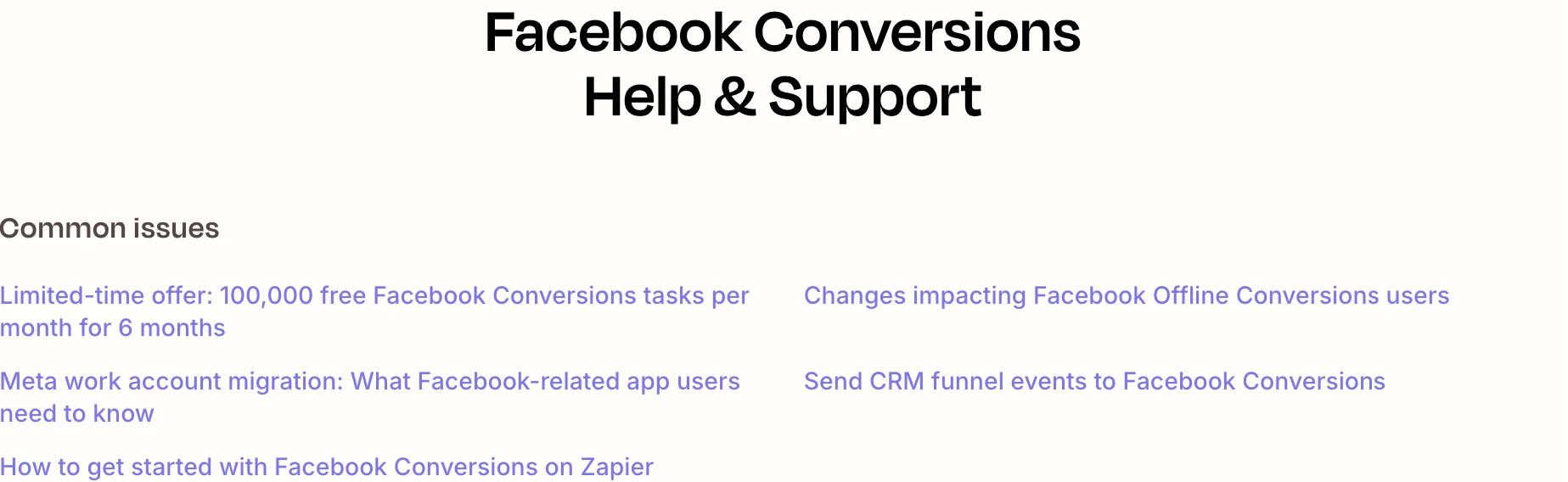
Help links for using FB Conversions in Zaps: https://zapier.com/apps/facebook-conversions/integrations#help


Prerequisites

To use the Facebook Conversions app on Zapier, you must have: 


SamB
Community Manager
Forum|alt.badge.img+11
  • Community Manager
  • May 11, 2026

Hey there ​@Cooper_envision 👋

Just wanted to check how you’re getting on with this. Did the replies from Stacey S and Troy help to point you in the right direction?

If you got it sorted, would you be up for sharing what got the Facebook account to appear? Asking as this would be really helpful to others having the same issue. 🙏

And if you’re still having any trouble just let us know! Want to make sure this gets sorted.