
Answer

Error: ‘images empty or missing.’

  • May 31, 2023
  • 4 replies
  • 42 views

gusmaster

Hello,


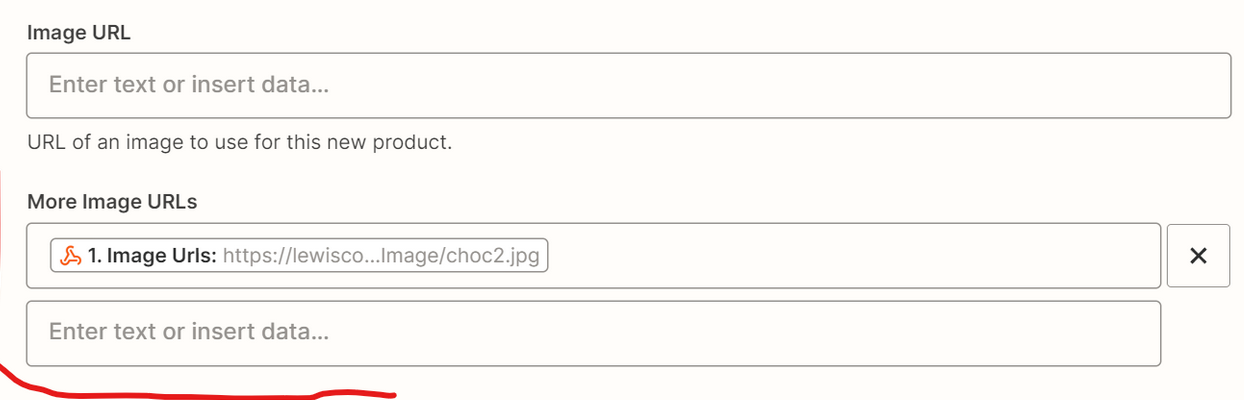
I’d like to know what kind of input the below field expects.

The product has a variable number of images stored in a string array.

I tried to pass the array, a comma separated list, converted to line items with a formatter step but nothing works. I keep getting an error  like ‘images empty or missing’. . Any idea?
 

Best answer by Troy Tessalone

Hi @gusmaster 

Good question.

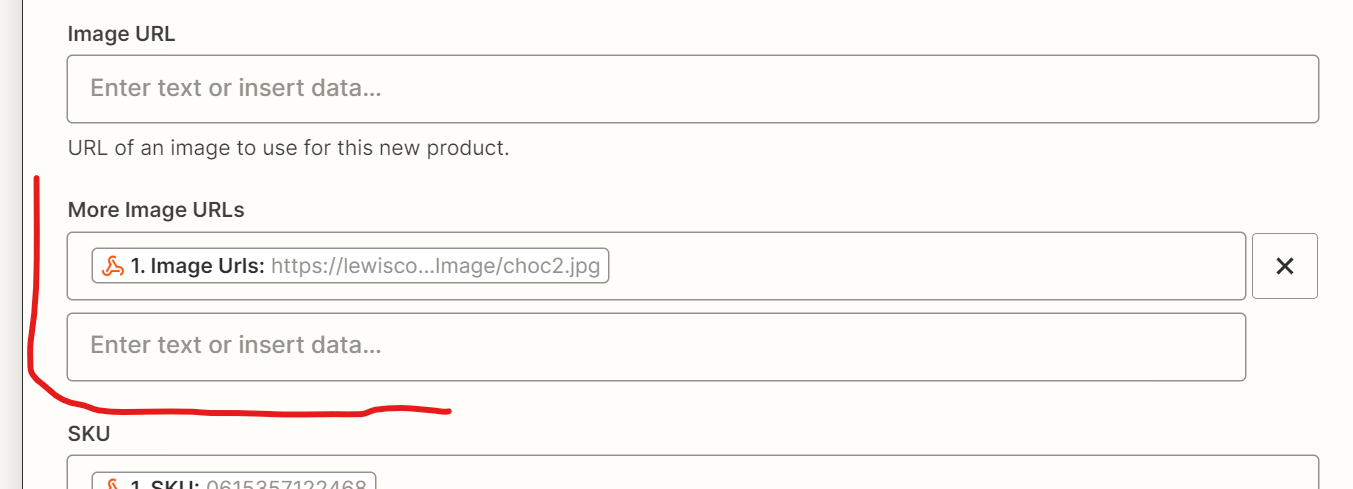
The error may be related to there being no value for “Image URL”, but values for “More Image URLs”.


This post has been closed for comments. Please create a new post if you need help or have a question about this topic.

4 replies

nicksimard
Forum|alt.badge.img+11
  • Zapier Staff
  • May 31, 2023

Hi @gusmaster,

Each of those boxes is expecting a single image URL, which can be tricky to do if you don’t know what the earlier action/trigger will be providing (and if they’re coming in some sort of object/array).

And I don’t know this for sure but I feel like maybe the Image URL field should be filled before you start putting things in the “More Image URLs” boxes.

Can you share a screenshot of how the data is coming from your other step? That might help us troubleshoot how you can get all the URLs separately.


Troy Tessalone
Zapier Orchestrator & Solution Partner
Forum|alt.badge.img+14
  • Zapier Orchestrator & Solution Partner
  • Answer
  • May 31, 2023

Hi @gusmaster 

Good question.

The error may be related to there being no value for “Image URL”, but values for “More Image URLs”.


gusmaster
  • Author
  • Beginner
  • June 11, 2023

It worked when 'Image Url' has a value as well (thumbnail image?). This means I have to take this image out from the array to avoid duplicates. Then I have to merge them back in the update because the update action only needs the array. A bit confusing and inconsistent as a process but I understand sometimes you have to work around the api limitations. Thanks for the answer.


SamB
Community Manager
Forum|alt.badge.img+11
  • Community Manager
  • June 13, 2023

Thanks for letting us know, @gusmaster! I’m so pleased you were able to figure out a workaround for this, great work! 🙌

Sounds like you’re all set for now, but please do reach out again in the Community if you run into any further issues or questions! 😁