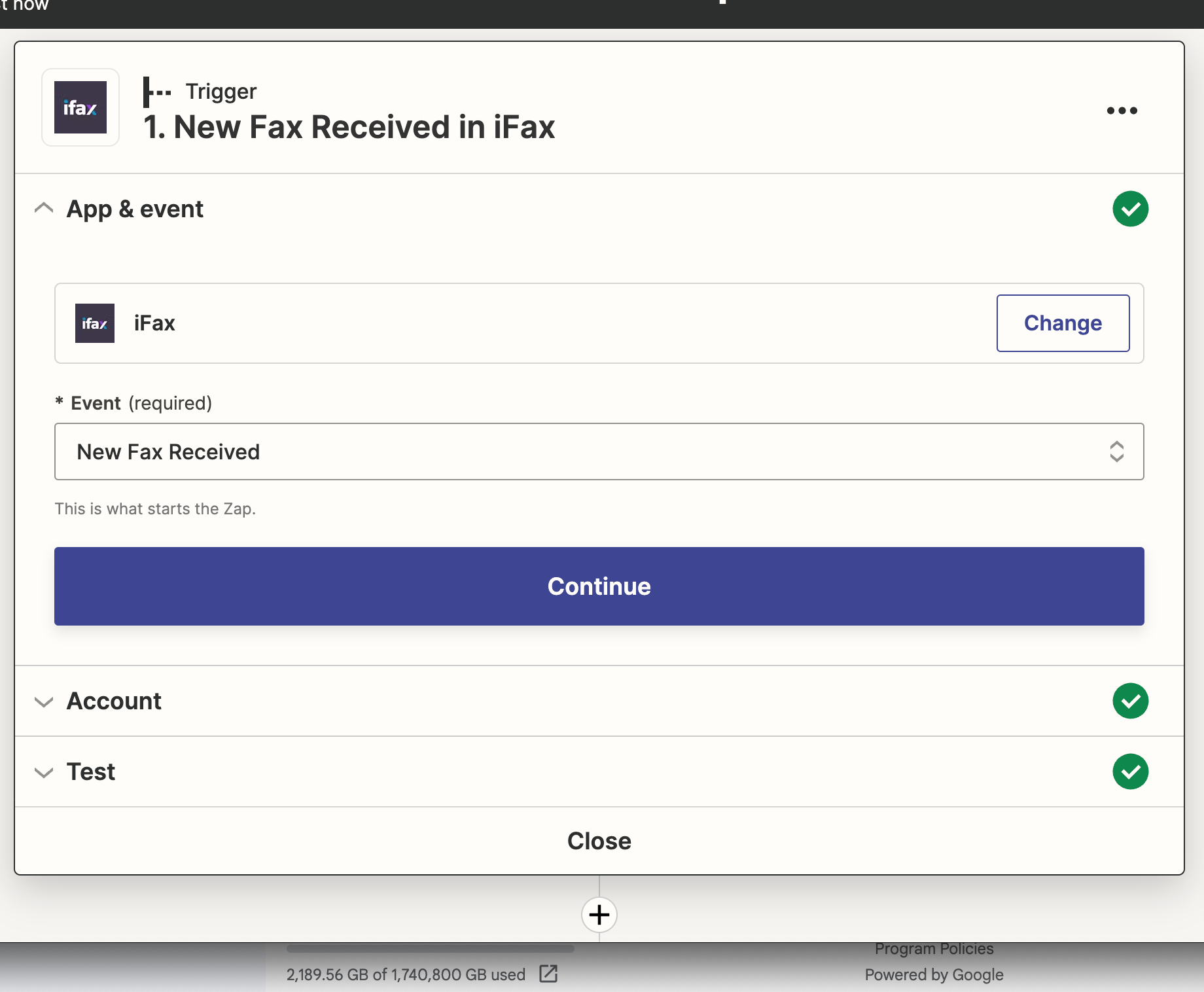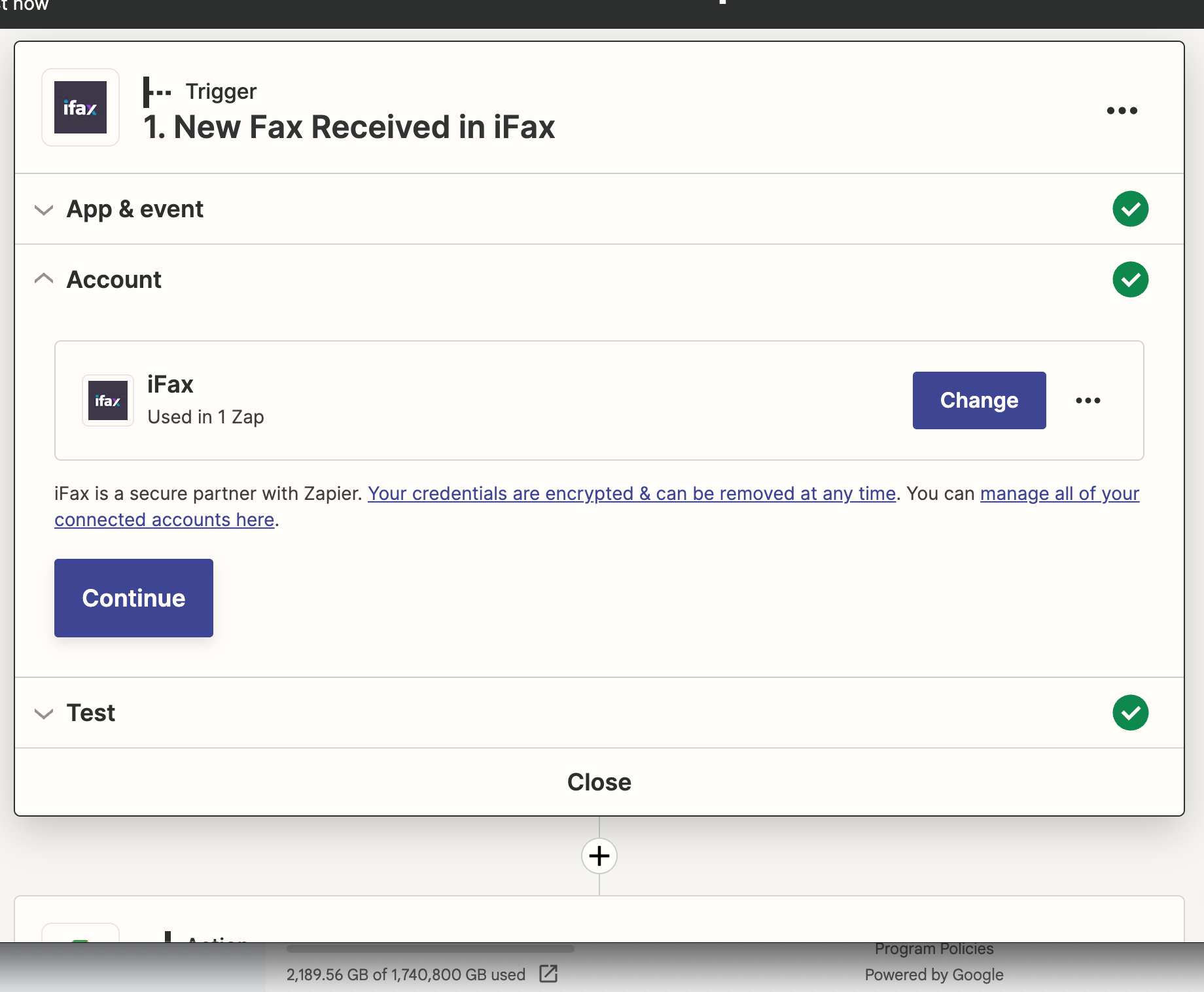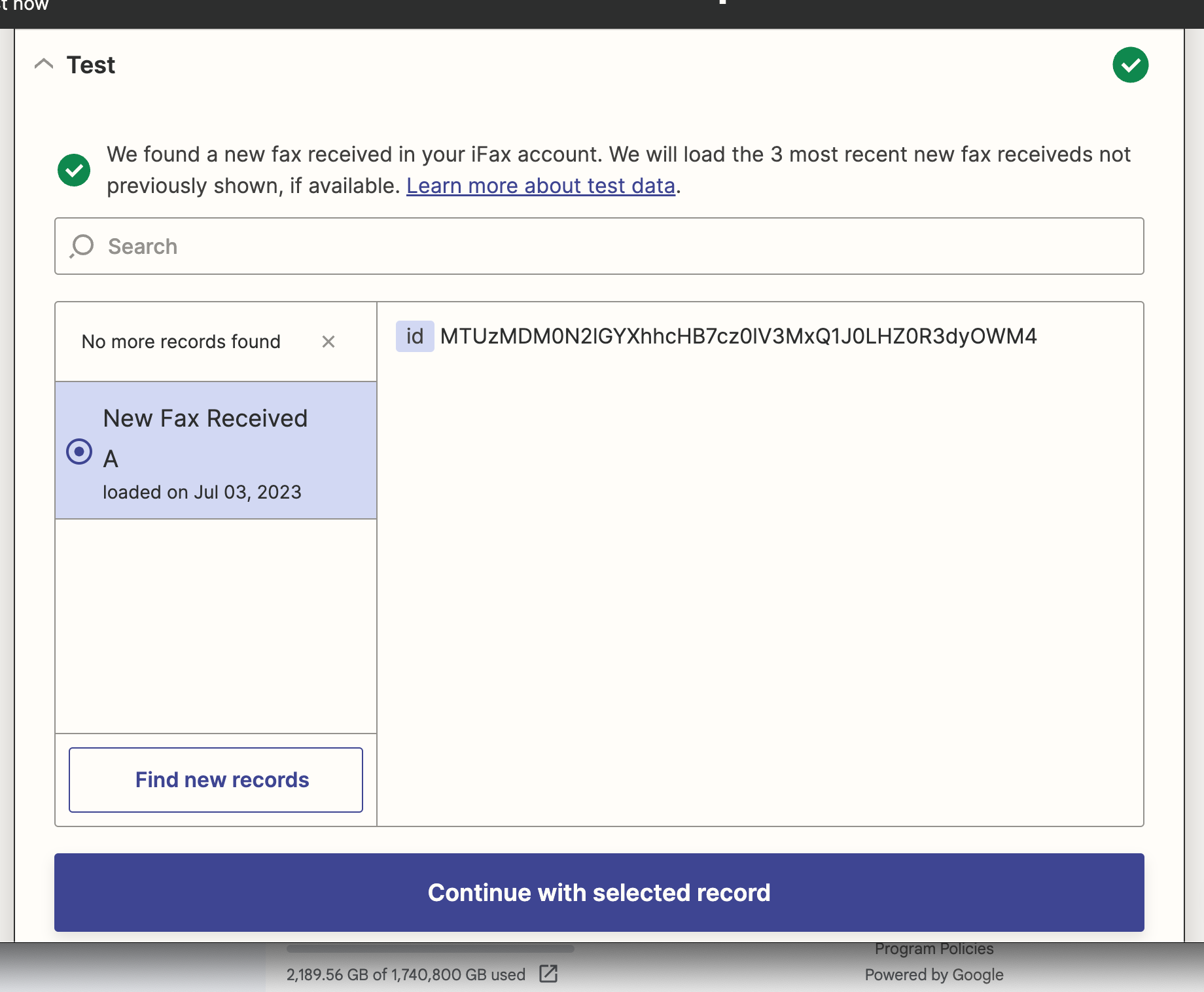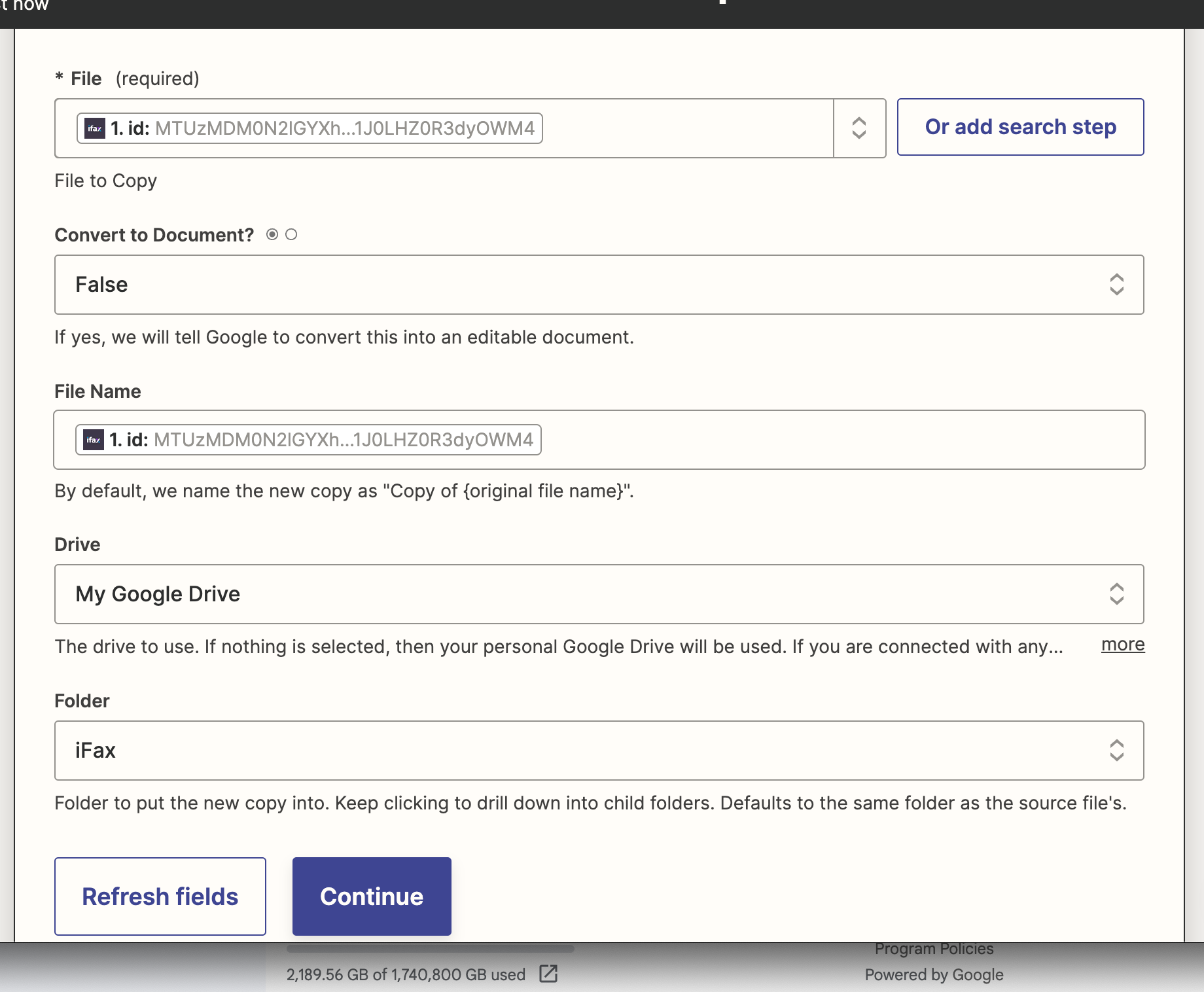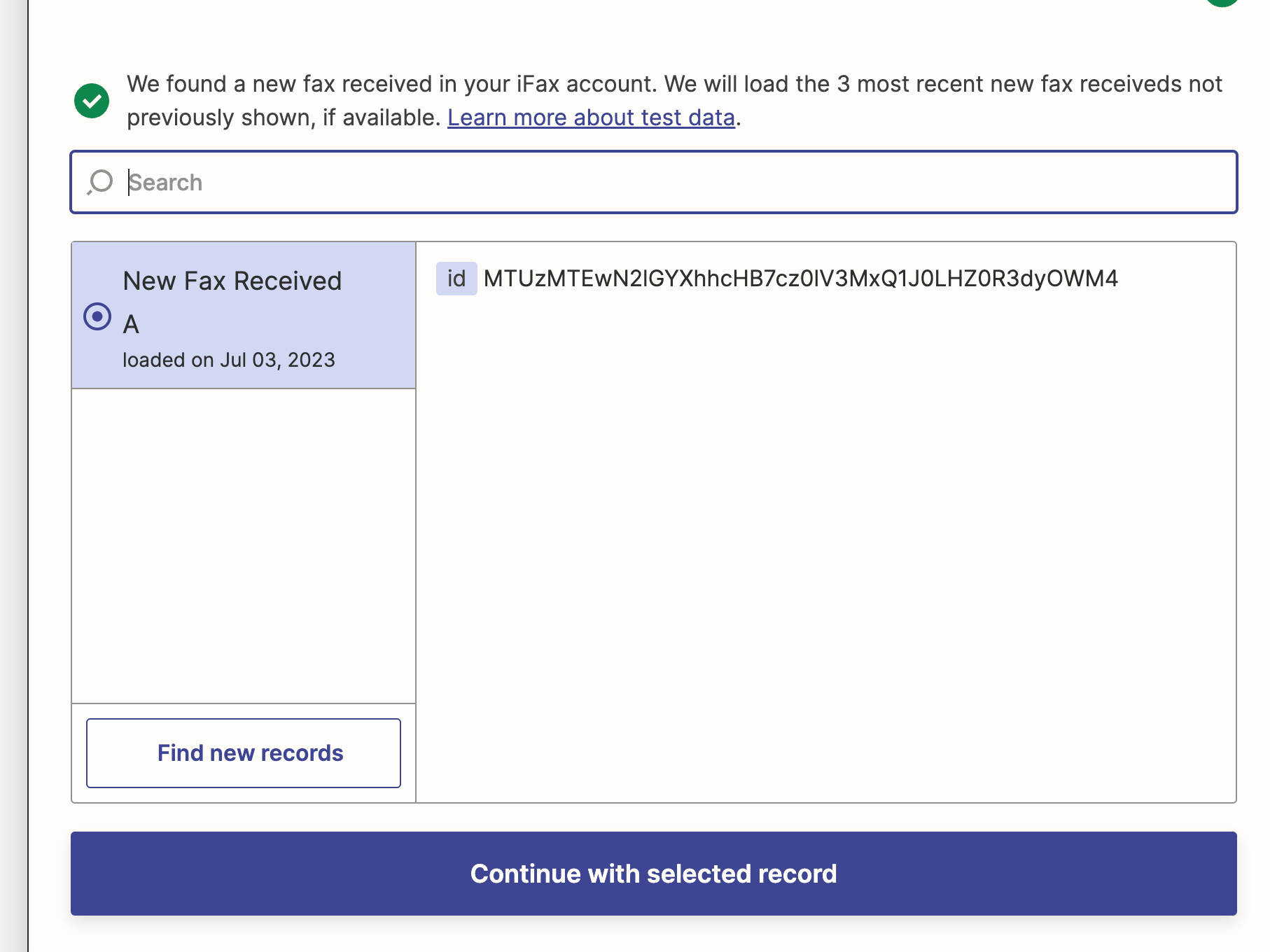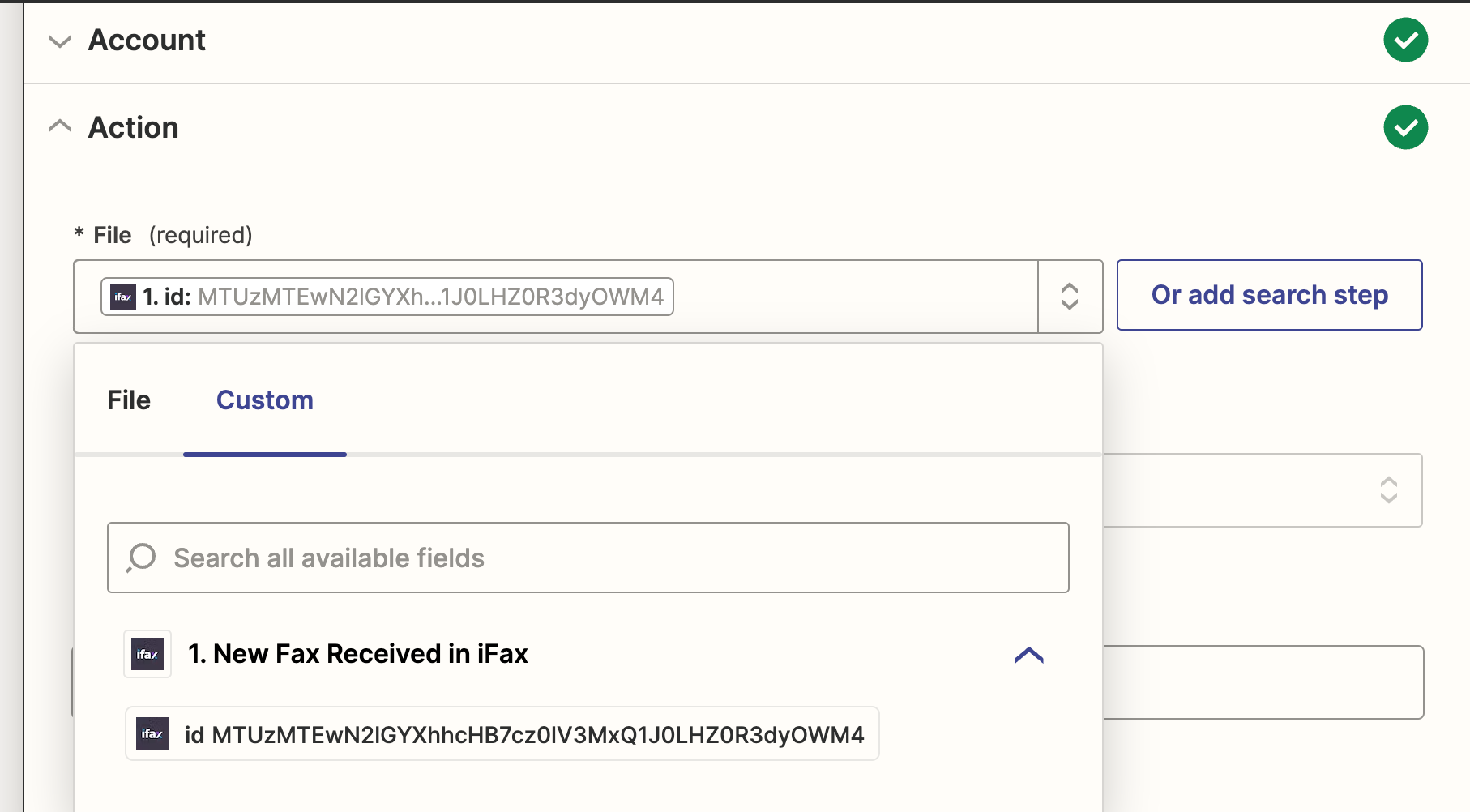

Thanks. This is the only option that shows the file in iFax and doesn’t seem to have another format. It’s possible that I have the action wrong - all I want to do is to have iFax move all new faxes into a GDrive file which is already linked to iFax.
I did and both faxes appeared. I also moved a file out of the fax into Drive to make sure the integration was working and it transferred as expected. It seems like you can move a fax from one Drive to another with a zap but you have to manually move the fax into Drive as a starting point. It seemed like “Copy File” would copy the incoming fax but now I’m not so sure.
It seems to be. This is the only option under test.
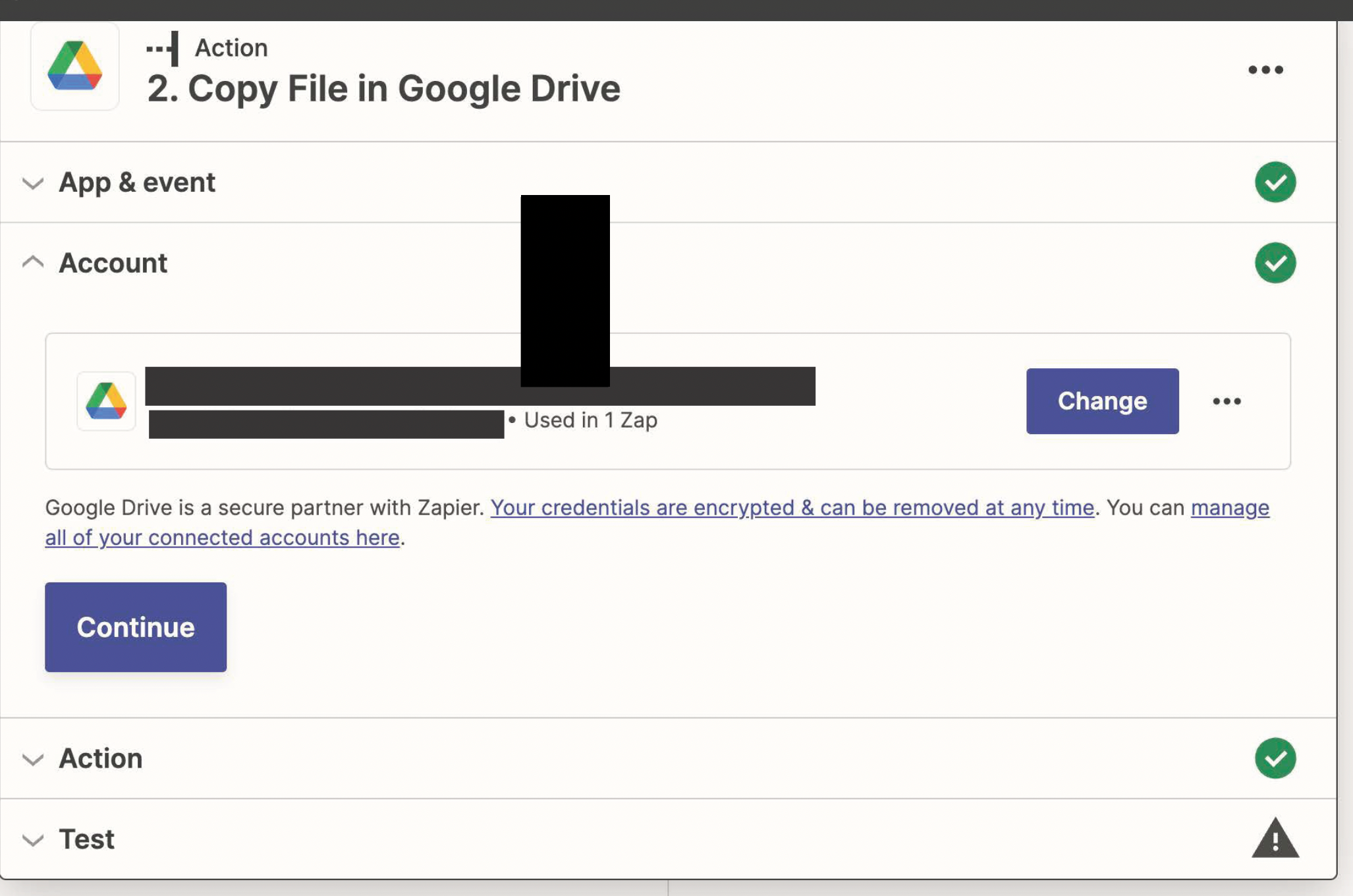
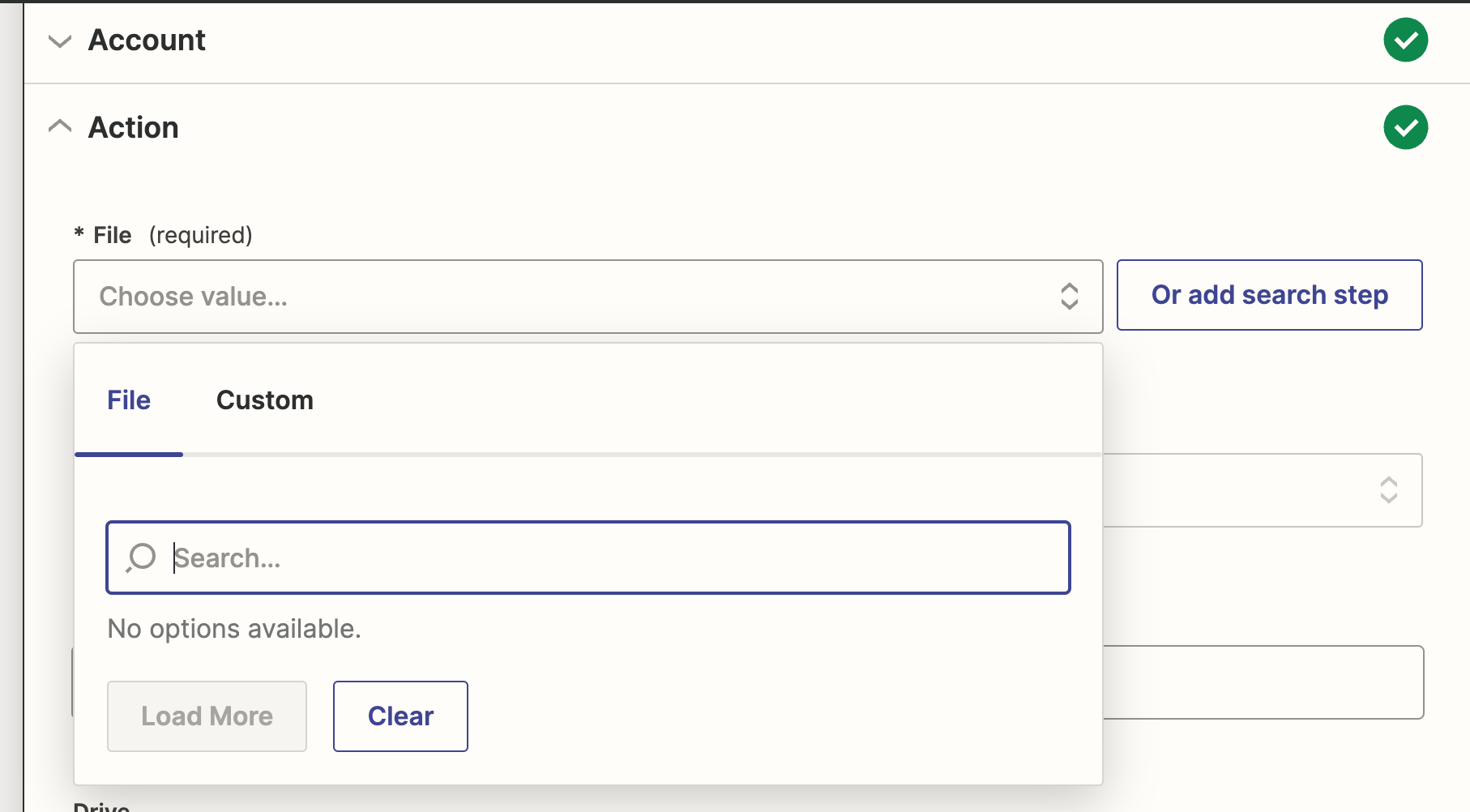
And in the Drive part of the Zap, it only gives these two options:
After I moved another file into Drive, it showed up as a PDF with a different numbering structure in File. But nothing shows up when I leave the file in the iFax inbox. I’m kind of shocked - this seems like the most obvious thing - move all incoming faxes into a folder…
Try reaching out to iFax Support for help with their Zap app.
The Zappy Awards are back
We're celebrating the Zapier builders making AI transformation happen. Winners get a published story on zapier.com, a trophy, $5,000 cash, and a feature at ZapConnect. Nominate yourself or a peer by July 24th, 2026.