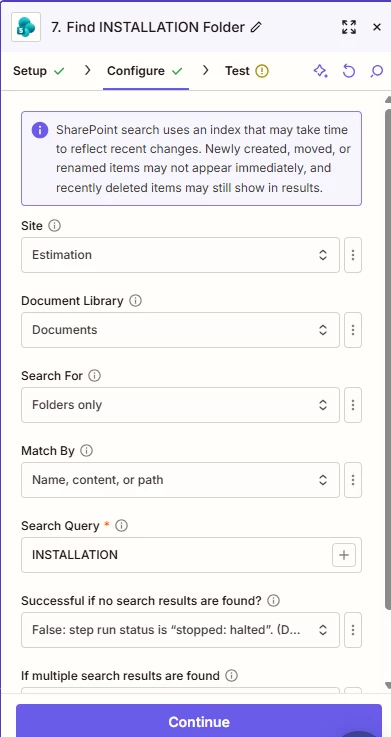
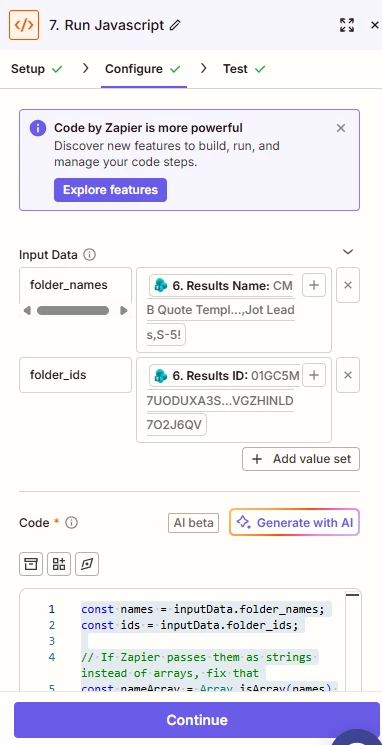
I’m having an issue with the new way that the Sharepoint integration handles folder creation. In the configuration stage it asks for the Site value, Document Library Value, Folder Value, and Folder Name Value. Everything seems to work fine for me except for the Folder Value step.
It wants you to select the folder and says “Click folders to drill down through nested folders,” but one of the folders I want the destination to be in is named by the year (so we have a 2023 folder, 2024, 2025, 2026). I need the year to be dynamic. Earlier in the Zap I do pull out the year. When I built out a folder path in the legacy Sharepoint version, I could use the year I pulled out in the Zap:
Legacy:
Site: Estimation
Parent Folder: Shared Documents/(Dynamic Value: 2026)/INSTALL
Current Version:
Site: Estimation
Document Library: Documents
Folder: INSTALL (which is nested in the “2026” folder)
So the year has to be static as I have to click through the nested folders to select the INSTALL folder. It won’t seem to work if I enter something like…
Folder: (Dynamic Value: 2026)/INSTALL
It doesn’t like the final value of 2026/INSTALL
I’m wondering if there’s a way to get it to accept the dynamic values like the previous version does. Seems like a straightforward feature to lose.