Answer

Does the DropInBlog event Post Published really mean Post Exists?

  • September 5, 2024
  • 8 replies
  • 48 views

I set up my first Zap yesterday, but it seems last night it found my scheduled/draft post on DropInBlog and declared it a new Published Post to share with the world. It was not ready, and today I had to go delete it off of all of my socials. Very embarrassing!

Is there a setting or field that I have missed in setup that makes sure the Zap only runs on a published public post and not on drafts?


Best answer by dropinblog

@DeviantRiley thanks for the additional detail. Very helpful. We found the issue and it has been resolved. Now scheduled posts will not trigger post published. Sorry for the inconvenience and let us know if there is anything else we can help with.

This post has been closed for comments. Please create a new post if you need help or have a question about this topic.

8 replies

Troy Tessalone
Zapier Orchestrator & Solution Partner
Forum|alt.badge.img+14
  • Zapier Orchestrator & Solution Partner
  • September 5, 2024

Hi @DeviantRiley 

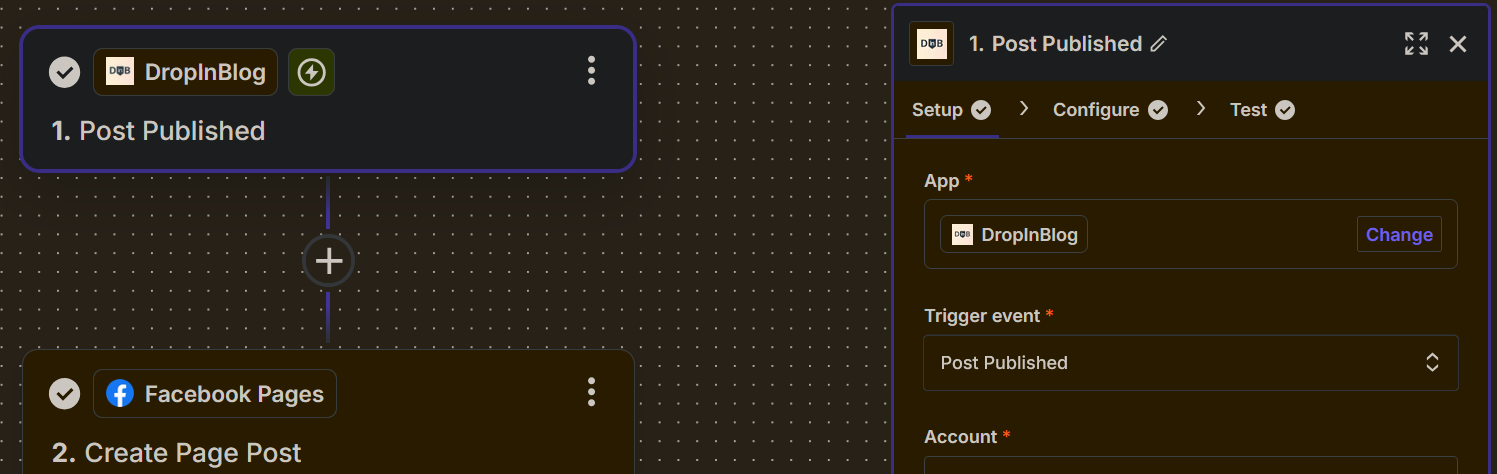
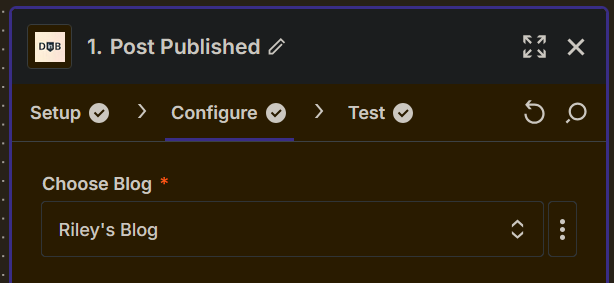
For us to have more info, post screenshots with how your Zap steps are outlined and configured in EDIT mode.


  • Author
  • Beginner
  • September 5, 2024

Is this what you need @Troy Tessalone?


Troy Tessalone
Zapier Orchestrator & Solution Partner
Forum|alt.badge.img+14
  • Zapier Orchestrator & Solution Partner
  • September 5, 2024

@DeviantRiley 

If you suspect an issue with the behavior of the Zap trigger, then try contacting DropInBlog Support for help troubleshooting their Zap app integration.


dropinblog
Forum|alt.badge.img
  • New
  • September 7, 2024

Hey @DeviantRiley, Jason here with DropInBlog. Our “Post Published” trigger should only fire when you actually publish the post in your DropInBlog account. What post did this happen to? Was it scheduled or in draft?


  • Author
  • Beginner
  • September 7, 2024

@dropinblog Hi Jason! It was a scheduled post that got published yesterday morning. Here's how my workflow went.

  1. Start a new post, schedule it for Friday posting
  2. On Wednesday, sign up for Zapier and set it up with the Post Published trigger
  3. About an hour after turning it on, the Zap “found” the scheduled post and shared it to the linked platforms.

I will note that when the post was publicly posted on Friday the Zap ran as expected, so it essentially ran twice for one post. I am now scared to start a new in work post in case it gets shared early again.


dropinblog
Forum|alt.badge.img
  • New
  • Answer
  • September 9, 2024

@DeviantRiley thanks for the additional detail. Very helpful. We found the issue and it has been resolved. Now scheduled posts will not trigger post published. Sorry for the inconvenience and let us know if there is anything else we can help with.


  • Author
  • Beginner
  • September 9, 2024

@dropinblog That is excellent news, thank you so much!


ken.a
Forum|alt.badge.img+6
  • Zapier Staff
  • September 10, 2024

This is awesome! We appreciate the fast resolution of the issue here!

@DeviantRiley, if you have any other questions, please don’t hesitate to reach out to the Community. We’re always happy to help! 🤗