Question

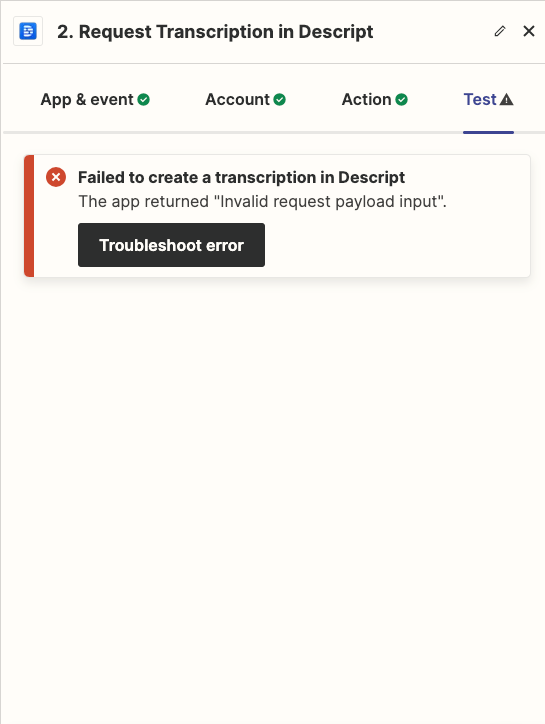
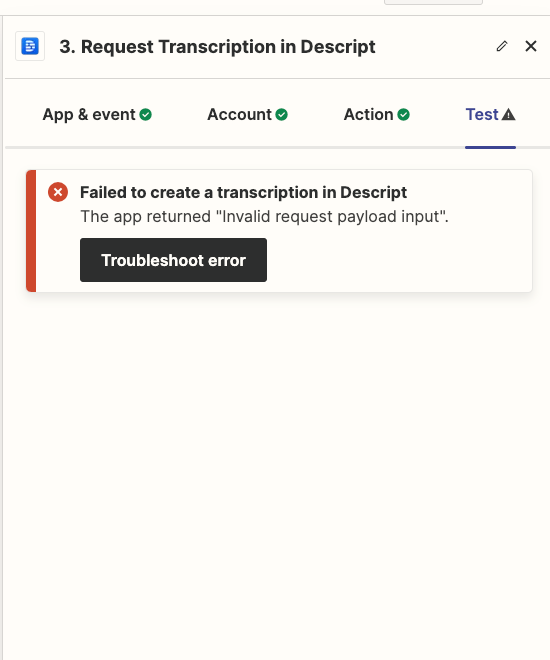
Descript error: Invalid request payload input

  • April 17, 2024
  • 11 replies
  • 79 views

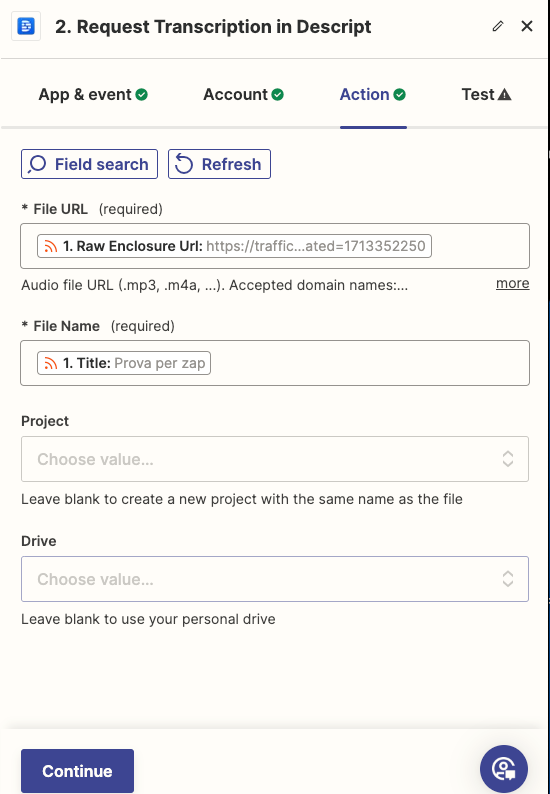
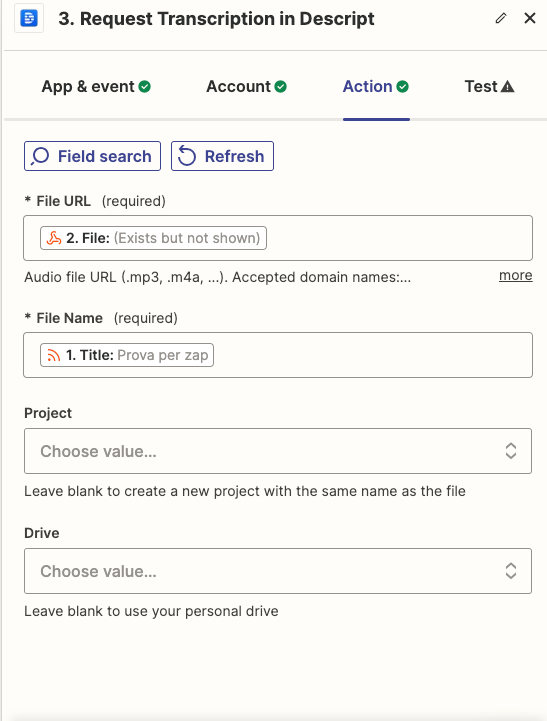
Hello, I am unable to connect Descript with RSS Zapier: the error I always get is 'Invalid request payload input

This post has been closed for comments. Please create a new post if you need help or have a question about this topic.


11 replies

Troy Tessalone
Zapier Orchestrator & Solution Partner
Forum|alt.badge.img+14
  • Zapier Orchestrator & Solution Partner
  • April 17, 2024

Hi @darialr 

For us to have more context about the error, we will need to see screenshots with how your steps are outlined and configured.


  • Author
  • New
  • April 17, 2024


Troy Tessalone
Zapier Orchestrator & Solution Partner
Forum|alt.badge.img+14
  • Zapier Orchestrator & Solution Partner
  • April 17, 2024

@darialr 

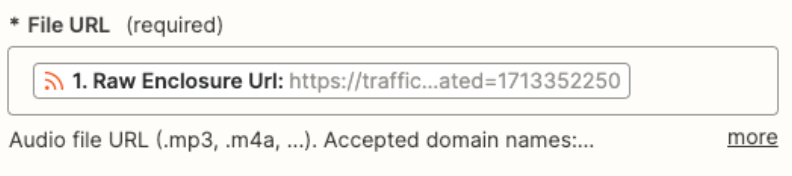
Check if the mapped variable URL value meets the conditions specified in the field description and is a publicly accessible URL.


  • Author
  • New
  • April 17, 2024

It is an audio file url and is public (https://dcs.megaphone.fm/PODMAKEDEMO4555774879.mp3?key=aafe112f5d5539dddea3c18685bcaaa6&request_event_id=63ad760f-b920-47b0-b4e9-94ddf06d238a), but it does not come from the urls indicated in the description (Accepted domain names : airtable.com, discordapp.com, dropboxapi.com, dropboxusercontent.com, google.com, googleapis.com, twilio.com, zapier.com). If this is the problem, can you help me understand how to have a podcast episode transcribed every time a new one comes out?


  • Author
  • New
  • April 17, 2024

Sorry: It is an audio file url and is public (https://dcs.megaphone.fm/PODMAKEDEMO4555774879.mp3?key=aafe112f5d5539dddea3c18685bcaaa6&request_event_id=63ad760f-b920-47b0-b4e9-94ddf06d238a), but it does not come from the urls indicated in the description (Accepted domain names : airtable.com, discordapp.com, dropboxapi.com, dropboxusercontent.com, google.com, googleapis.com, twilio.com, zapier.com). If this is the problem, can you help me understand how to have a podcast episode transcribed every time a new one comes out?


Troy Tessalone
Zapier Orchestrator & Solution Partner
Forum|alt.badge.img+14
  • Zapier Orchestrator & Solution Partner
  • April 17, 2024

@darialr 

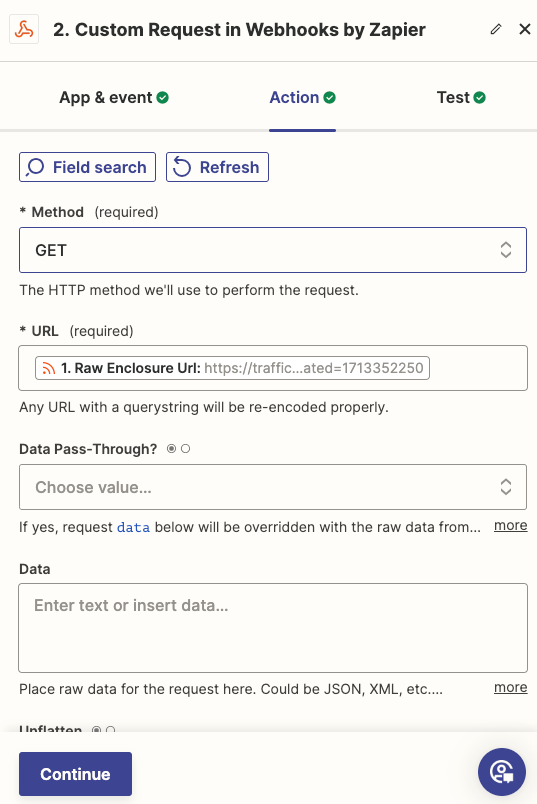
Try adding this step to hydrate the file, then map the File output from this new step to Descript.

Otherwise, you’ll need to upload the file to one of the listed sites. (e.g. GDrive)


  • Author
  • New
  • April 17, 2024


Troy Tessalone
Zapier Orchestrator & Solution Partner
Forum|alt.badge.img+14
  • Zapier Orchestrator & Solution Partner
  • April 17, 2024

@darialr 

Give this a try...

Otherwise, you’ll need to upload the file to one of the listed sites. (e.g. GDrive)


  • Author
  • New
  • April 17, 2024

I'd like to but I don't know how: I need to get the file from RSS. Any suggestions?


Troy Tessalone
Zapier Orchestrator & Solution Partner
Forum|alt.badge.img+14
  • Zapier Orchestrator & Solution Partner
  • April 17, 2024

@darialr

The RSS link for the file would need to be uploaded to GDrive, for example.

Then you would need to get the correct GDrive link to upload the file to Descript.

You may need to hydrate the link form the previous GET method first before uploading the file to GDrive.

Help article about sending files in Zaps: https://zapier.com/help/create/basics/send-files-in-zaps


  • Author
  • New
  • April 17, 2024

I’ll try, thank you