Answer

Data out from formatter is not importing to my next step

  • December 5, 2024
  • 6 replies
  • 101 views

I am working on integrating Shopify to Monday.com and I need the orders to separate into line items. From reading various threads, I need to use the formatter utility to split the text to line items. I have tried to import to Monday.com and also tried to import first to a Zapier table, it is the same problem either way.


The formatter looks to work correctly, the data output is separated. When I try to import to a zapier table or monday.com it reverts backs to a single line item. What am I doing wrong?
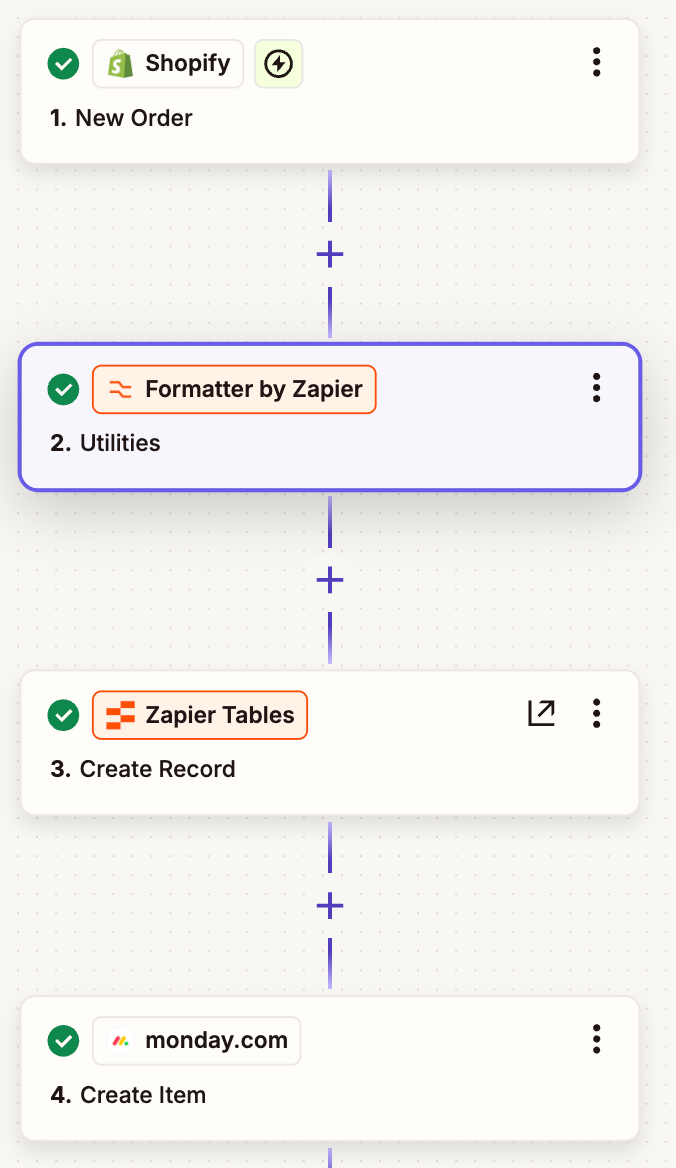


In Step 2, the formatter looks to work correctly and there are separate line items in the data output:
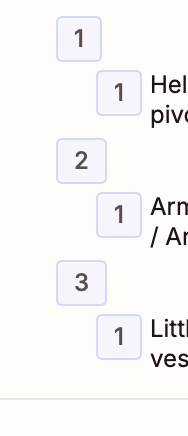
.


In step 3, I import data to tables, I have mapped the formatter output


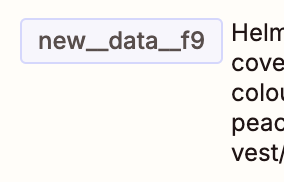
but the data input seems to revert to the original text again and not individual lines
 

Best answer by SamB

Hi ​@hellothere888! 👋

How are things going on this—were you since able to get this sorted on your own? 

If so, we’d love it if you could share some details on what the solution was, for the benefit of others in the Community. 🙏

And if not, it could be that the Formatter transform isn’t correct. Usually I’d expect to see line the Text to Line-item transform output fields like this:

3ace2726ebd0a9085ce6c3f2dc0c05d2.png

Instead of nested like this:

008a53381b7e2475478d82eafd5be4d1.png

So I think the values you’ve selected from Shopify may already be line items so there’s no need to convert them to line items again using that Formatter action. If you’re wanting all the line item values to go into the same field in a single Tables record then you’d just select the line item field from the Shopify action:

For example:

b612b4ecf1756da4608ce889ea5f5003.png
c7b4e78efbe859c69c15796066ab2893.png

And if you want to create a new record for each line item then you’ll want to move that Create Record action inside a Loop (use the Create Loop from Line Items action). You can learn more about using loops here: Loop your Zap actions​​

Can you give that a try let us know how that goes? 

Looking forward to hearing from you!

This post has been closed for comments. Please create a new post if you need help or have a question about this topic.

6 replies

DavidLGS
Forum|alt.badge.img+6
  • Zapier Solution Partner
  • December 5, 2024

I have a few guesses, but I’d need to see more complete screenshots of your setup and configuration steps. 

Also, you should confirm that Monday and/or Tables support line-items. If they don’t, you’ll have to use a Looping feature too.


SamB
Community Manager
Forum|alt.badge.img+11
  • Community Manager
  • Answer
  • December 17, 2024

Hi ​@hellothere888! 👋

How are things going on this—were you since able to get this sorted on your own? 

If so, we’d love it if you could share some details on what the solution was, for the benefit of others in the Community. 🙏

And if not, it could be that the Formatter transform isn’t correct. Usually I’d expect to see line the Text to Line-item transform output fields like this:

3ace2726ebd0a9085ce6c3f2dc0c05d2.png

Instead of nested like this:

008a53381b7e2475478d82eafd5be4d1.png

So I think the values you’ve selected from Shopify may already be line items so there’s no need to convert them to line items again using that Formatter action. If you’re wanting all the line item values to go into the same field in a single Tables record then you’d just select the line item field from the Shopify action:

For example:

b612b4ecf1756da4608ce889ea5f5003.png
c7b4e78efbe859c69c15796066ab2893.png

And if you want to create a new record for each line item then you’ll want to move that Create Record action inside a Loop (use the Create Loop from Line Items action). You can learn more about using loops here: Loop your Zap actions​​

Can you give that a try let us know how that goes? 

Looking forward to hearing from you!


  • Author
  • Beginner
  • December 19, 2024

Hi ​@SamB, thank you this is getting me closer. 

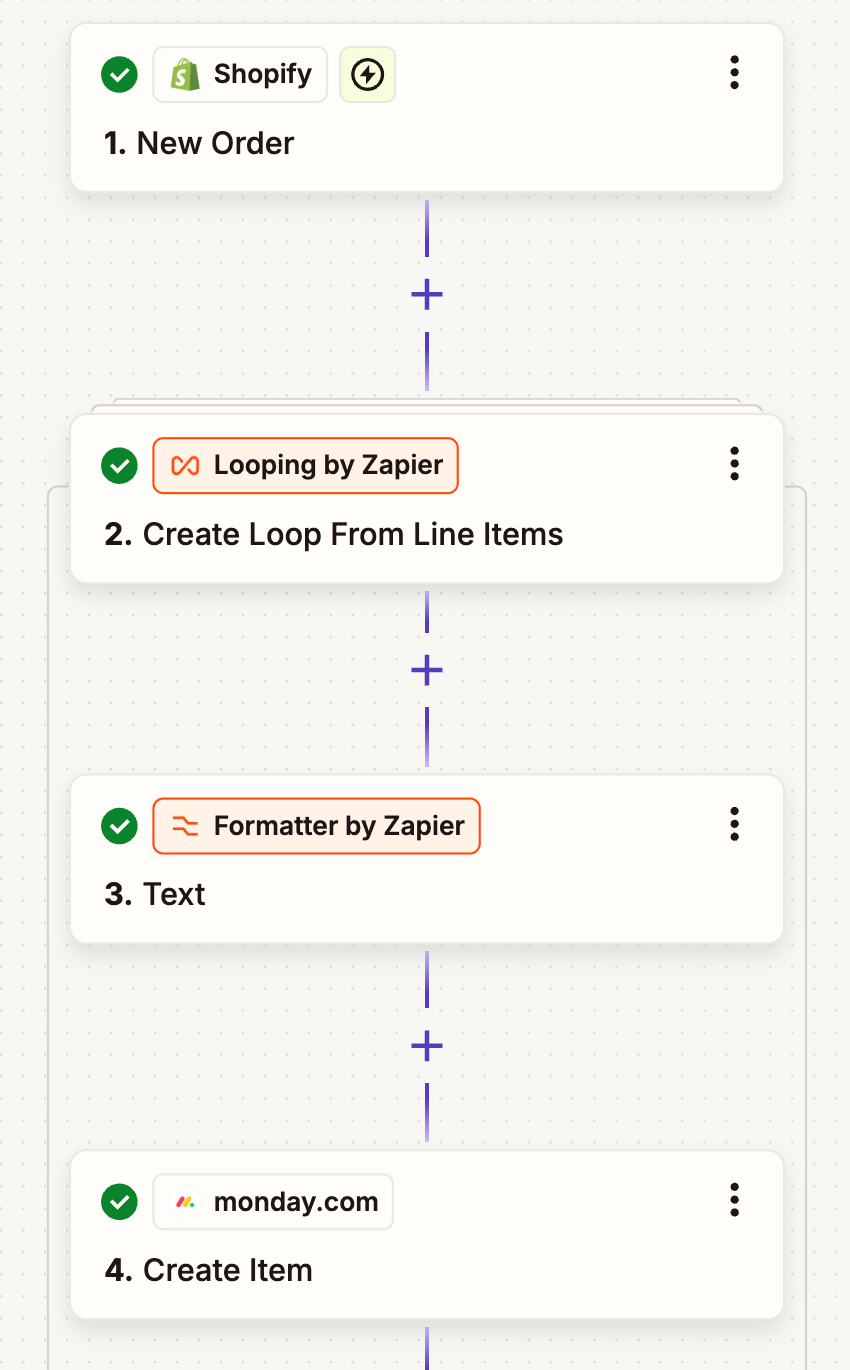
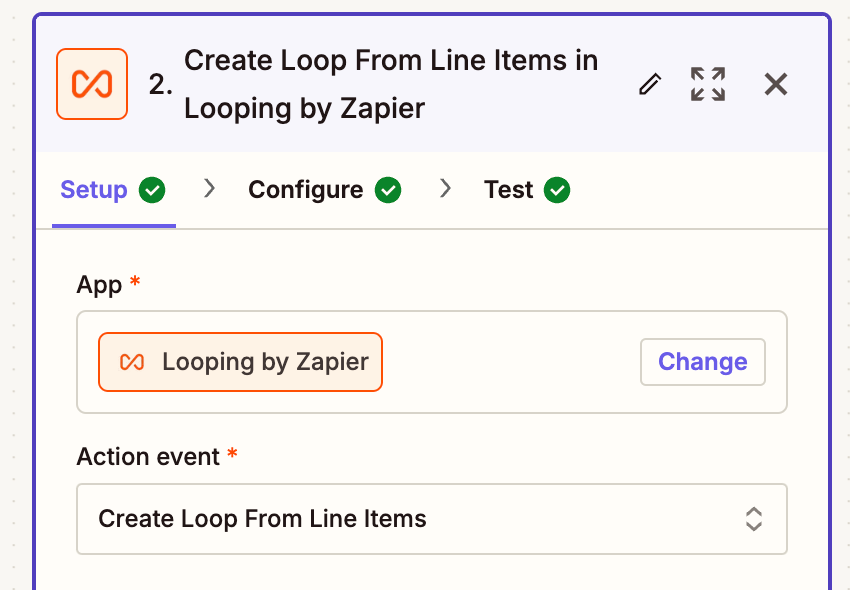
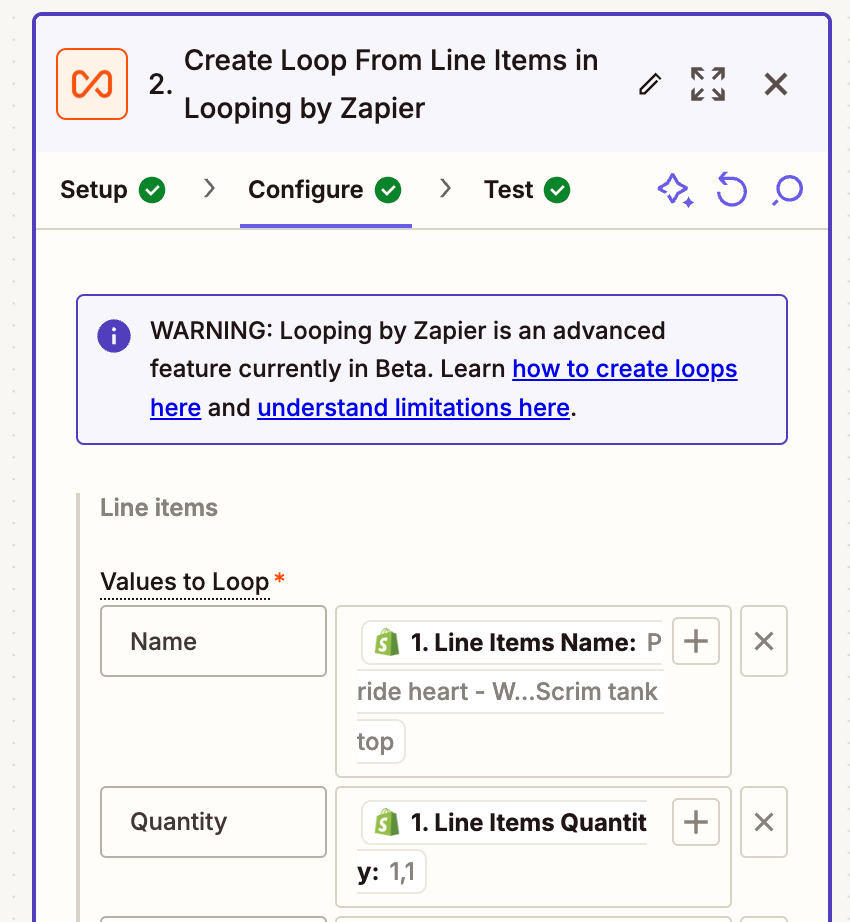
I have been able to split the orders using the loop. However, the final export is only the first line item of the order. Ignore the formatting step, it is just splitting a column to two.


  1. My overall zap


  1. In Looping, I selected Create loop from line items


  1. I input my values to loop


and the test comes out showing the separate line items


In step 4 of my zap, I have input the order number from Shopify (as each line has the same line number) and for the fields above, i.e. quantity, I have used the loop output


This doesn’t add all line items to Monday.com it is only adding the first one.

Thanks for your help.


ken.a
Forum|alt.badge.img+6
  • Zapier Staff
  • December 20, 2024

Hi ​@hellothere888,

Have you published the Zap? Testing the Looping step won’t yield expected results unless the Zap has been published. You can learn more about that here:

https://help.zapier.com/hc/en-us/articles/8496106701453-Loop-your-Zap-actions#h_01HME1ACEBEDXG12YKJTGSTHK8a9bfda27a74720480e81b8ce4114ff0c.png
(view larger)

Hopefully, this helps.


  • Author
  • Beginner
  • December 20, 2024

thanks ​@ken.a I knew that but hadn’t republished my last change. It works now, thanks!


SamB
Community Manager
Forum|alt.badge.img+11
  • Community Manager
  • December 23, 2024

That’s awesome news, ​@hellothere888! I’m so pleased it’s working now—great job on getting it sorted! 🙌 

If you need further help at all, just let us know. In the meantime, happy Zapping! ⚡