Question

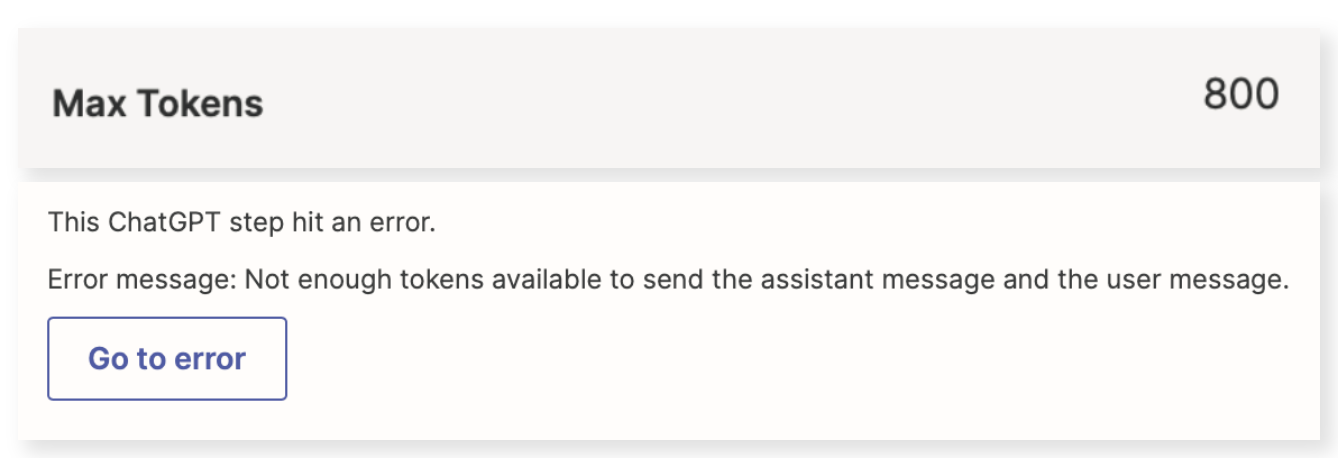
ChatGPT error: Not enough tokens available to send the assistant message and the user message.

  • March 18, 2024
  • 18 replies
  • 465 views

CharlieHoehn

I keep running into this error - that I don’t have enough tokens in GPT to run the Zap. 

 

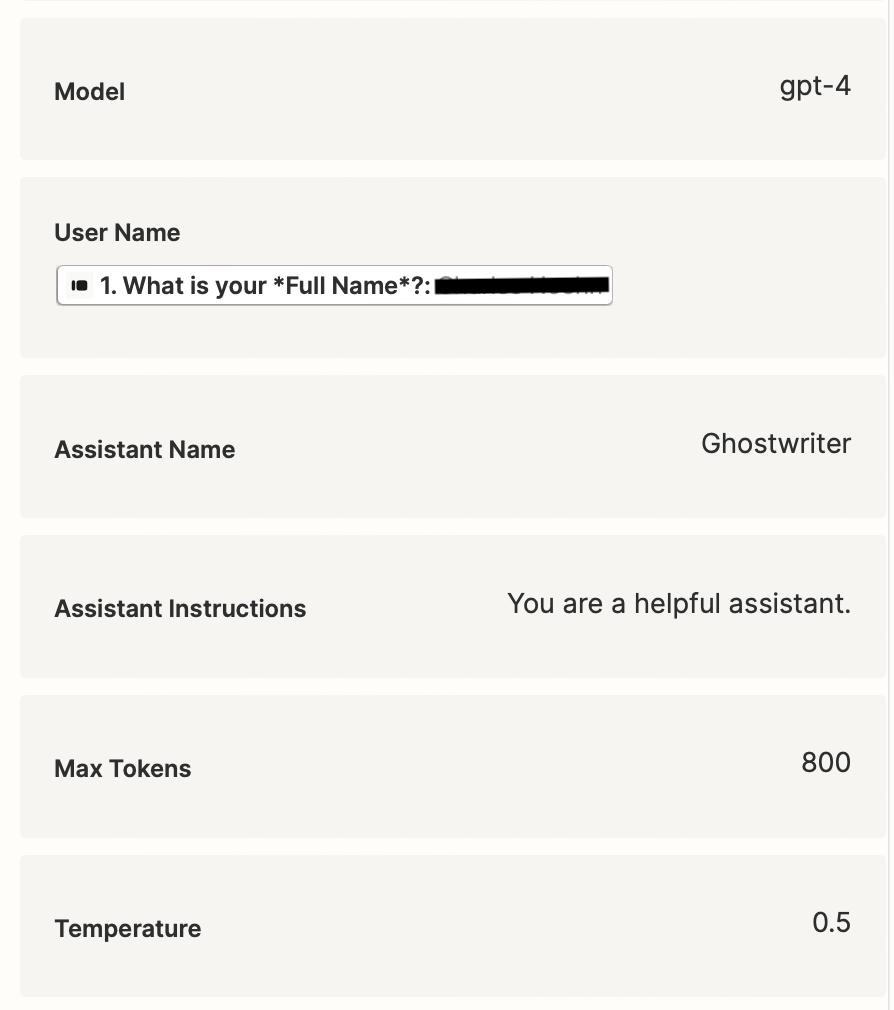
The Zap itself is running GPT-4, with a max token setting of 800.

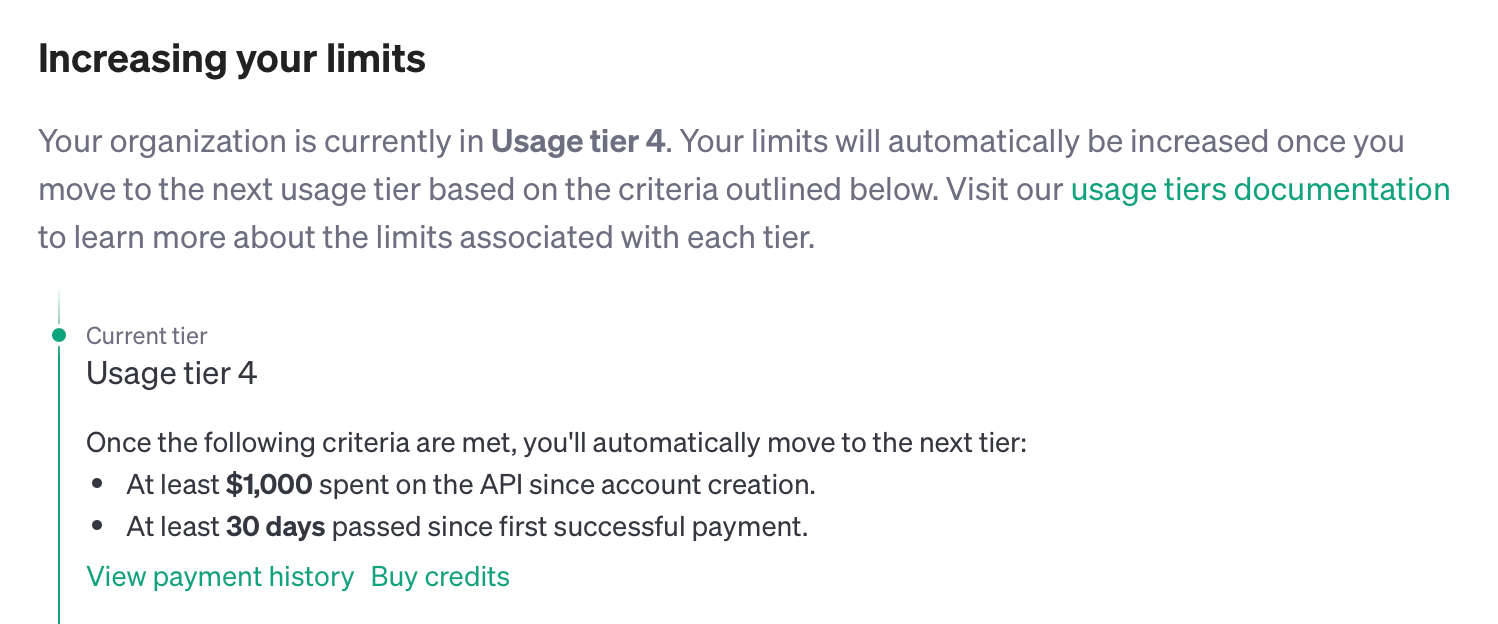
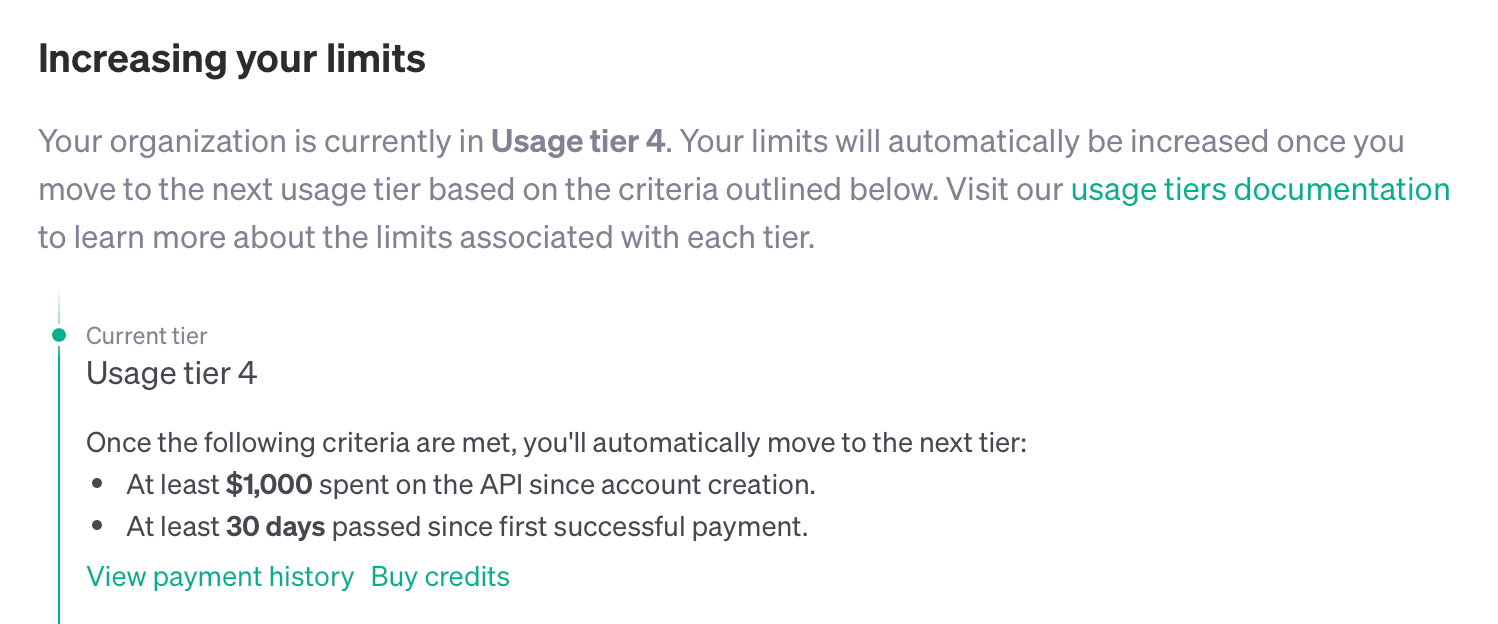
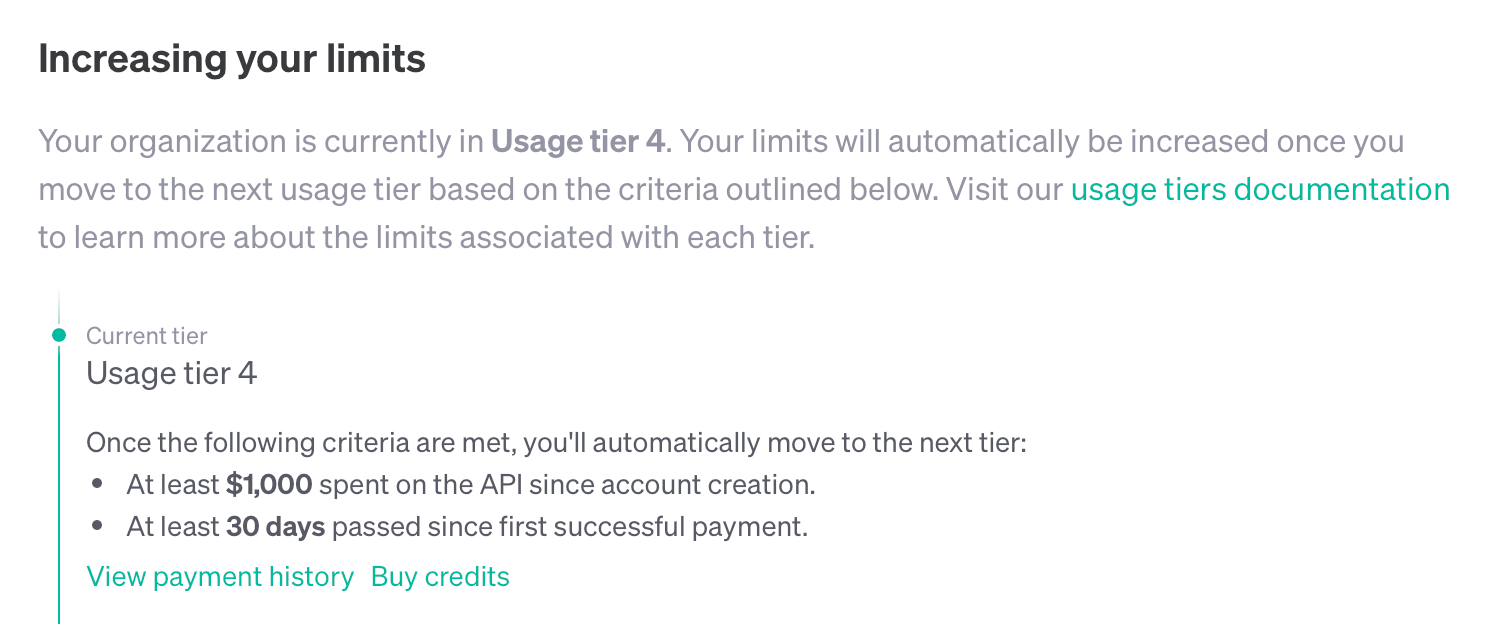
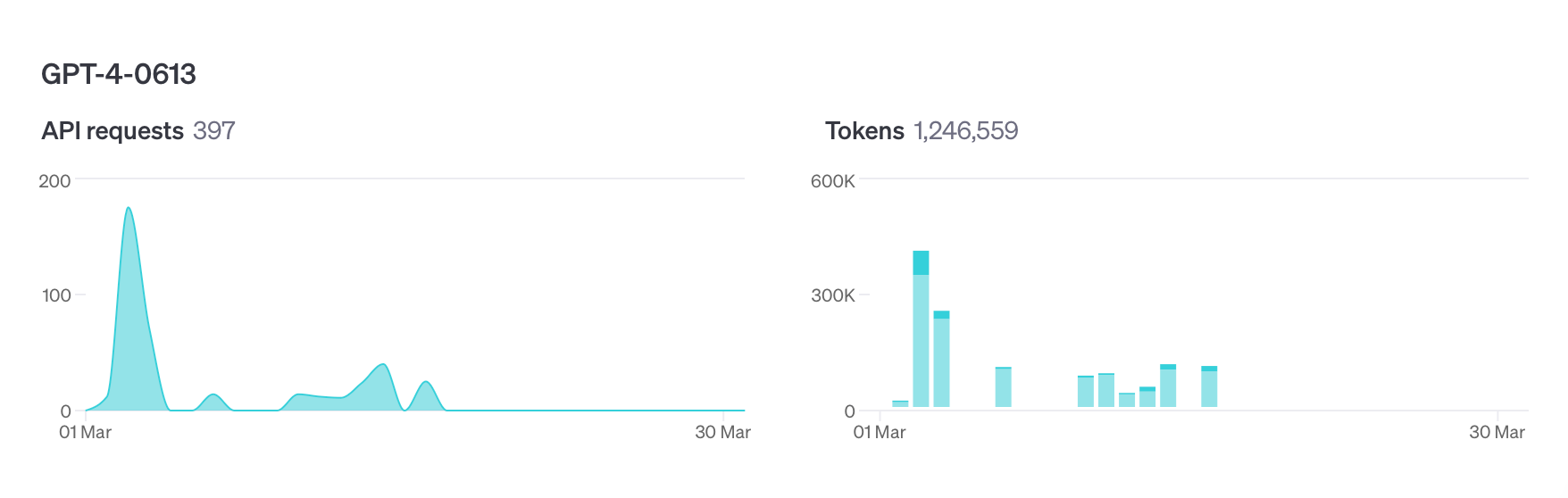
Here are my usage stats & account limits in GPT: 
Help! Thanks so much :)

This post has been closed for comments. Please create a new post if you need help or have a question about this topic.

18 replies

Troy Tessalone
Zapier Orchestrator & Solution Partner
Forum|alt.badge.img+14
  • Zapier Orchestrator & Solution Partner
  • March 18, 2024

Hi @CharlieHoehn 

To help us have more context, post screenshots about which ChatGPT Zap app action you are using and how it is configured.


Help articles for using ChatGPT in Zaps: https://zapier.com/apps/chatgpt/help


CharlieHoehn
  • Author
  • Beginner
  • March 18, 2024

Hey @Troy Tessalone, thanks for the reply. 

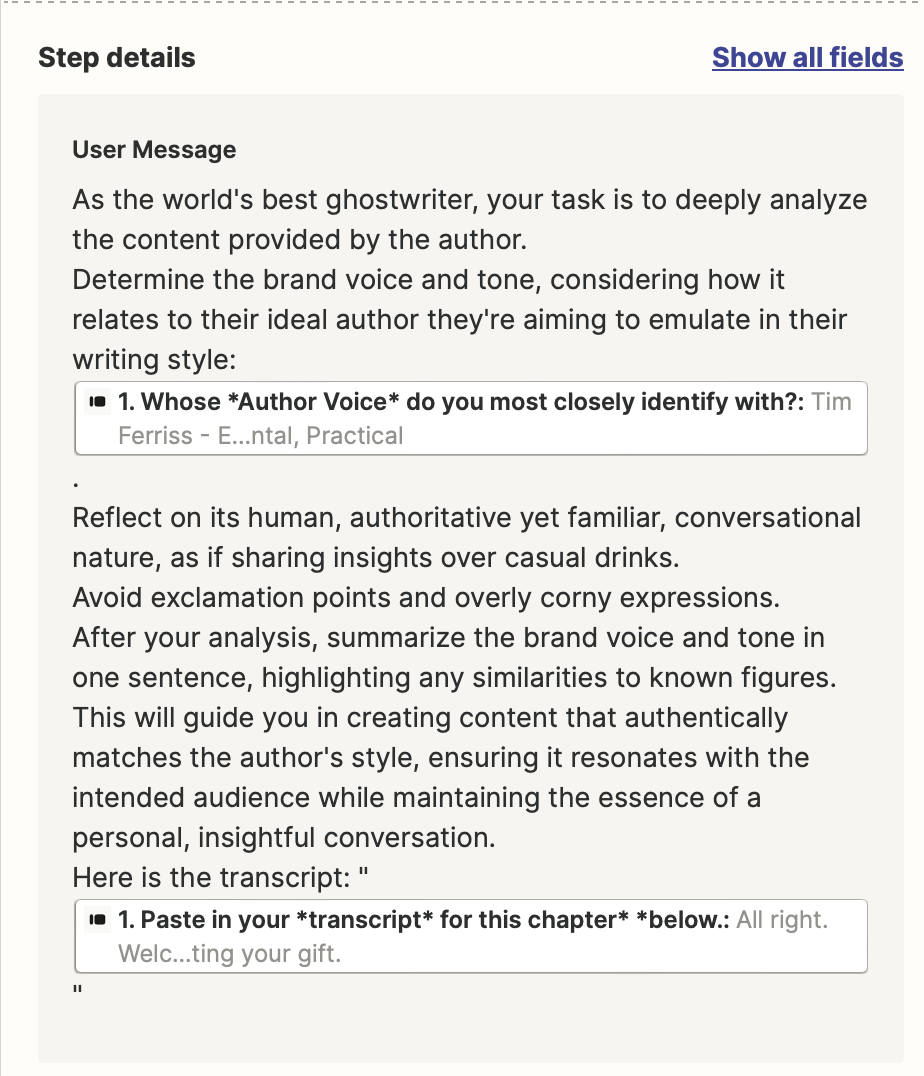
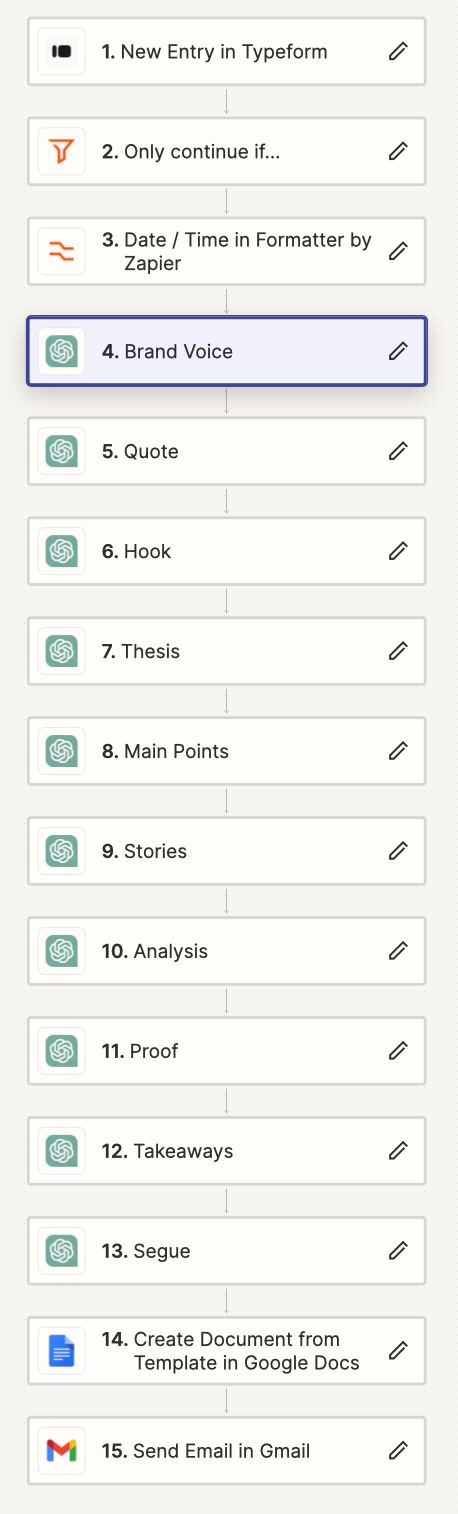
Here are some screenshots of the Zap:


Troy Tessalone
Zapier Orchestrator & Solution Partner
Forum|alt.badge.img+14
  • Zapier Orchestrator & Solution Partner
  • March 18, 2024

@CharlieHoehn 

Have you tried adjusting the Max Tokens value?


CharlieHoehn
  • Author
  • Beginner
  • March 18, 2024

@Troy Tessalone I have, but I actually lowered it to 800. What amount do you suggest?


Troy Tessalone
Zapier Orchestrator & Solution Partner
Forum|alt.badge.img+14
  • Zapier Orchestrator & Solution Partner
  • March 18, 2024

@CharlieHoehn 

Please clarify as It’s unclear which specific ChatGPT action you are using since it’s not shown in the screenshots and the Zap step labels have been renamed.
https://zapier.com/apps/chatgpt/integrations#triggers-and-actions


One possible interpretation of this is that 800 tokens is not enough to send the assistant message and the user message, meaning the Max Tokens would need to be raised.


CharlieHoehn
  • Author
  • Beginner
  • March 18, 2024

All of these steps are ‘Chat GPT - Conversation’

I lowered the Token amount from 4,000 to 800 and it was the same result for both.


Troy Tessalone
Zapier Orchestrator & Solution Partner
Forum|alt.badge.img+14
  • Zapier Orchestrator & Solution Partner
  • March 18, 2024

@CharlieHoehn 

Check the field description for guidance.


Otherwise, you may need to meet the OpenAI criteria to increase your limits.


CharlieHoehn
  • Author
  • Beginner
  • March 18, 2024

@Troy Tessalone I did check that for guidance, and I’ve tried 4000 tokens max and 800 max. So far, nothing.


Troy Tessalone
Zapier Orchestrator & Solution Partner
Forum|alt.badge.img+14
  • Zapier Orchestrator & Solution Partner
  • March 18, 2024

@CharlieHoehn 

It may be related to you needing to increase your limits with the OpenAI API by meeting the 2 listed criteria requirements.


Troy Tessalone
Zapier Orchestrator & Solution Partner
Forum|alt.badge.img+14
  • Zapier Orchestrator & Solution Partner
  • March 18, 2024

@CharlieHoehn 

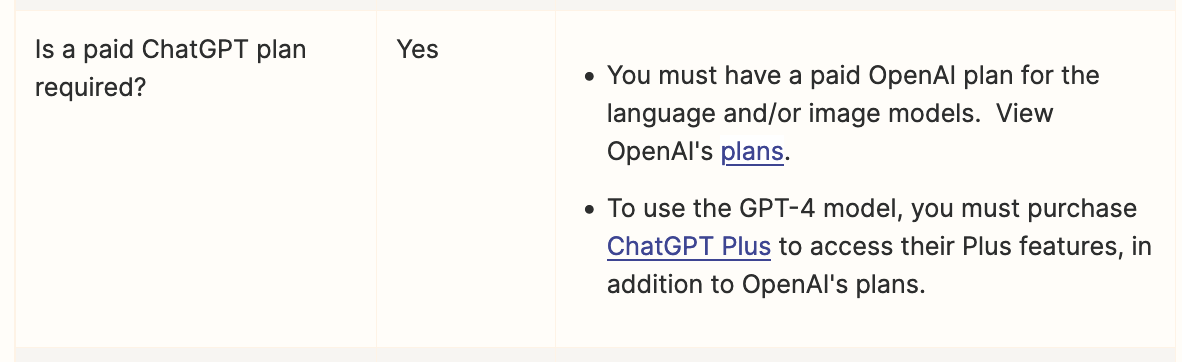
Do you have a ChatGPT+ paid plan?


Troy Tessalone
Zapier Orchestrator & Solution Partner
Forum|alt.badge.img+14
  • Zapier Orchestrator & Solution Partner
  • March 18, 2024

@CharlieHoehn 

Wonder if this is related to new OpenAI prepaid billing changes for API use: https://help.openai.com/en/articles/8264644-what-is-prepaid-billing


CharlieHoehn
  • Author
  • Beginner
  • March 18, 2024

@Troy Tessalone Yep, definitely have a paid plan. And I’m set up with pre-paid billing!

I’m in Tier 4, which has the same gpt-4 token limitations as Tier 5, so it doesn’t seem like that would change anything.

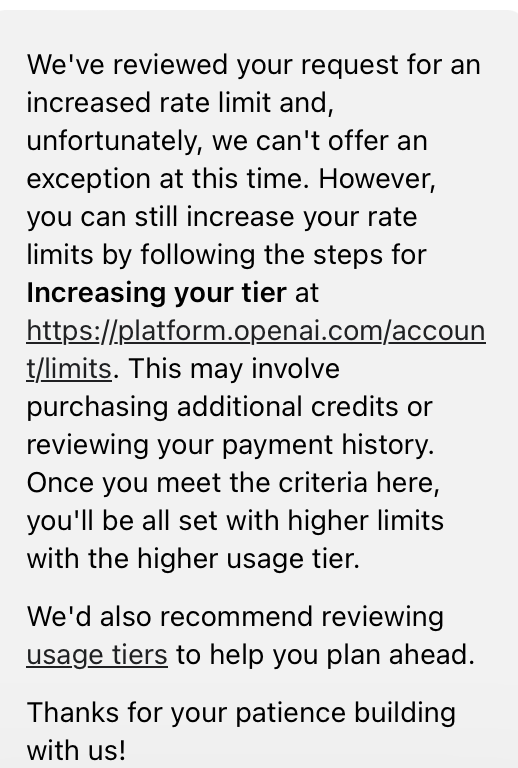
I requested a limit increase but got rejected.

Any other ideas?


CharlieHoehn
  • Author
  • Beginner
  • March 18, 2024

Really dumbfounded by this problem. Oy.


CharlieHoehn
  • Author
  • Beginner
  • March 18, 2024

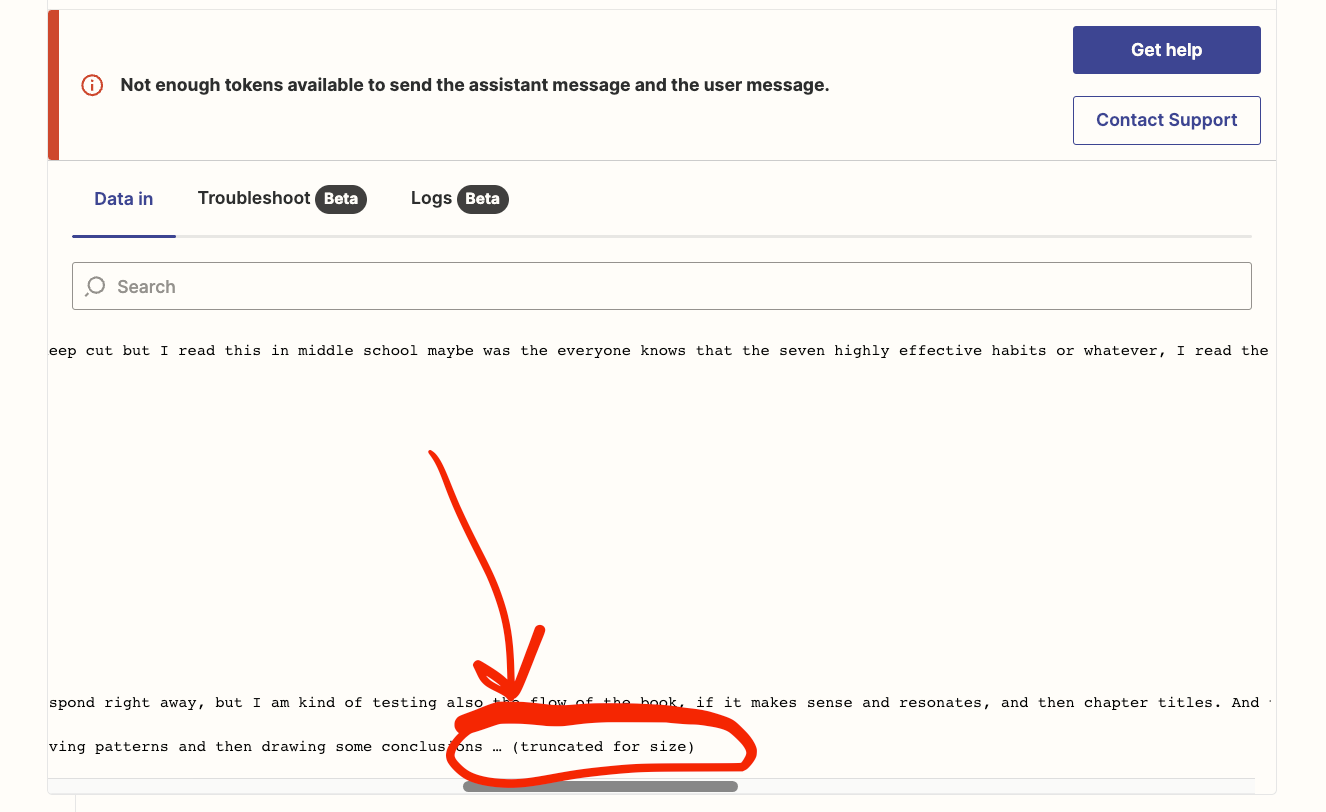
I’m just now seeing this. Could this be the issue?


Troy Tessalone
Zapier Orchestrator & Solution Partner
Forum|alt.badge.img+14
  • Zapier Orchestrator & Solution Partner
  • March 18, 2024

@CharlieHoehn 

Unlikely, that is just shown as truncated in the Zap logs to reduce the size of the data, meaning the Zap would have used the full data provided.


Troy Tessalone
Zapier Orchestrator & Solution Partner
Forum|alt.badge.img+14
  • Zapier Orchestrator & Solution Partner
  • March 18, 2024

@CharlieHoehn 

Try reaching out to OpenAI Support for guidance about the error message from their API and how to handle.


CharlieHoehn
  • Author
  • Beginner
  • March 18, 2024

@Troy Tessalone The transcript length DOES appear to be the problem (which was 45K characters). When I submitted a shorter transcript (11K characters), the entire zap worked!

And I did reach out to OpenAI, they were not helpful unfortunately!


Troy Tessalone
Zapier Orchestrator & Solution Partner
Forum|alt.badge.img+14
  • Zapier Orchestrator & Solution Partner
  • March 18, 2024

@CharlieHoehn 

Check out this Zap Formatter action that may help: