

Answer

Change the group and set unsubscribed in Mailchimp from Airtable

  • March 14, 2024
  • 3 replies
  • 49 views

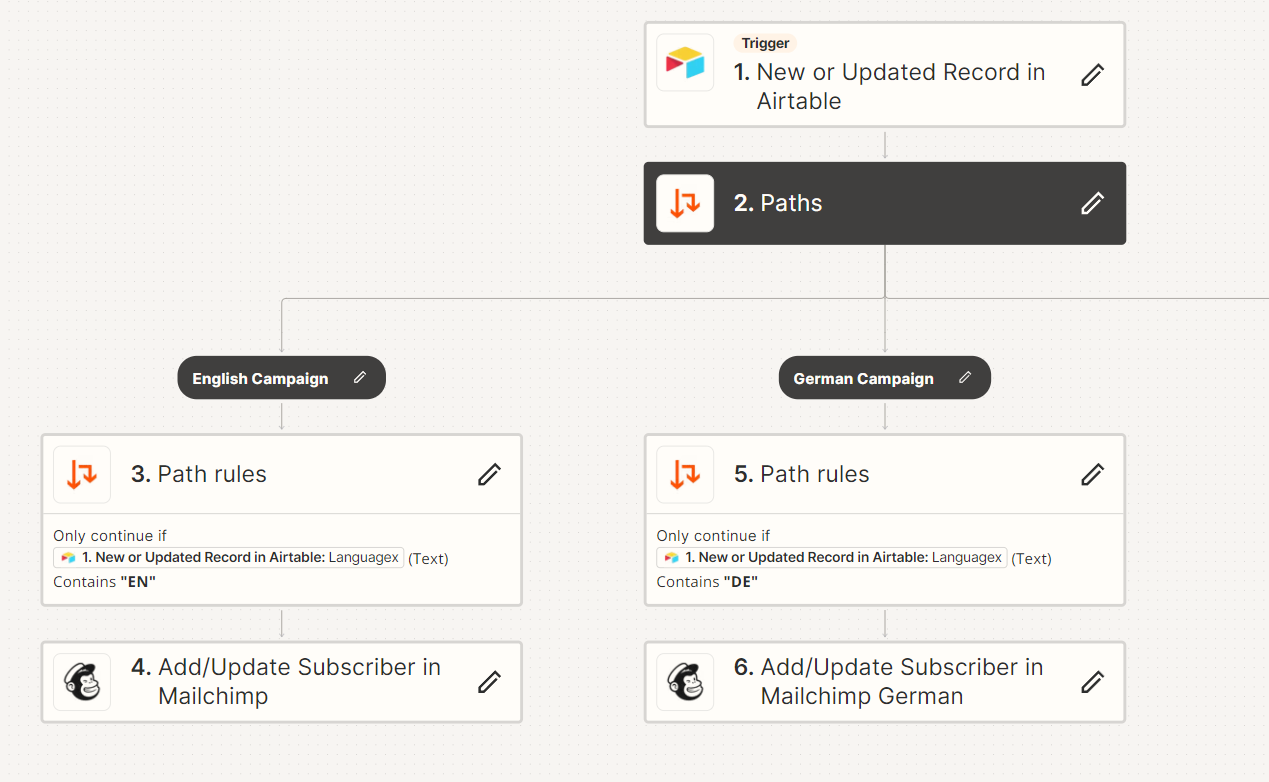
I have a database in Airtable and send the data to Mailchimp.
I have one audience in Mailchimp that I send to 2 language campaigns: English and German. I have created a language group and assign the contacts to the correct group.

  1. When I change the language of a contact in Airtable from English to German, the new language in the group is added in audience, but the old language group is not removed and I then have two languages.

    How can I fix it?
  1. How can I add the next step, if a record is removed in airtable, change to unsubscribed in mailchimp?



Best answer by Troy Tessalone

Hi @Lunatyk 

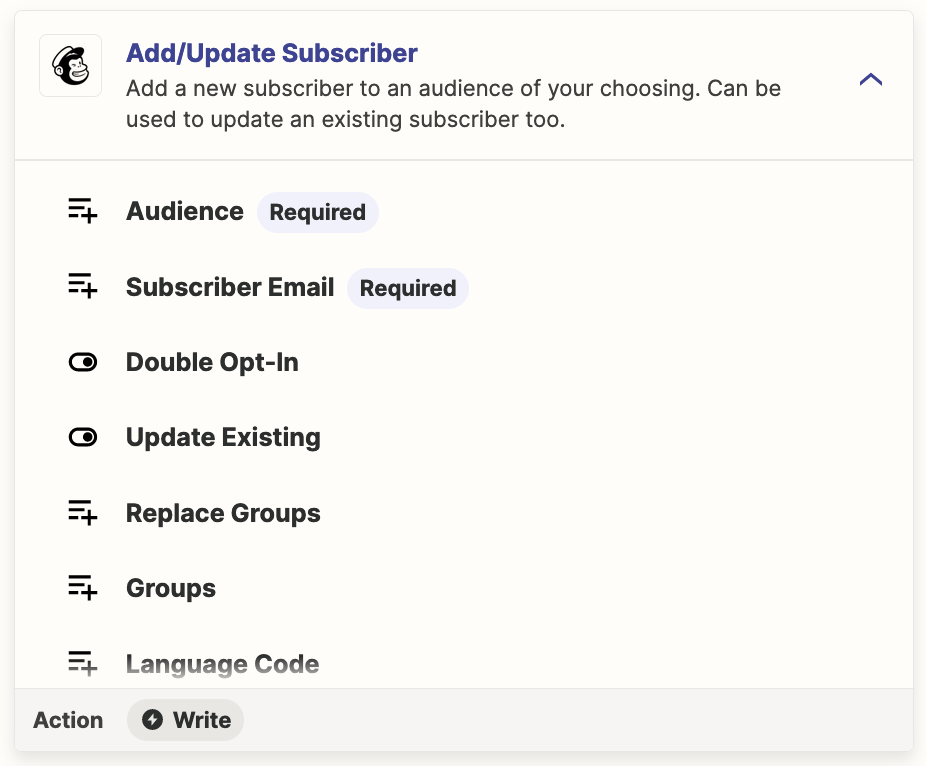
Check your Mailchimp settings related to how to handle Groups.

We would need to see screenshots with how your Mailchimp steps are configured to have full context.


This post has been closed for comments. Please create a new post if you need help or have a question about this topic.

3 replies

Troy Tessalone
Zapier Orchestrator & Solution Partner
Forum|alt.badge.img+14
  • Zapier Orchestrator & Solution Partner
  • Answer
  • March 15, 2024

Hi @Lunatyk 

Check your Mailchimp settings related to how to handle Groups.

We would need to see screenshots with how your Mailchimp steps are configured to have full context.


  • Author
  • Beginner
  • March 15, 2024

@Troy Tessalone thanks, I have wrong settings group.


ken.a
Forum|alt.badge.img+6
  • Zapier Staff
  • March 18, 2024

That’s great news @Lunatyk! Big thanks to Troy for pointing you in the right direction!

If you have any other questions, please don’t hesitate to reach out to the Community. We’re always happy to help! 🤗




