Best answer

Cant connect to Sage 50 with Zapier

  • July 2, 2026
  • 4 replies
  • 43 views

 Hi,


i get the below error when trying to create a zap between Zapier and sage 50 , can anyone help ?
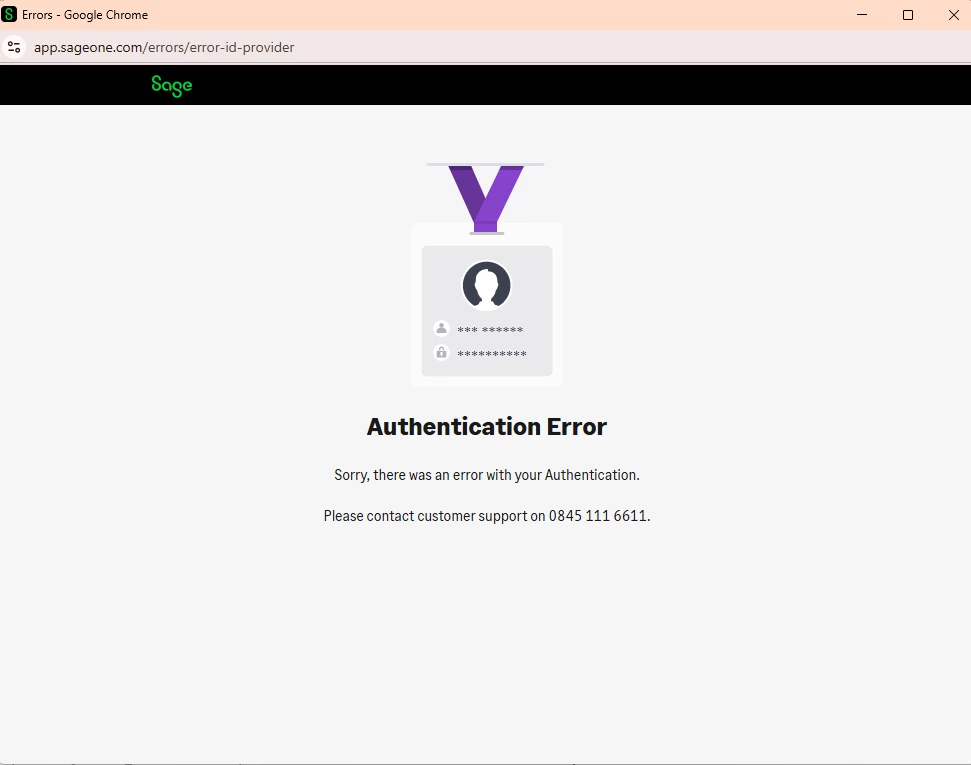
 

Best answer by SamB

Hey ​@Mike1987 👋

Sage 50 isn’t supported which is likely why you’re getting that error, but it’s on our wishlist of apps to add so I’ve added your vote for it. I can't give an ETA on when it might be added, but we'll let you know if it is. In the meantime, it might still be possible to connect it to Zapier. Check out these guides for ideas on how to do that:

Let us know how you get on! 🙂

4 replies

Forum|alt.badge.img+4
  • Zapier Solution Partner
  • July 2, 2026

Hi ​@Mike1987 

Here's the doc that might help:


Hope this helps you get it sorted!


Forum|alt.badge.img+4
  • Zapier Solution Partner
  • July 8, 2026

Hi ​@Mike1987 just checking in — did you manage to resolve this?


SamB
Community Manager
Forum|alt.badge.img+11
  • Community Manager
  • Answer
  • July 10, 2026

Hey ​@Mike1987 👋

Sage 50 isn’t supported which is likely why you’re getting that error, but it’s on our wishlist of apps to add so I’ve added your vote for it. I can't give an ETA on when it might be added, but we'll let you know if it is. In the meantime, it might still be possible to connect it to Zapier. Check out these guides for ideas on how to do that:

Let us know how you get on! 🙂


Parix.ai
  • New
  • August 5, 2026

Adding some specifics, since the answer depends on which Sage 50 
you're running - and that changes everything.

Sage 50 UK / Sage 50cloud Accounts
There's a Sage Accounting API, but it only covers the cloud-synced 
side. If your data lives in the desktop company file and cloud 
sync is off, the API can't see it. Turning on Sage Drive / cloud 
sync is what makes an API route possible at all.

Sage 50 US (Peachtree)
No public cloud API. Third-party middleware is the realistic 
route.

If you're on desktop only, three options that actually work:

1. Middleware. Zynk or Codeless Platforms sit on the machine 
running Sage and expose it over HTTP. Paid, but it's the least 
fragile option and handles the ODBC layer for you.

2. Sage ODBC + a small local service. Sage ships an ODBC driver. A 
lightweight script on that machine reads the tables and posts to a 
Zapier webhook (Catch Hook) on a schedule. Fine for one-way data 
out - orders, invoices, customers.

3. Scheduled CSV export. Sage exports on a schedule to a synced 
folder, Zapier's Google Drive or Dropbox trigger picks up the new 
file, Formatter parses it. Ugly, but it works, costs nothing, and 
gets you moving today.

One thing worth knowing before you pick: writing back into Sage is 
much harder than reading out of it, and can corrupt the company 
file if done carelessly. If you only need data flowing out of Sage 
into something else, options 2 and 3 are safe. If you need to 
create records in Sage, use proper middleware rather than 
scripting it yourself.

@Mike1987 - which version are you on, UK or US, and is it desktop 
only or cloud-synced? The answer's quite different for each.