Question

Cannot sent Email with Gmail

  • January 2, 2024
  • 5 replies
  • 137 views

Hello,

I noticed today that several of my Zaps are no longer working. I haven't changed anything here for weeks - but they worked when I created them.
Unfortunately, I can't find the error either.

Data is collected via Airtable and Stacker, which should then be sent in an email via Gmail.
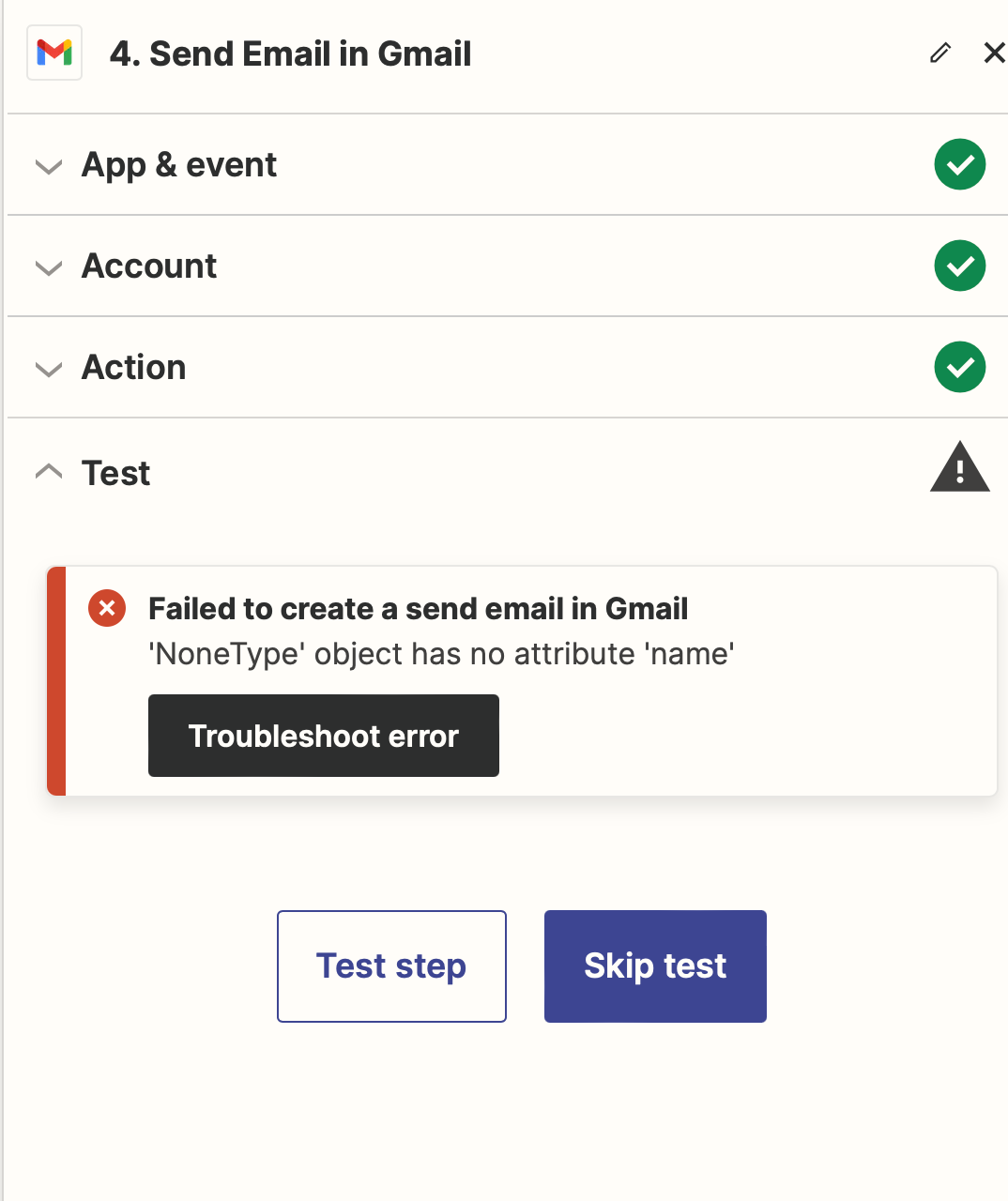
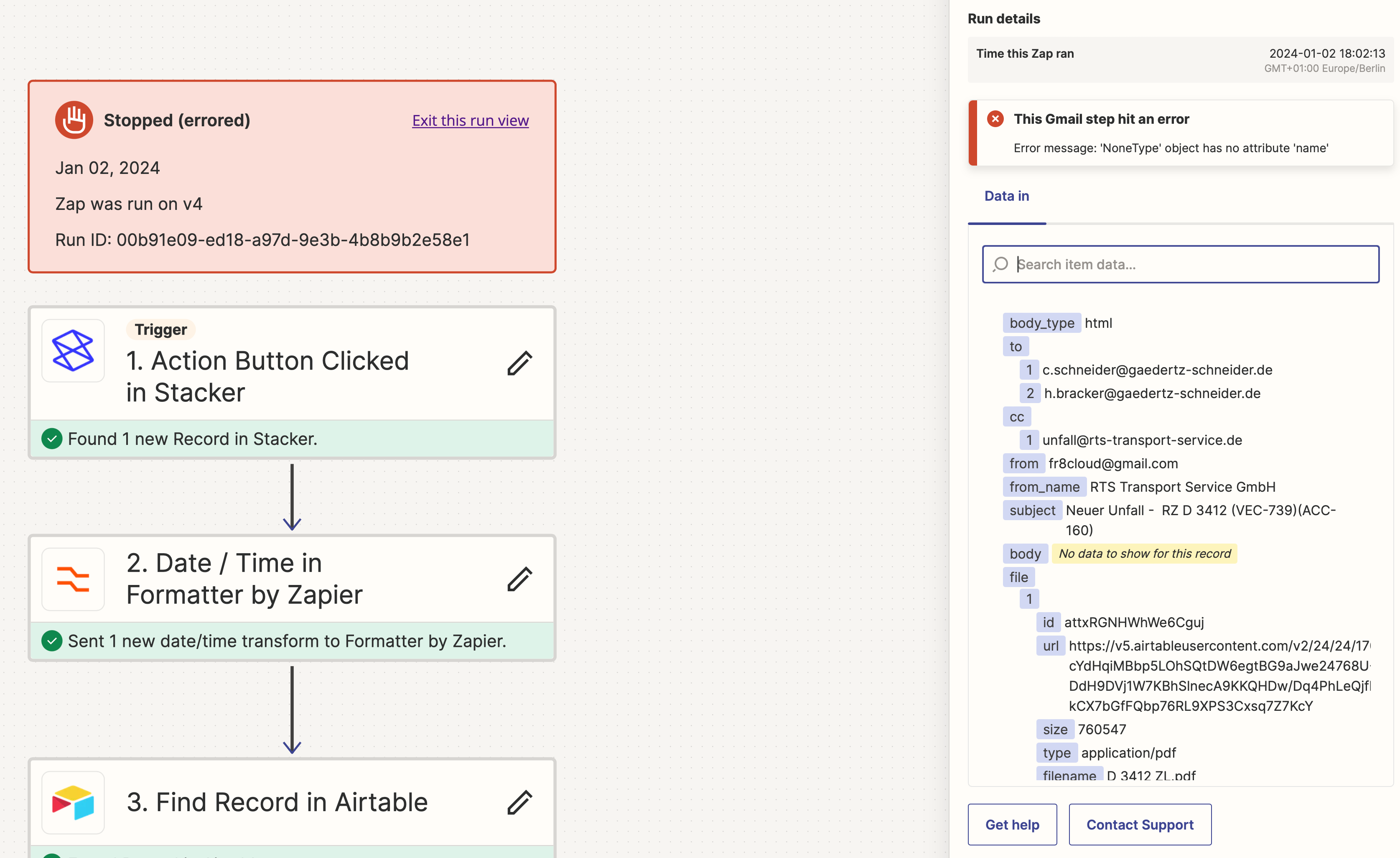
Unfortunately, I now have this error message 
Failed to create a send email in Gmail
'NoneType' object has no attribute 'name'
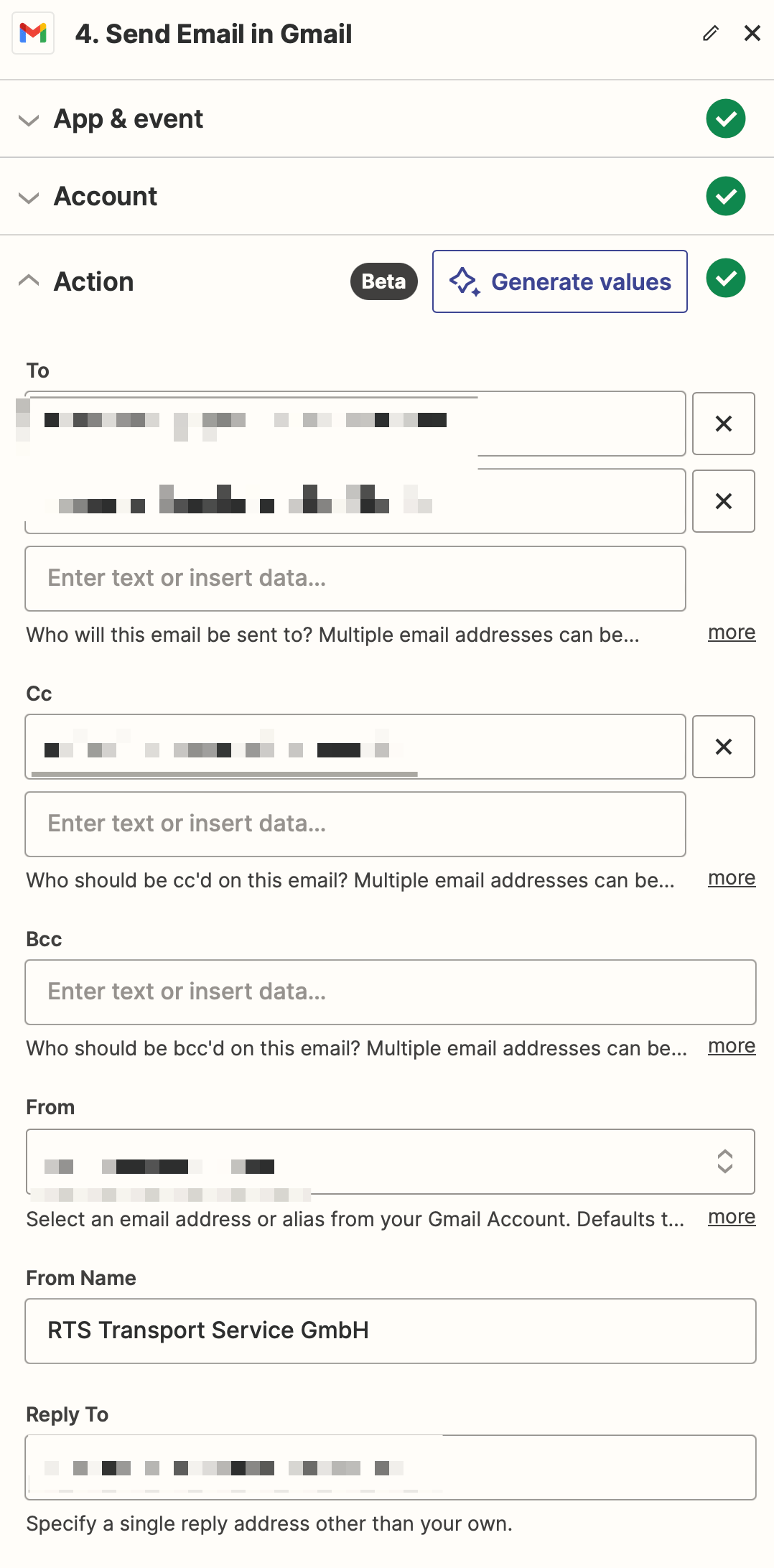
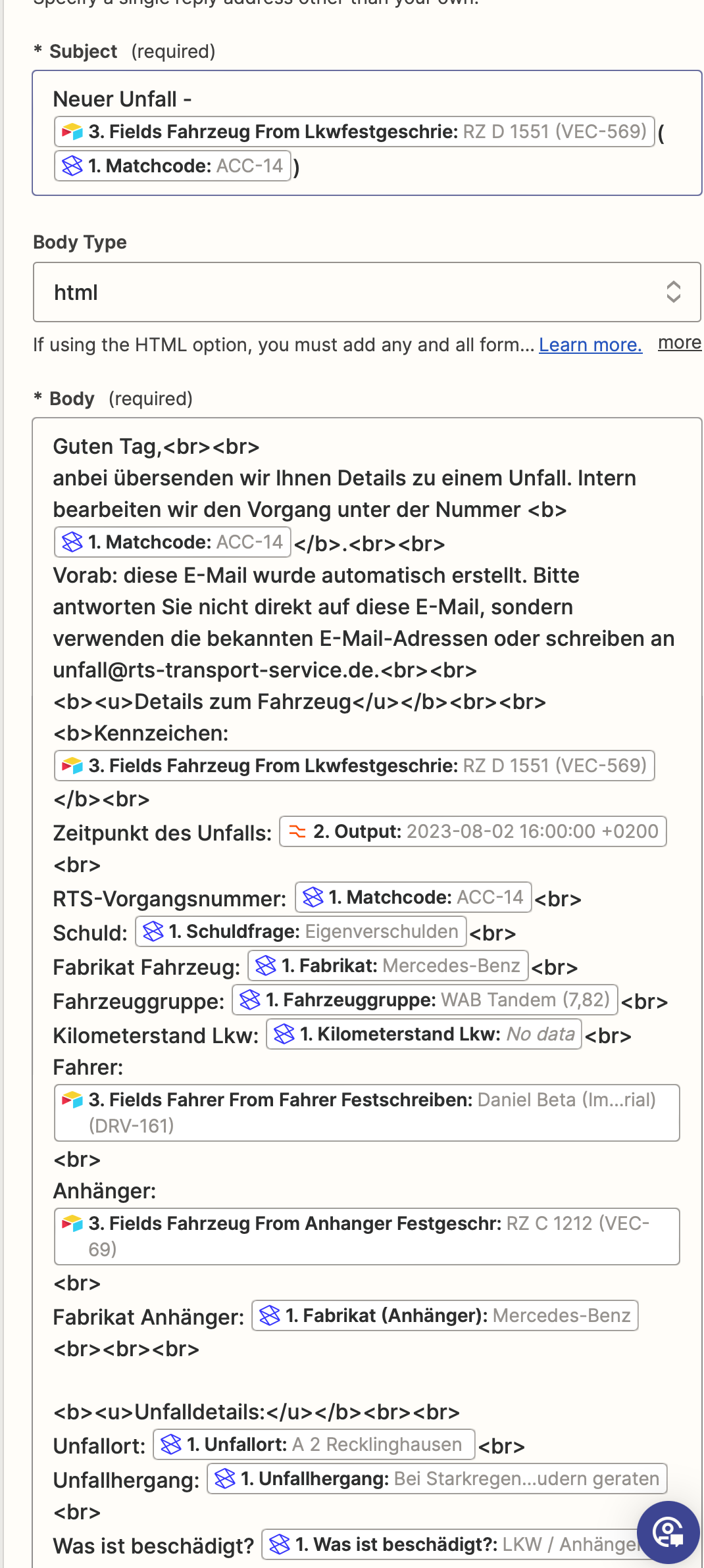
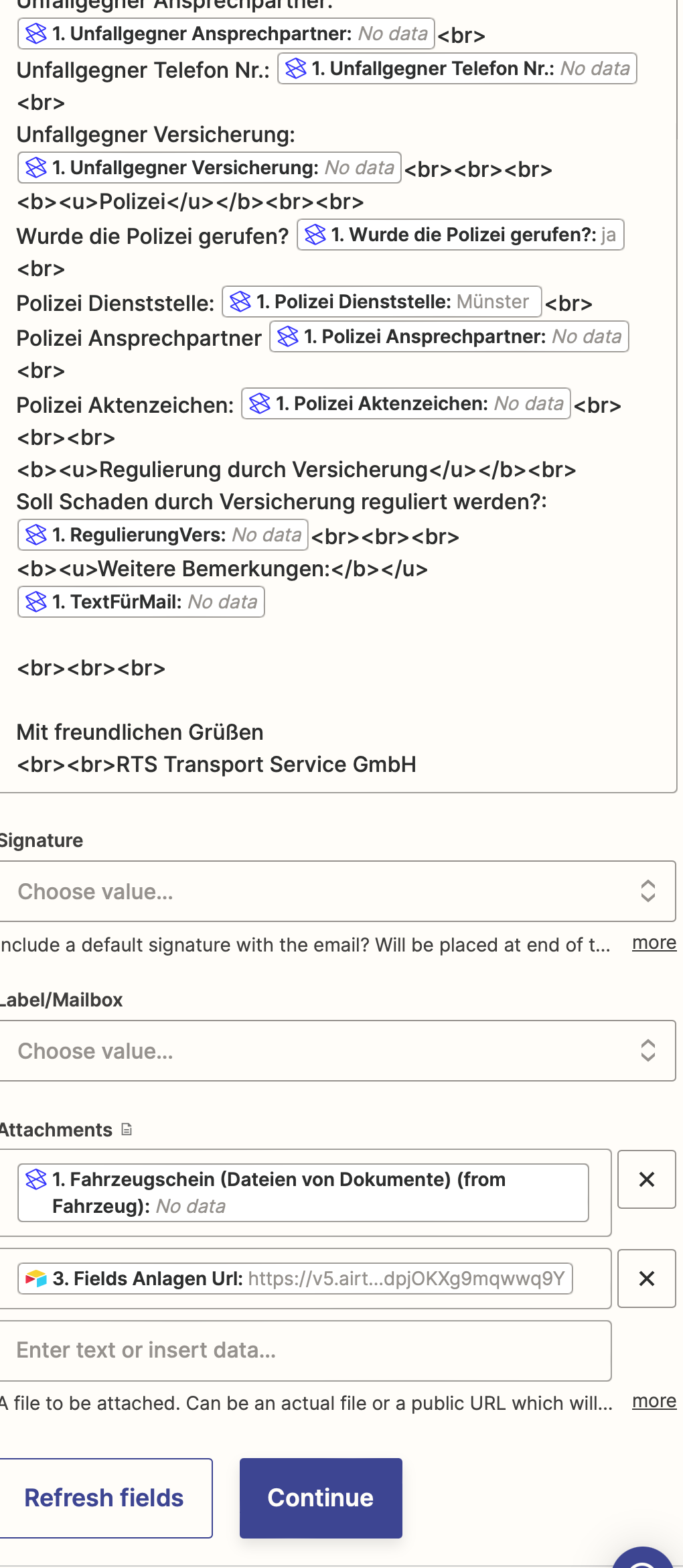
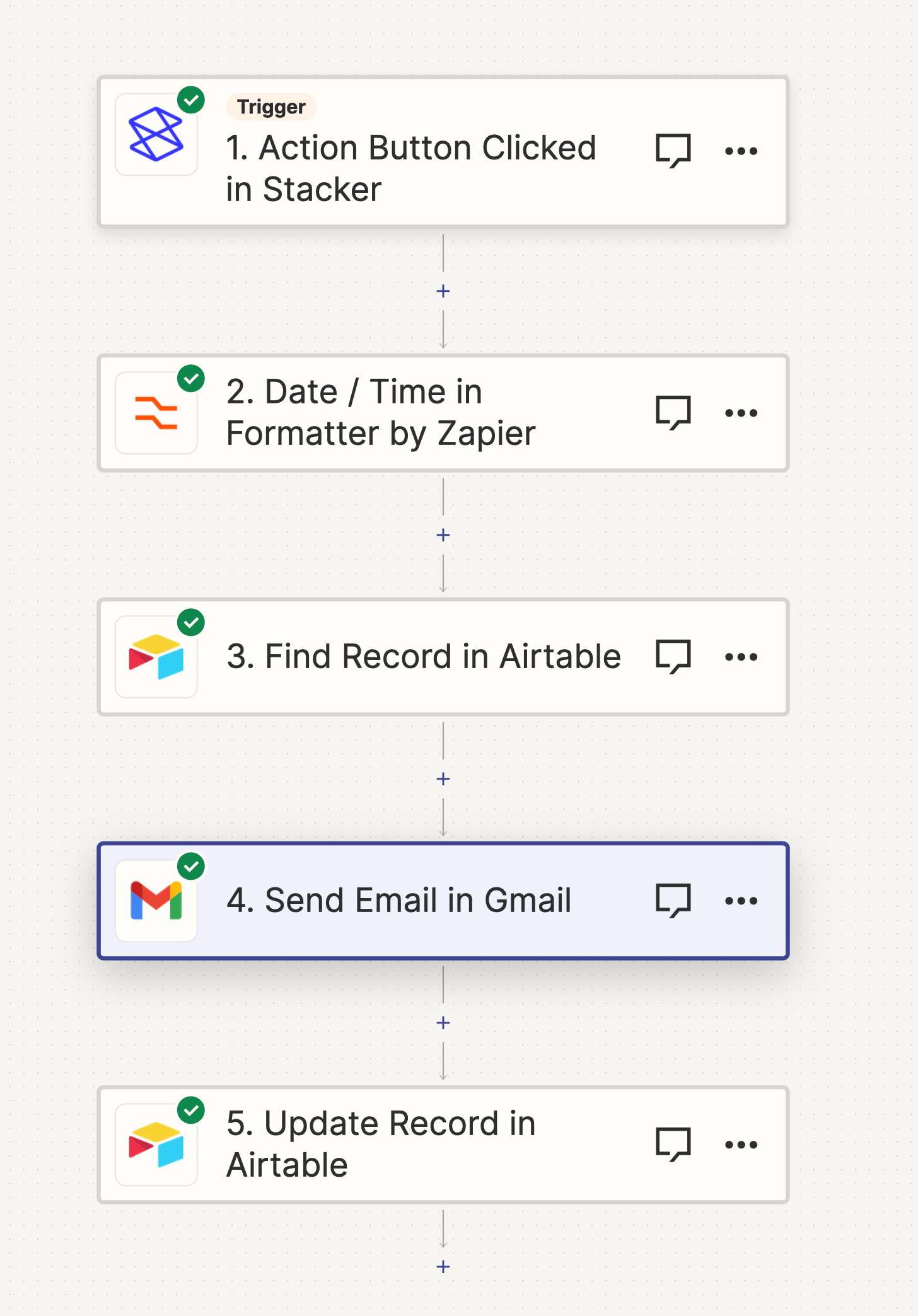
Here are a few screenshots of the Zap. As I see it, all data is found - I don't understand what I'm doing wrong.

Does anyone have any tips?
Thanks! 


This post has been closed for comments. Please create a new post if you need help or have a question about this topic.

5 replies

Troy Tessalone
Zapier Orchestrator & Solution Partner
Forum|alt.badge.img+14
  • Zapier Orchestrator & Solution Partner
  • January 2, 2024

Hi @KevinDax 

It may have to do with the attachments.

Check your Zap Runs here to help you troubleshoot the DATA IN/OUT for each Zap step: https://zapier.com/app/history/

Related topic to check:


  • Author
  • Beginner
  • January 3, 2024

Hello
Thank you very much. The problem was, if the found field from Stacker for the attachment is empty, the email is not sent and the Zap is canceled.

I was hoping I could just send the email without an attachment if no attachment is found.


Troy Tessalone
Zapier Orchestrator & Solution Partner
Forum|alt.badge.img+14
  • Zapier Orchestrator & Solution Partner
  • January 3, 2024

@KevinDax 

You can use separate Zaps with Filters or Paths in 1 Zap to handle that logic.


  • Author
  • Beginner
  • January 3, 2024

Hello
can you give me a tip on how to realize this exactly?

I have added the step "Only continue if ".

But if I now say that the attachment field is empty, then stop the zap it would not be correct. I would like the Zap to be executed without the attachment in the Gmail mail.

Thank you! 


Troy Tessalone
Zapier Orchestrator & Solution Partner
Forum|alt.badge.img+14
  • Zapier Orchestrator & Solution Partner
  • January 3, 2024

@KevinDax 

You would have separate Zaps (or 1 Zap with Paths) to handle the different use cases.

Zap 1: Filter checks if there is an attachment

Zap 2: Filter checks if there is not an attachment