

Question

Can't specify filename as output of previous filter action

  • September 2, 2023
  • 10 replies
  • 57 views

jacob-DAS
Forum|alt.badge.img

This is a seemlingly simple zap intended to move and rename an email attachment, but the renaming isn’t working. I'm probably making a dumb mistake. Maybe I’m missing an action that converts the segment ID to a usable output?


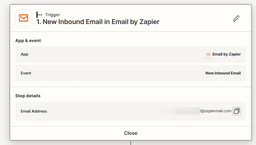
1 New Inbound Email in Email by Zapier
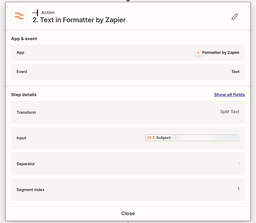
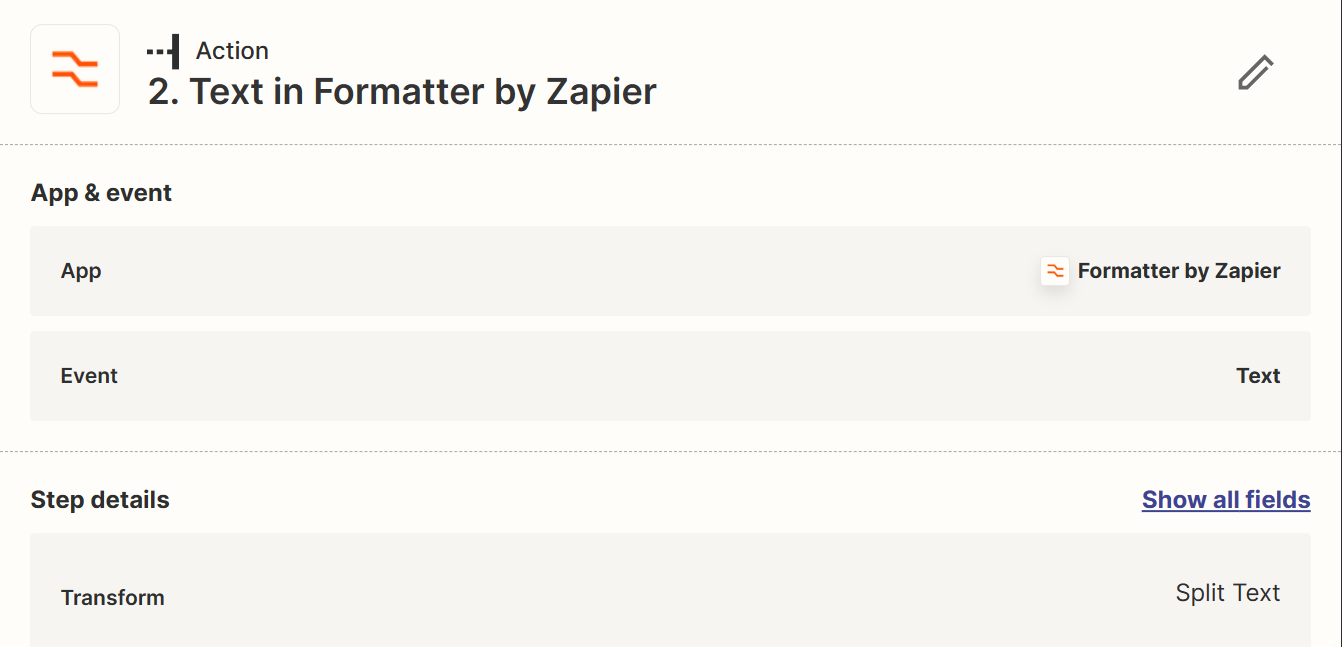
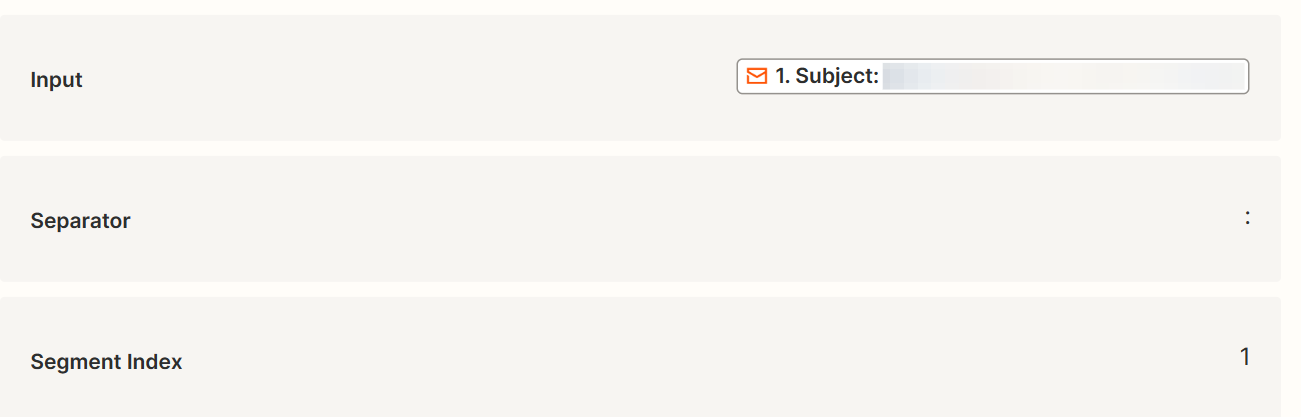
2 Text Formatter 

  • Input 1: Subject
  • Separator
  • Segment index 1 (this contains a job number)

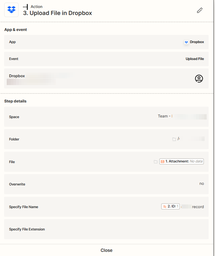
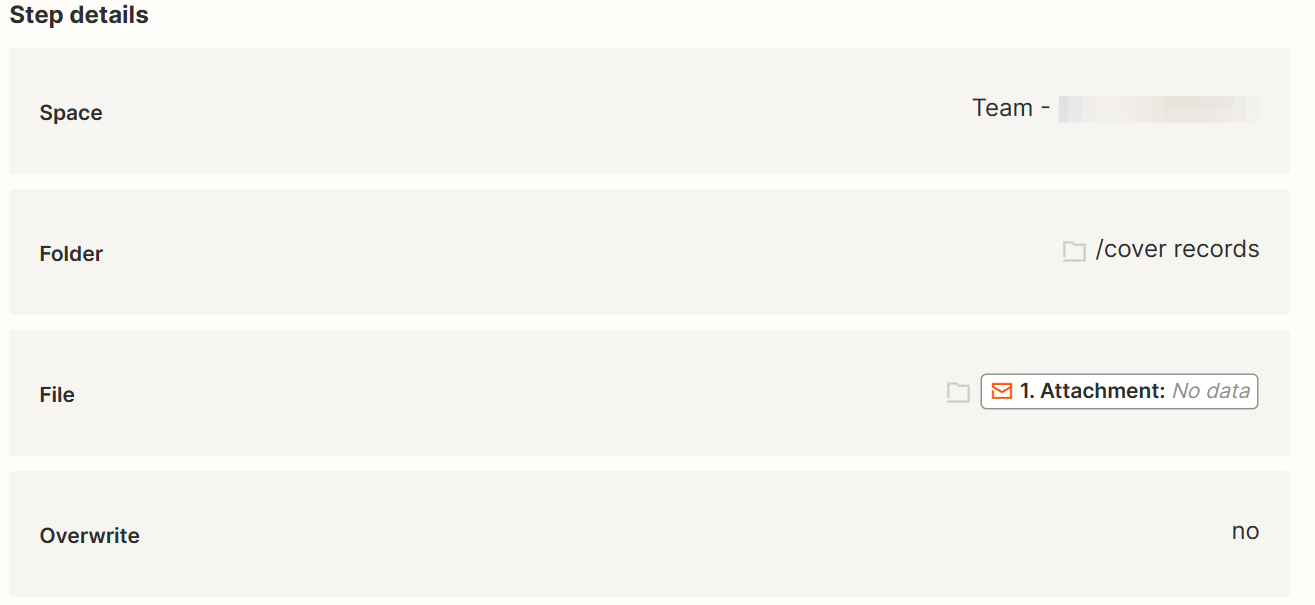
3 Upload File in Dropbox

  • File 1. Attachment 
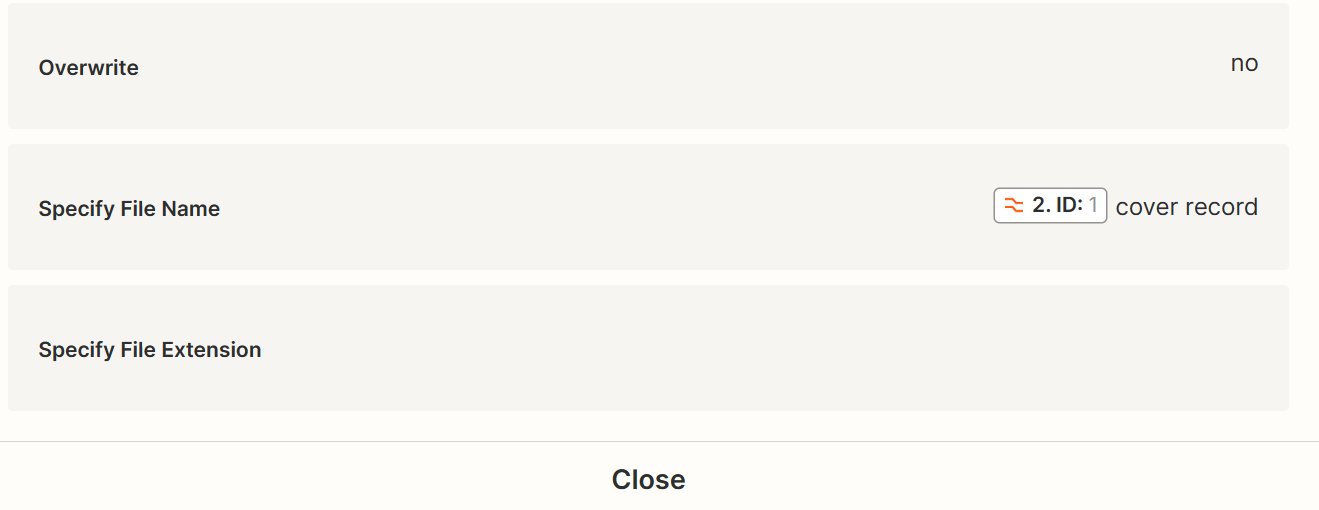
  • Specify File Name (the only choice for step 2 is ID:1) ID:1 job type

The resulting file name is just the job type and I can’t figure out how to get the job number in automatically. 

Thanks for your help.

This post has been closed for comments. Please create a new post if you need help or have a question about this topic.

10 replies

Troy Tessalone
Zapier Orchestrator & Solution Partner
Forum|alt.badge.img+14
  • Zapier Orchestrator & Solution Partner
  • September 3, 2023

Hi @jacob-DAS 

Good question.

To help us have full context, please post detailed screenshots with how your Zap steps are configured.


jacob-DAS
Forum|alt.badge.img
  • Author
  • Beginner
  • September 3, 2023

Thanks a lot!


Troy Tessalone
Zapier Orchestrator & Solution Partner
Forum|alt.badge.img+14
  • Zapier Orchestrator & Solution Partner
  • September 3, 2023

@jacob-DAS 

The provided screenshots are too small and blurry to see the details.


jacob-DAS
Forum|alt.badge.img
  • Author
  • Beginner
  • September 3, 2023

Sorry, oddly the middle screenshot detached.


jacob-DAS
Forum|alt.badge.img
  • Author
  • Beginner
  • September 3, 2023

Sorry, I’ll zoom in & upload more of them


jacob-DAS
Forum|alt.badge.img
  • Author
  • Beginner
  • September 3, 2023


Troy Tessalone
Zapier Orchestrator & Solution Partner
Forum|alt.badge.img+14
  • Zapier Orchestrator & Solution Partner
  • September 3, 2023

@jacob-DAS 

Check your Zap Runs history details to see the DATA IN/OUT for each step to help you troubleshoot.

https://zapier.com/app/history/


jacob-DAS
Forum|alt.badge.img
  • Author
  • Beginner
  • September 4, 2023

Thanks, I fixed it but I’m wondering if I found a pretty annoying glitch.

I looked at the Zap Runs and didn't see anything obvious.

So, figuring the old “turn it off and back on” trick might work, I deleted the final action (Dropbox) and then added it back in. It still didn’t work, but after several test runs, I suddenly got “2: output” as an option instead of just “2:  ID”. It just appeared, without me selecting it even, in the “Specify File Name” field. So, now the zap works.

I’m thinking it’s a glitch. I’m 100% certain the “2: output” option was not there earlier. I tried fixing it and testing it many times.

I had this happen with another zap last week, but I figured I just had the screen sized incorrectly and didn’t see “output” as an option at first. I know this wasn’t the case with this zap. 

Has anyone else had this issue? Do you just reach out to support? 


Troy Tessalone
Zapier Orchestrator & Solution Partner
Forum|alt.badge.img+14
  • Zapier Orchestrator & Solution Partner
  • September 4, 2023

@jacob-DAS 

If you have a Zapier paid plan, you can open a ticket with Zapier Support: https://zapier.com/app/get-help


jacob-DAS
Forum|alt.badge.img
  • Author
  • Beginner
  • September 4, 2023

Thank you