
when Appointment set in Calendly with Host abc@mycompany I want to assign lead to same user in leadconnector.
In calendly host is email address and in leadconnector user assigned is User Name
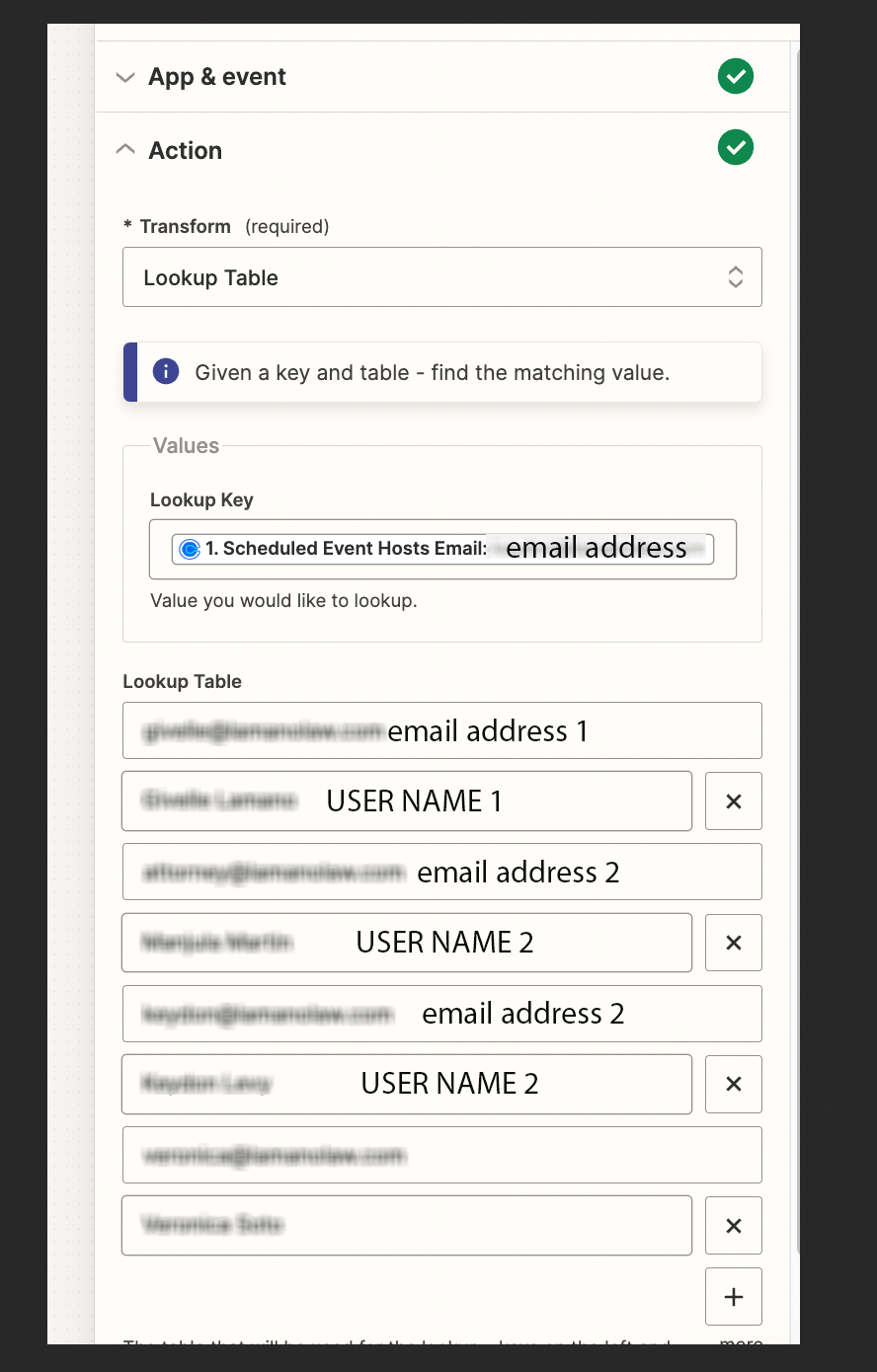


when Appointment set in Calendly with Host abc@mycompany I want to assign lead to same user in leadconnector.
In calendly host is email address and in leadconnector user assigned is User Name
Best answer by Troy Tessalone
Hi
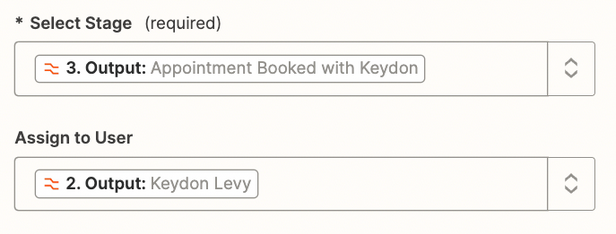
Both fields are dropdowns with a list of options.
Each option in a dropdown list has 2 values. (top/bottom)
If you are trying to map a dynamic variable, then the variable value must match to the bottom value for an option.

Build and deploy automations from AI tools you already use. With Agentic Management, if anything breaks, the agent diagnoses the issue and proposes a fix.
Enter your E-mail address. We'll send you an e-mail with instructions to reset your password.



