Question

Cal.com to Notion - Dropdown text number to dollar amount

  • March 21, 2024
  • 3 replies
  • 19 views

Hello,

I’m trying to create a lead workflow 
1. Cal.com meeting set up
2. Notion database item added
--- Works well until here

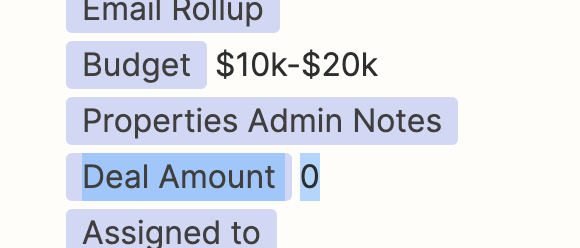
I want to have the budget dropdown populate the
# Deal Amount as a number so we can filter and do anything we need with it, rather than text be based. I’ve tried automating it with the AI but I can’t get it to populate the number field. 
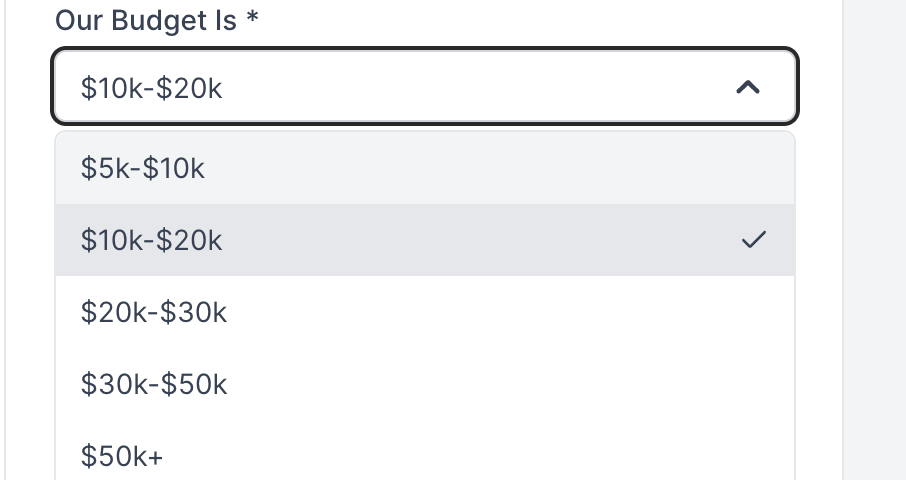


Any suggestions?

Thanks!
Arnau

 

This post has been closed for comments. Please create a new post if you need help or have a question about this topic.

3 replies

Troy Tessalone
Zapier Orchestrator & Solution Partner
Forum|alt.badge.img+14
  • Zapier Orchestrator & Solution Partner
  • 34039 replies
  • March 21, 2024

Hi @arnau from macu 

To help us have more context, post screenshots with how the steps are outlined and configured in EDIT mode so we can see the field types and field descriptions.


Hi,

Thank you
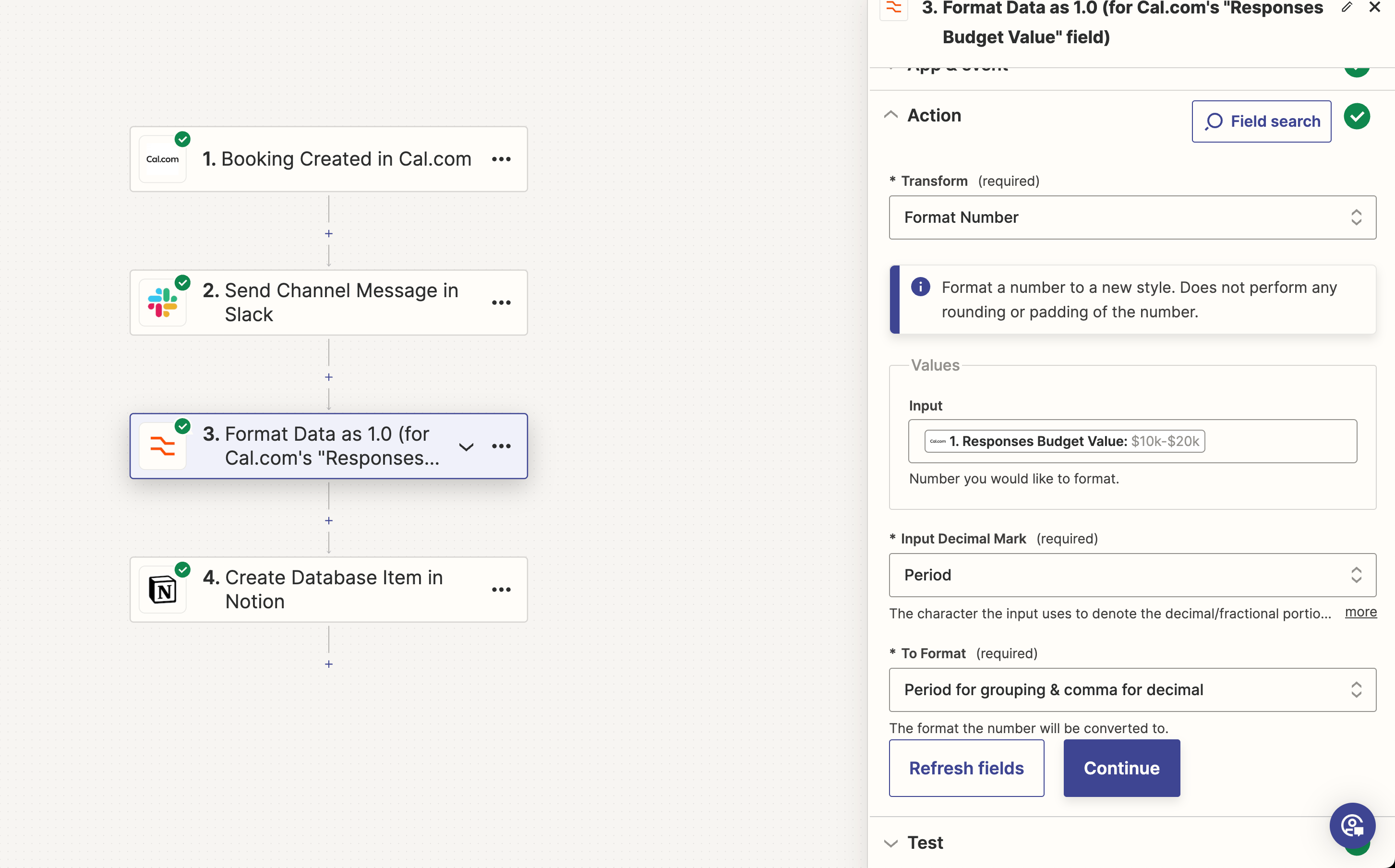
this is the screenshot

Do you see anything that would cause it to not work?


Troy Tessalone
Zapier Orchestrator & Solution Partner
Forum|alt.badge.img+14
  • Zapier Orchestrator & Solution Partner
  • 34039 replies
  • March 29, 2024

@arnau from macu 

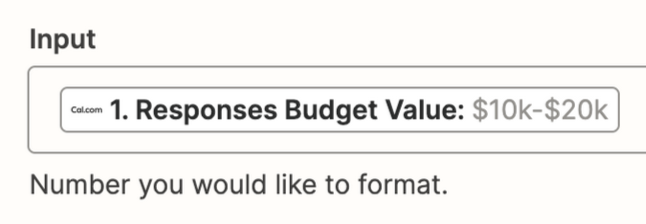
The provided Input is not a number (it’s a string of text) for the Zap step: Formatter > Numbers > Format Number


You may want to try using a lookup table instead to translate the text string to a number.