Question

Brevo - Action Update or create company doesn't work anymore

  • July 3, 2026
  • 2 replies
  • 7 views

Hi!

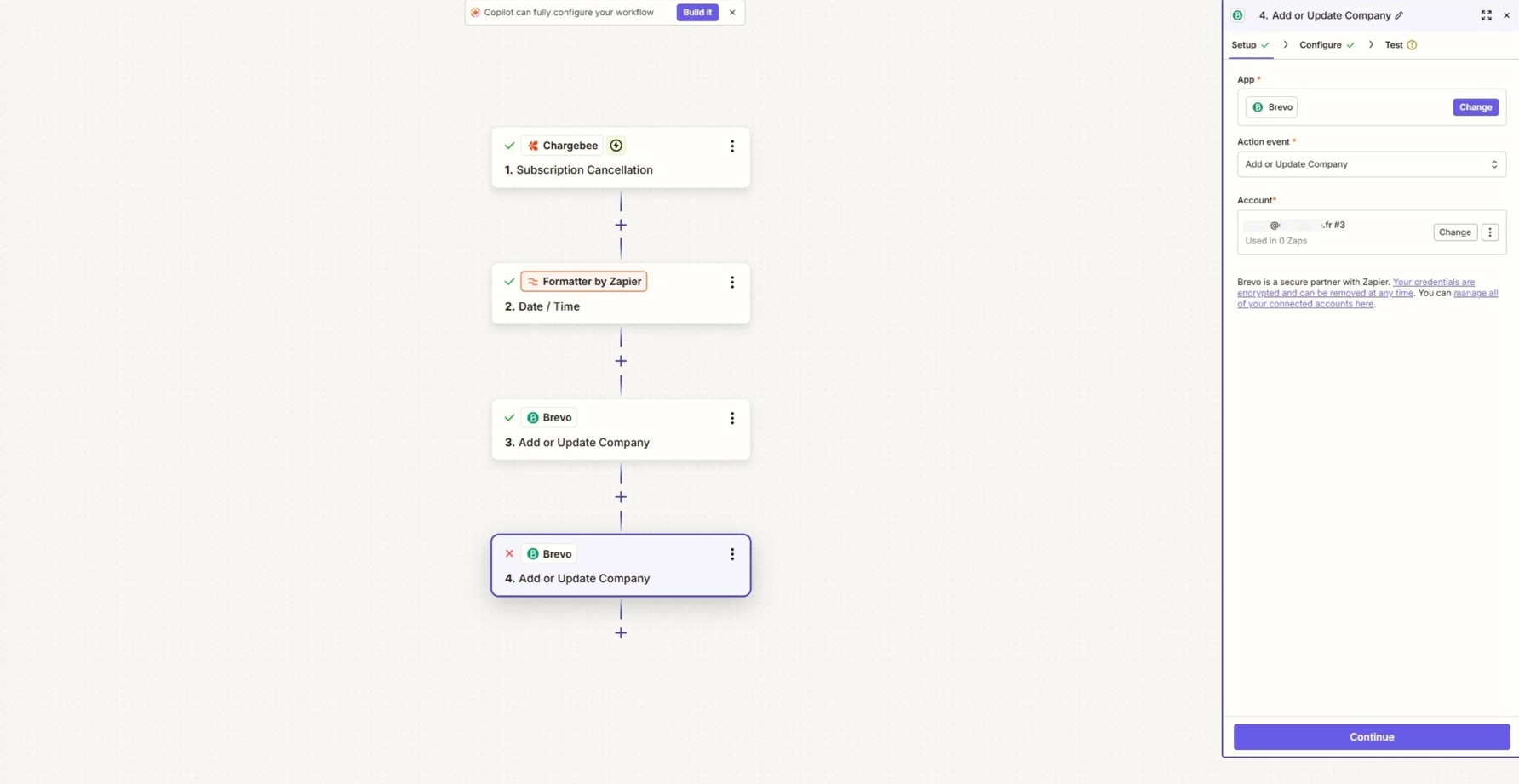
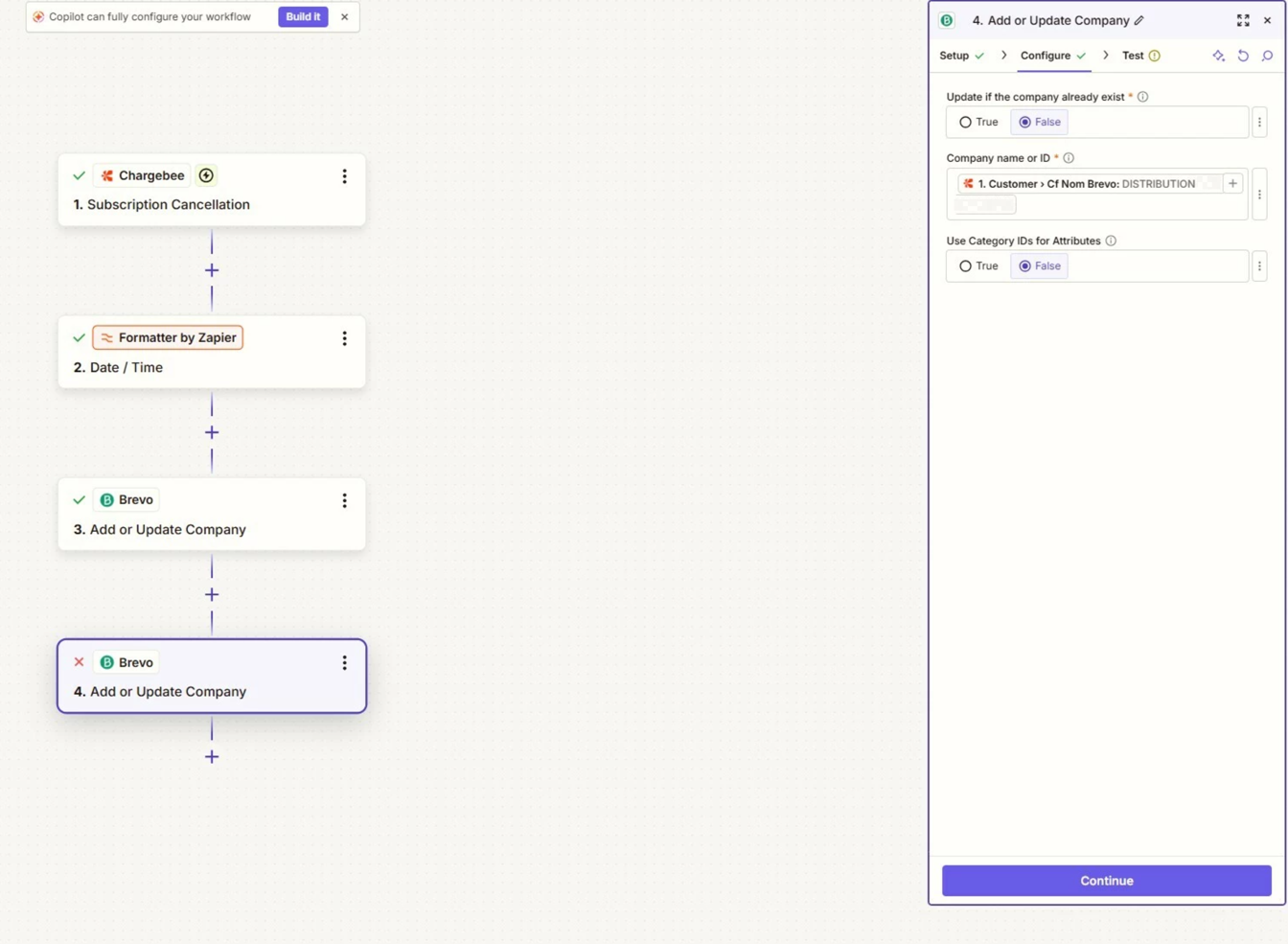
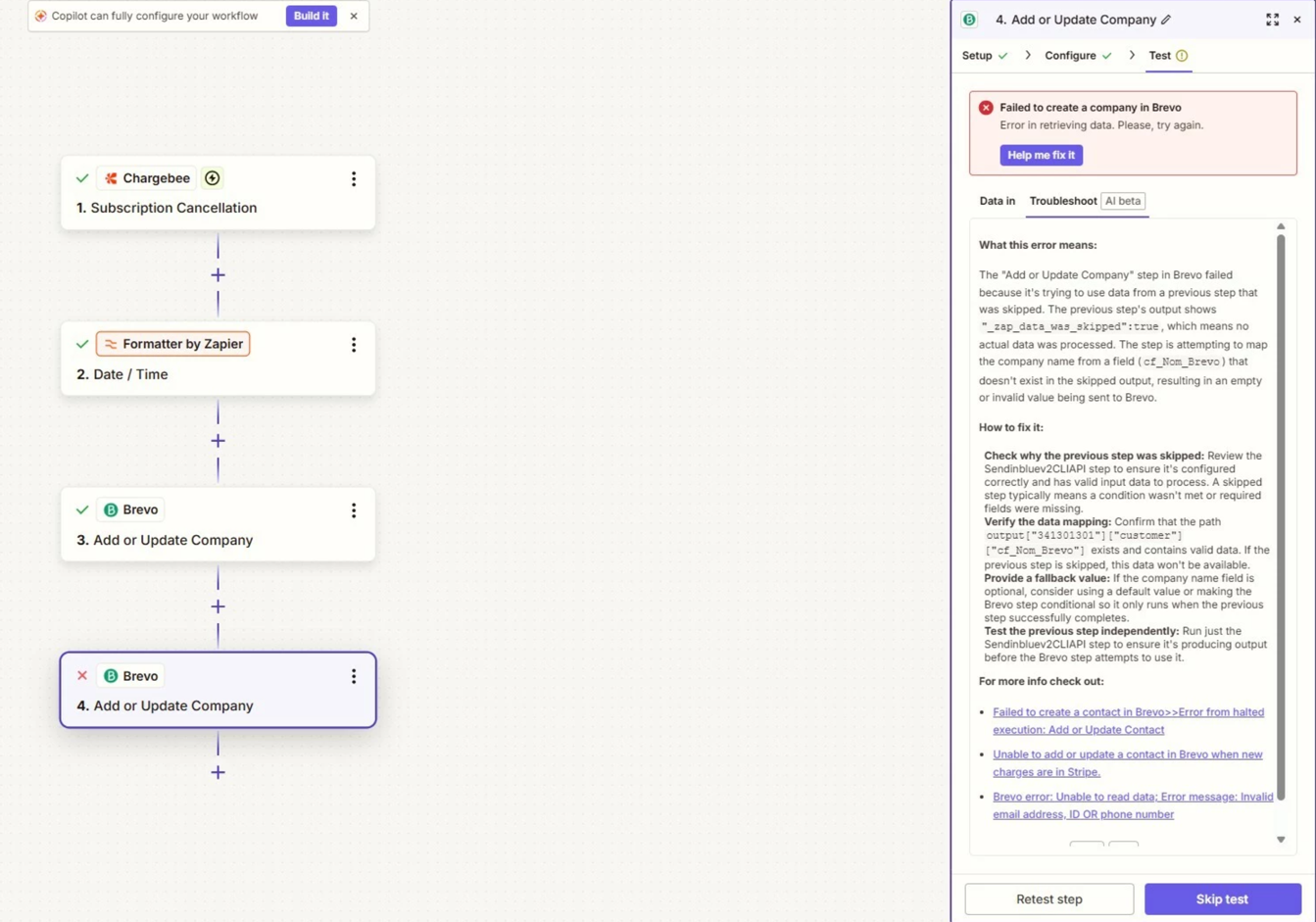
I use Zapier to manage synchronization from Chargebee to Brevo. For the past few months, the Brevo action for the "Create or Update Company" event has stopped working. Company mapping is no longer available, and the connection is failing. Do you know what happened and how to fix it?

Many thanks

Thierry
2 replies

Forum|alt.badge.img+4
  • Zapier Solution Partner
  • July 3, 2026

Hi ​@Thierry V. 

You can try this:

  1. Open your Zap and locate the Brevo action step that has "Create or Update Company"

  2. Delete that entire action step from your Zap

  3. Add a new Brevo action and search for "Add or Update Company" - select it

  4. Re-map your company data from Chargebee to the fields in this new action (company name, attributes, etc.)

  5. Turn your Zap back on and test it with a real Chargebee record

The re-mapping step is important - even though the actions look similar, you'll need to set up the field connections again between your Chargebee trigger and Brevo.


Documentation: How to get started with Brevo (formerly SendinBlue) on Zapier

Hope this helps you get it sorted!

If you're still running into issues after trying these steps, feel free to drop a screenshot of the error and a quick description of what your Zap is doing—happy to take a look and help troubleshoot.


Forum|alt.badge.img
  • New
  • July 3, 2026

This issue usually occurs when an app developer updates their API or deprecates specific endpoints, causing older Zap actions to lose field mapping and fail. To fix this, first try refreshing your connection by going to the "Apps" section in Zapier and reconnecting your Brevo account. If that does not resolve the issue, you will need to replace the broken action. Try deleting the current Brevo step and adding a fresh "Create or Update Company" step to pull in the latest API configuration. Alternatively, if Brevo has rolled out a new version of their Zapier integration, look for a newer version of the Brevo app in your Zap editor and recreate the step there.