Question

Affinity Airtable Zap Doesn't pull any columns

  • March 9, 2025
  • 8 replies
  • 29 views

Hi folks!

I built the integration between Affinity and Airtable. However, the Affinity doesn’t pull any columns. Only basic - name, created date, some IDs. In affinity table there are 18 columns that I don’t see Zap pulling


What can I do?


This post has been closed for comments. Please create a new post if you need help or have a question about this topic.

8 replies

Troy Tessalone
Zapier Orchestrator & Solution Partner
Forum|alt.badge.img+14
  • Zapier Orchestrator & Solution Partner
  • March 9, 2025

Hi ​@Sarik 

Help us have more info by including context about what specific columns you are trying to use from Affinity.

Make sure the example record you are testing with has values populated for those columns.

Also, if the column is related to a Company, the you would likely need to add another Zap step to find the Company by ID to get all of the columns related to the Company.


  • Author
  • Beginner
  • March 11, 2025

Hi ​@Troy Tessalone 

For example, I have these columns - GICP Description, Deep Tech Themre, Subsector (i have 10 more fileds with number, text, date but let’s focus on these 3)


When I run Zapier, it doesn’t show any of these 3 fields. Only name and the same is with other fields, I can’t see none of them


Troy Tessalone
Zapier Orchestrator & Solution Partner
Forum|alt.badge.img+14
  • Zapier Orchestrator & Solution Partner
  • March 11, 2025

@Sarik 

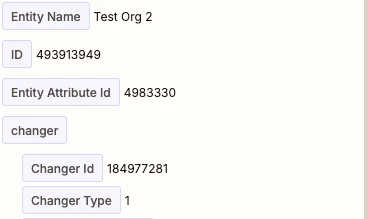
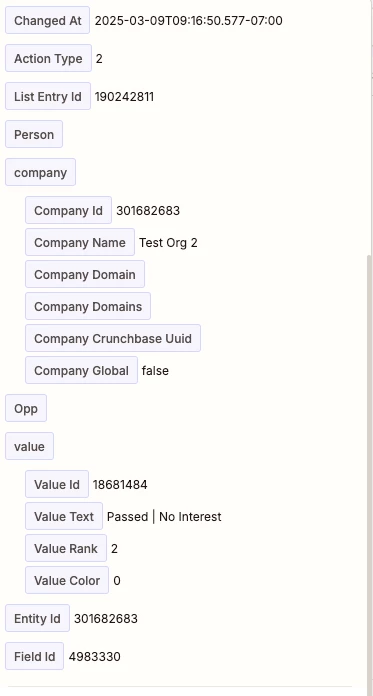
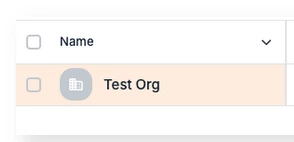
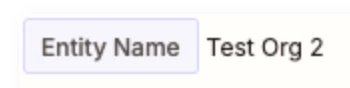
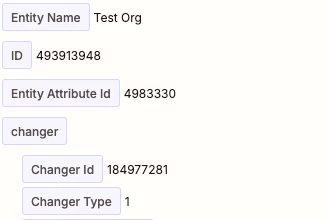
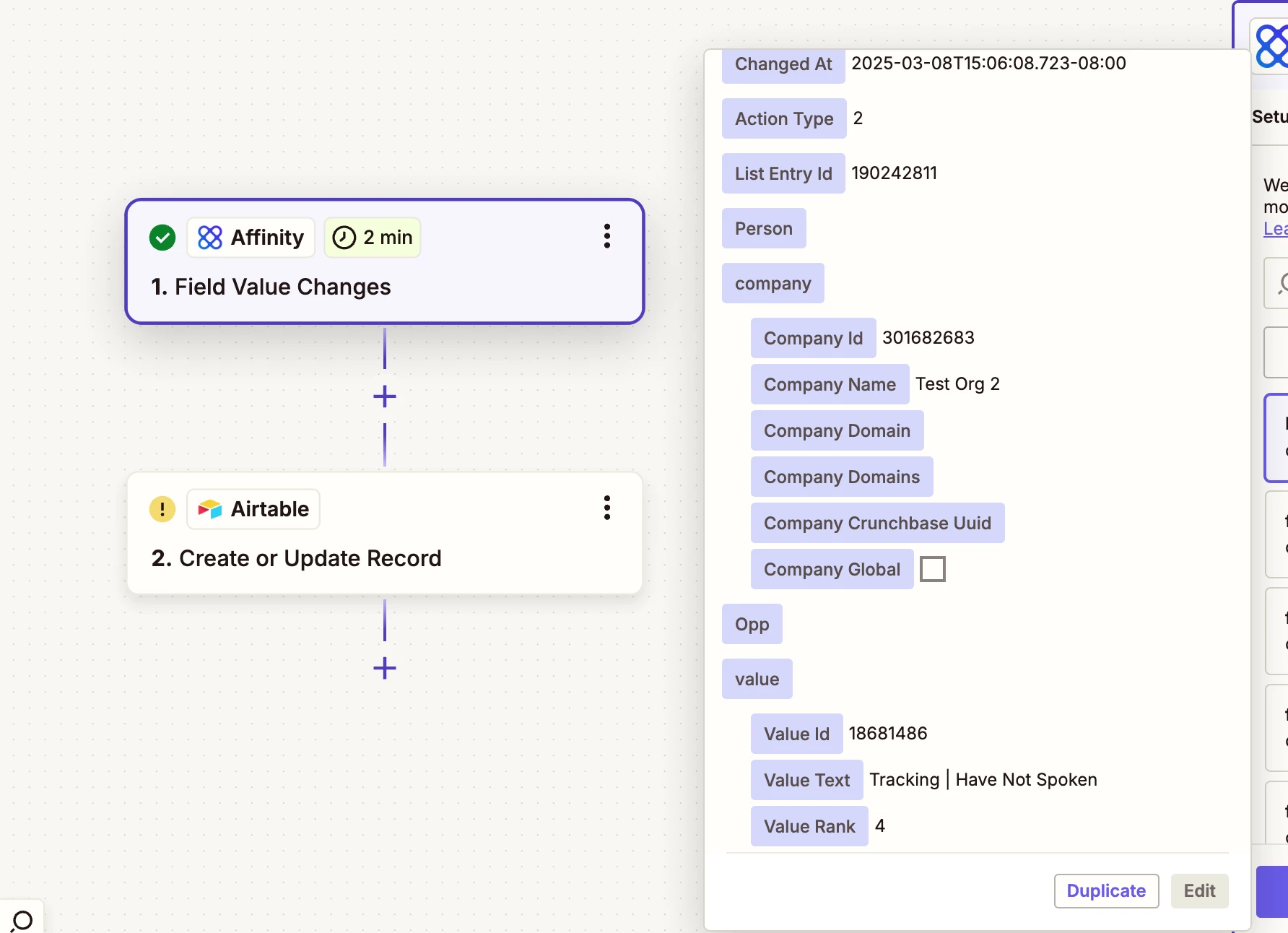
Your screenshots show different entities.

  • Test Org
  • Test Org 2


  • Author
  • Beginner
  • March 11, 2025

@Troy Tessalone 

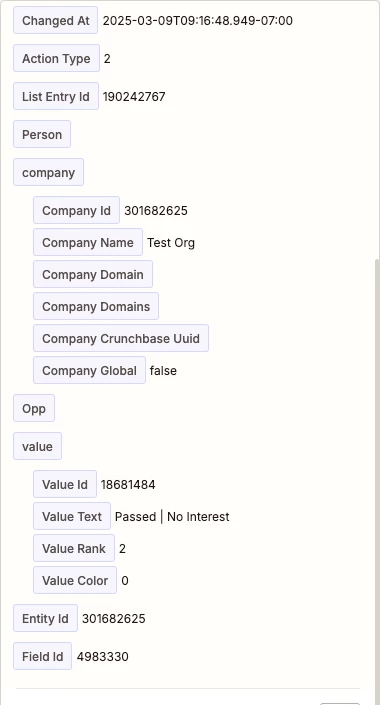
Here is the right screenshtos


Troy Tessalone
Zapier Orchestrator & Solution Partner
Forum|alt.badge.img+14
  • Zapier Orchestrator & Solution Partner
  • March 11, 2025

@Sarik 

You are using this Zap trigger: Affinity - Field Value Changes

Appears Affinity is only returning minimal data points related to that specific field value change.

You can add additional Zap steps to lookup the linked objects to get more data points for those objects.

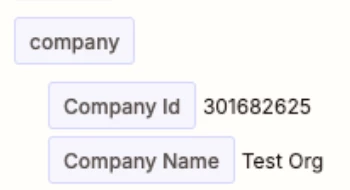
For example, the Company ID is returned.

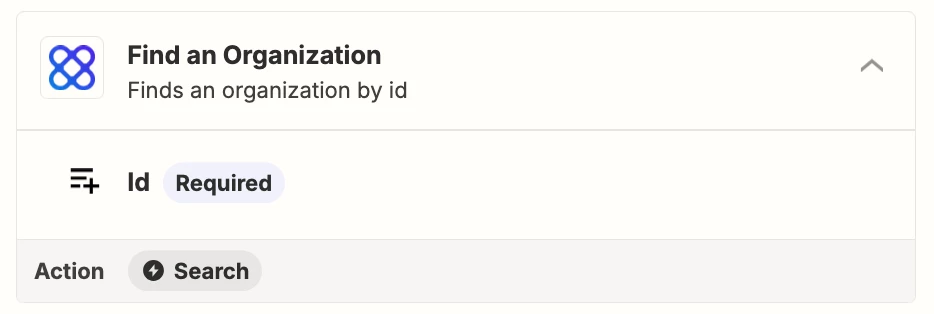
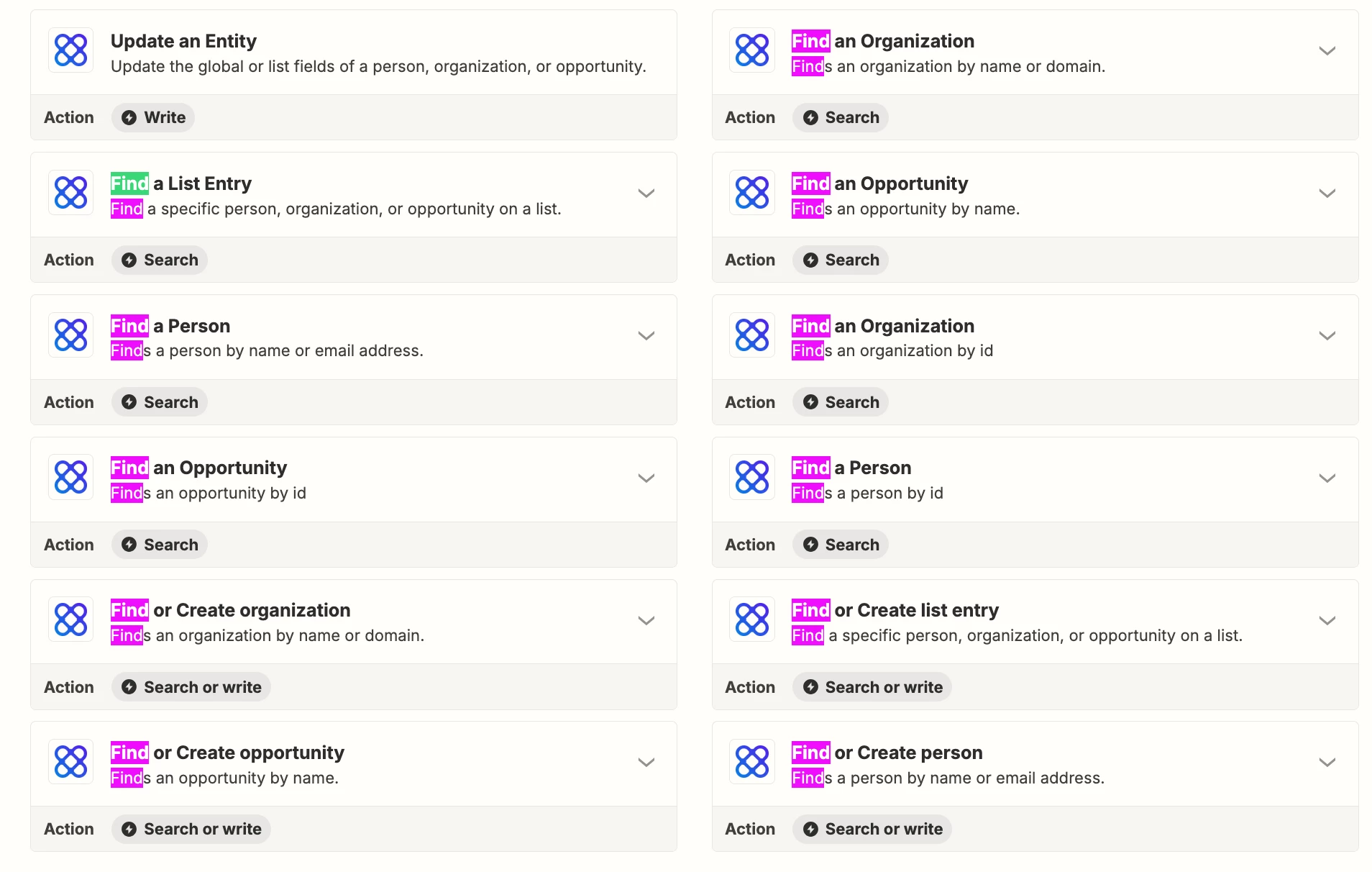
So if you wanted to look up more data points from the Company, then add this Zap step: Affinity - Find Organization (by ID)


  • Author
  • Beginner
  • March 11, 2025

Hey ​@Troy Tessalone 

Thanks, what about the field names GISP Description which is a text field. How would I look for that if Zapier doesn’t give it. Is there kind of Lookup feature that I can leverage?


Troy Tessalone
Zapier Orchestrator & Solution Partner
Forum|alt.badge.img+14
  • Zapier Orchestrator & Solution Partner
  • March 12, 2025

@Sarik 

Same concept, add a Find [OBJECT] step to lookup the Affinity [OBJECT that has that data point.

Affinity available triggers/actions: https://zapier.com/apps/affinity/integrations#triggers-and-actions


SamB
Community Manager
Forum|alt.badge.img+11
  • Community Manager
  • March 14, 2025

Hey ​@Sarik, just checking in—were you able to get this sorted? 

Let us know if you need any more help! 🙂