I am not seeing all my Zoom registration form fields when setting up my Zap. All fields in my Gravity form received the Hobbit Test data, but when I have to map the form fields to the Zoom form, manuy fields are missing.
HELP!
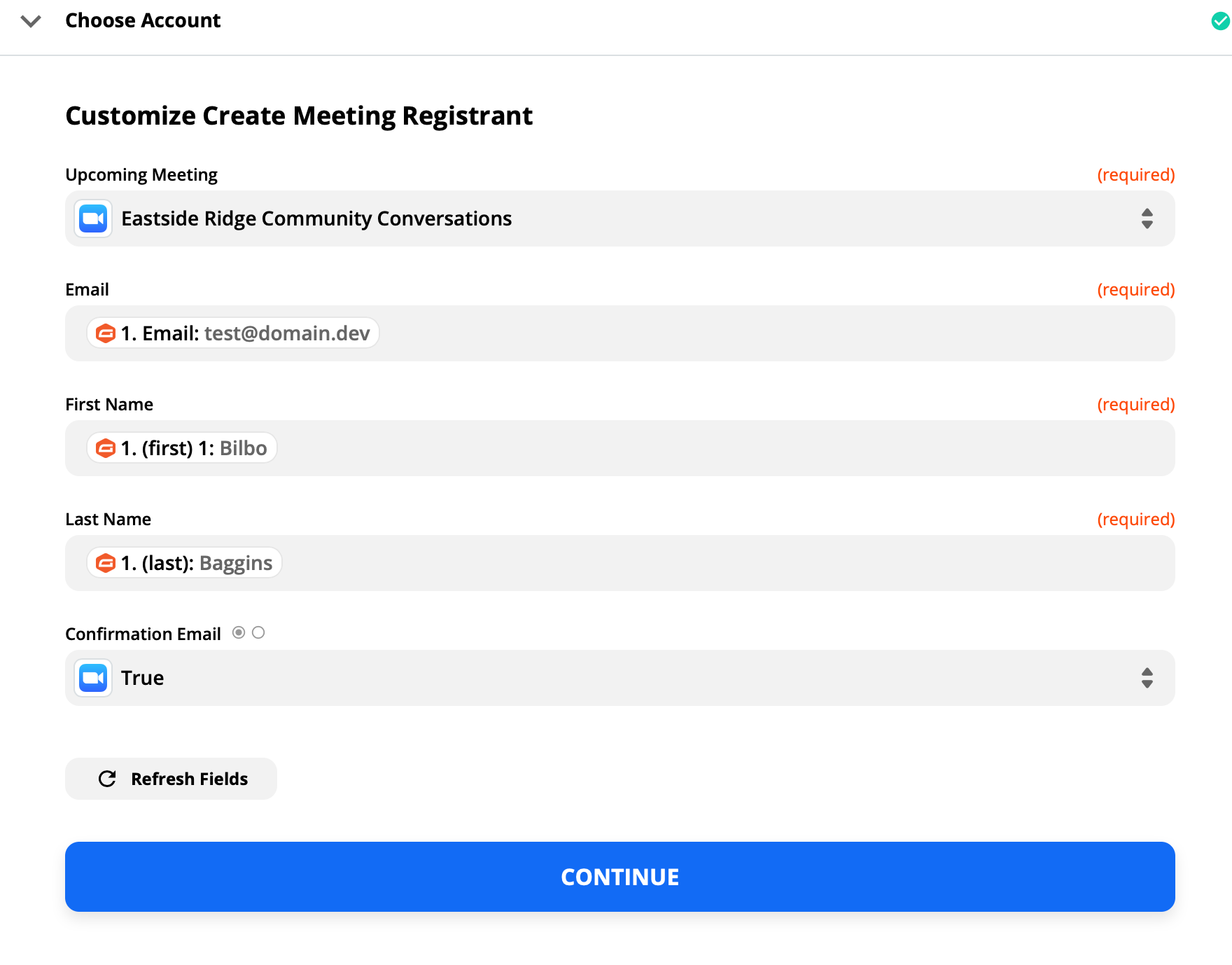
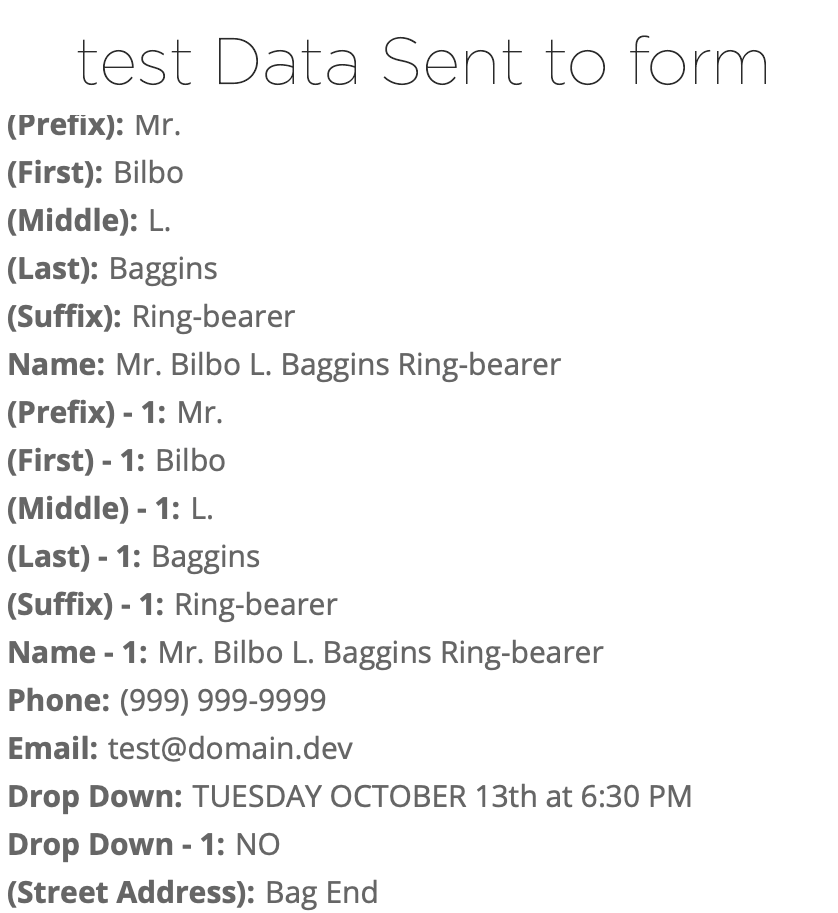

I am not seeing all my Zoom registration form fields when setting up my Zap. All fields in my Gravity form received the Hobbit Test data, but when I have to map the form fields to the Zoom form, manuy fields are missing.
HELP!
Best answer by Troy Tessalone
You can try clicking the [Refresh Fields] button at the bottom to see if that will load more fields.
Otherwise, it’s likely that you’d have to use the Zoom API via a Webhook step which is more advanced.
Zoom API: https://marketplace.zoom.us/docs/api-reference/zoom-api

Join us September 23rd, 2026 for a free, one-day virtual event with 30+ sessions on AI automation. Get live build-alongs, playbooks, and strategies to lead AI transformation at your organization.
No account yet? Create an account
Enter your E-mail address. We'll send you an e-mail with instructions to reset your password.



