Question

Zapier, Webflow CMS & Google Sheets (stuck and need help)

  • January 21, 2021
  • 6 replies
  • 71 views

I am trying to put a menu into a google sheets file where my client can access the sheets file online and make instant changes. I was able to achieve integrating zapier to make changes to menu items but there are two things I just can’t figure out:

  1. I am trying to figure out a way to delete cms items through the google sheets, I have no idea where to even start with this. 2. ( The most important) Whenever I create a new cms item with a new row in sheets, it does create a cms item and makes it go live, but I cannot figure out a way to have that new item send over that newly created ITEM ID over to the excel sheet. Please help thank you.

This post has been closed for comments. Please create a new post if you need help or have a question about this topic.

6 replies

Troy Tessalone
Zapier Orchestrator & Solution Partner
Forum|alt.badge.img+14
  • Zapier Orchestrator & Solution Partner
  • January 21, 2021

Hi @Helix Media 

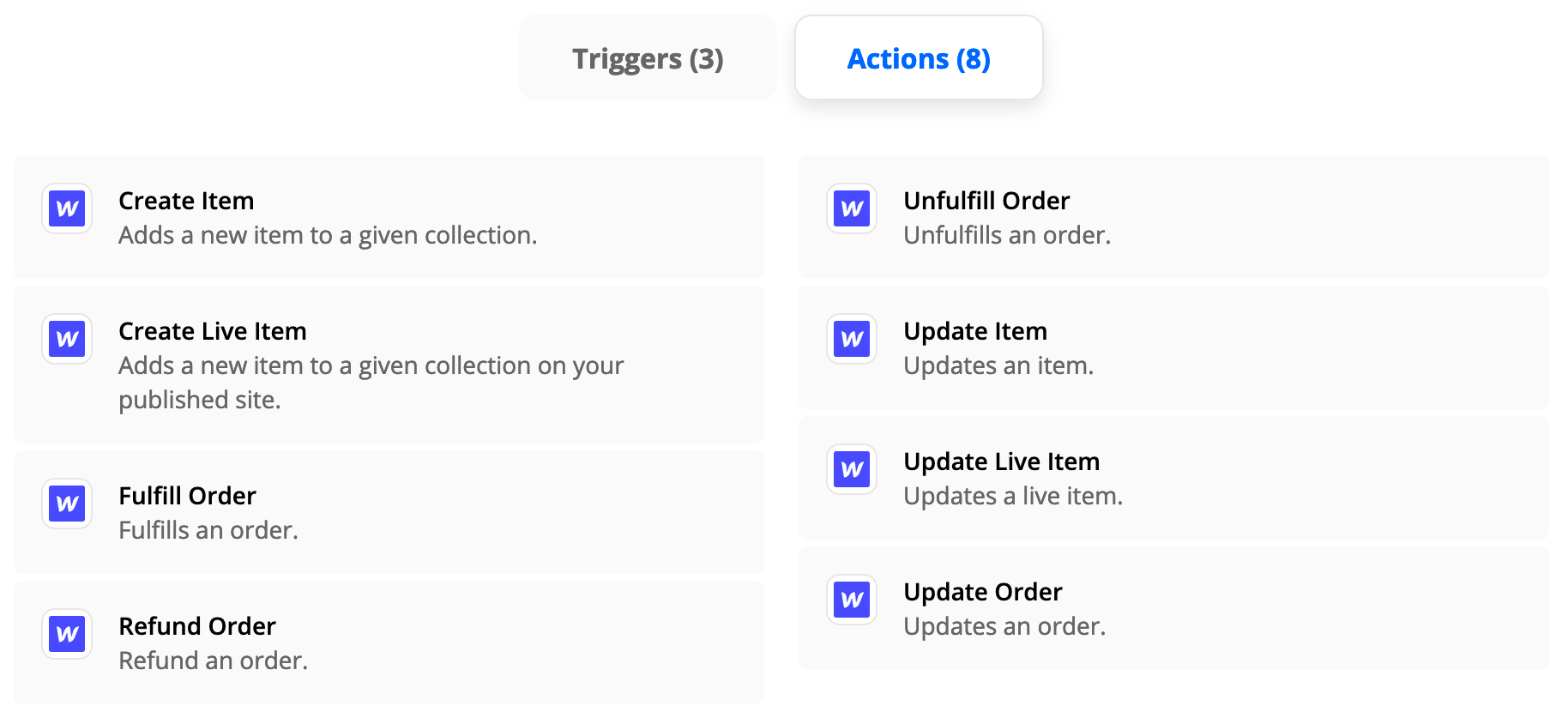
For Item #2, the Zap action step should return the CMS Item ID.

Then you can use this action: GSheets - Update Row


Troy Tessalone
Zapier Orchestrator & Solution Partner
Forum|alt.badge.img+14
  • Zapier Orchestrator & Solution Partner
  • January 21, 2021

@Helix Media 

For Item #1, not sure if that’s possible with the currently available Webflow actions


  • Author
  • Beginner
  • January 21, 2021

Hello, is there any way you could go into more detail with the Item 2 response? I have tried to update the row, it's all just a bit confusing. 


  • Author
  • Beginner
  • January 21, 2021

Troy Tessalone
Zapier Orchestrator & Solution Partner
Forum|alt.badge.img+14
  • Zapier Orchestrator & Solution Partner
  • January 21, 2021

Hi @Helix Media You need to map the row ID from the trigger step to the row in the GSheet Update Step.

Please reference this Zapier Basics help article about configuring dynamic data points in action steps: https://zapier.com/help/create/basics/set-up-your-zap-action#customize-your-options


Danvers
Forum|alt.badge.img+12
  • Zapier Staff
  • March 30, 2021

HI @Helix Media!


Were you able to find the answer that you needed using the Help Doc that Troy linked to? Let us know if you still need some more help!