Question

Zapier newbe needs help creating a zap so I can use my NOTEBOOKLM and Google Drive

  • September 27, 2025
  • 2 replies
  • 75 views

So I have a ton of documents that I want to add to my notebook LM.  To do so, I need to be able to access them in google drive. Unfortunately all documents are in folders and subfolders.


Can someone help me build a simple ZAP that does the following:


Does a BULK COPY of all files in  Folder “X” and subfolders-- and moves all the documents (with NO hierachy/folder structure) into a new folder called “FILE COPY”.    Then on a daily basis does a copy of any NEW files added to FOLDER X.    Grateful for your help.

This post has been closed for comments. Please create a new post if you need help or have a question about this topic.

2 replies

Sparsh from Automation Jinn
Forum|alt.badge.img+6

Hey ​@BobTex,

Here is a helpful link about Google Drive integration in Zapier- https://zapier.com/apps/google-drive/integrations

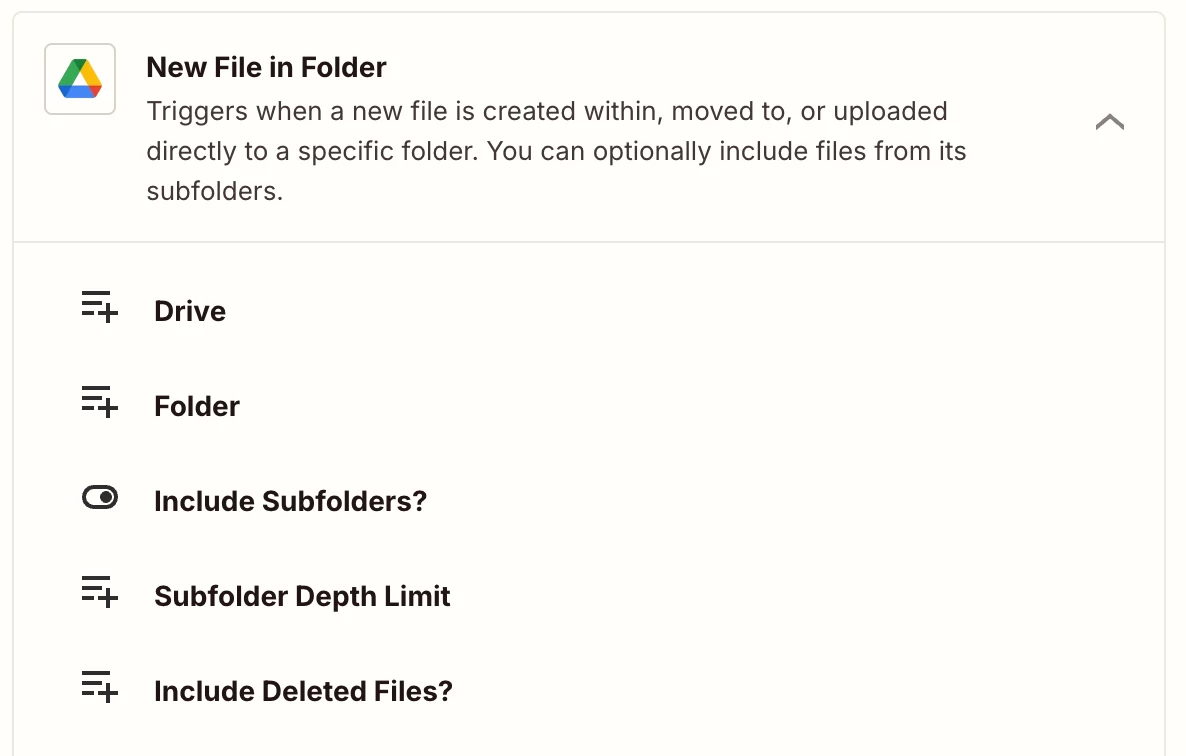
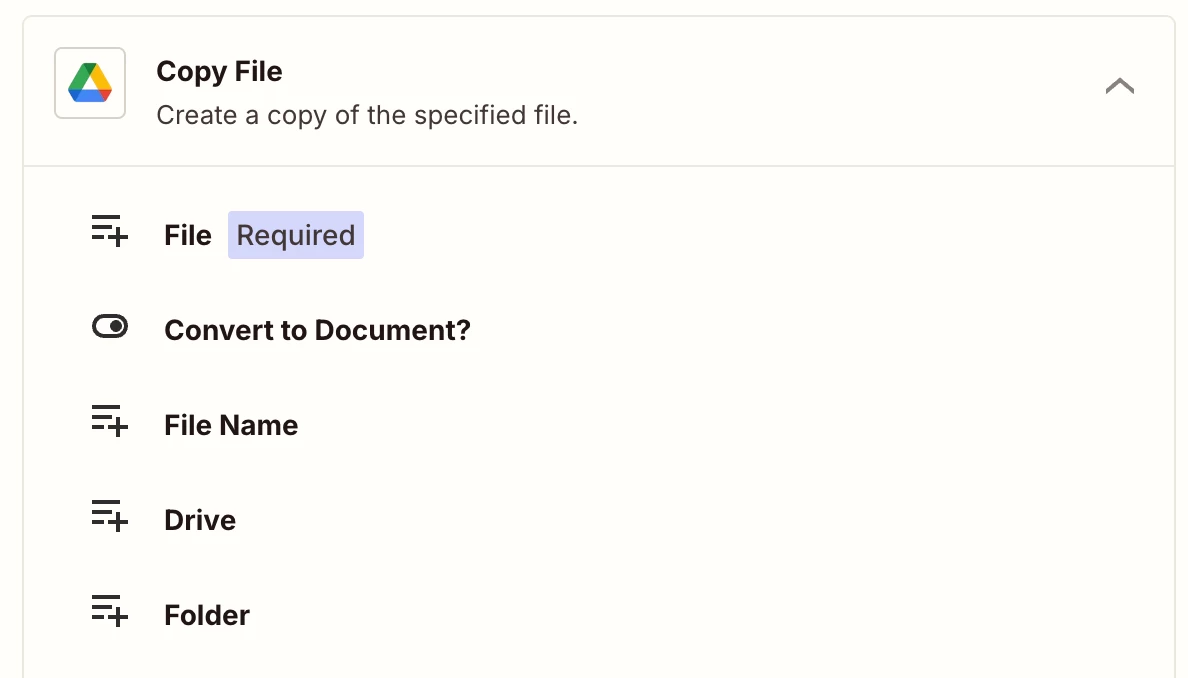
Your Workflow will look something like this-

  • New File in Folder Trigger
  • Move/ Copy File action


This is a sample workflow and you may also require a Looping or a Filter action depending on the requirements as workflows are usually personalized to user’s needs. Hope it helps!

PS: If you need more active help, I’m happy to connect through my Zapier Solution Partner page if you’d like to reach out here- https://zapier.com/partnerdirectory/automation-jinn


SamB
Community Manager
Forum|alt.badge.img+11
  • Community Manager
  • October 6, 2025

Hey ​@BobTex 👋 Did Sparsh’s reply help to point you in the right direction?

Let us know how things are going, want to make sure you’re all set!