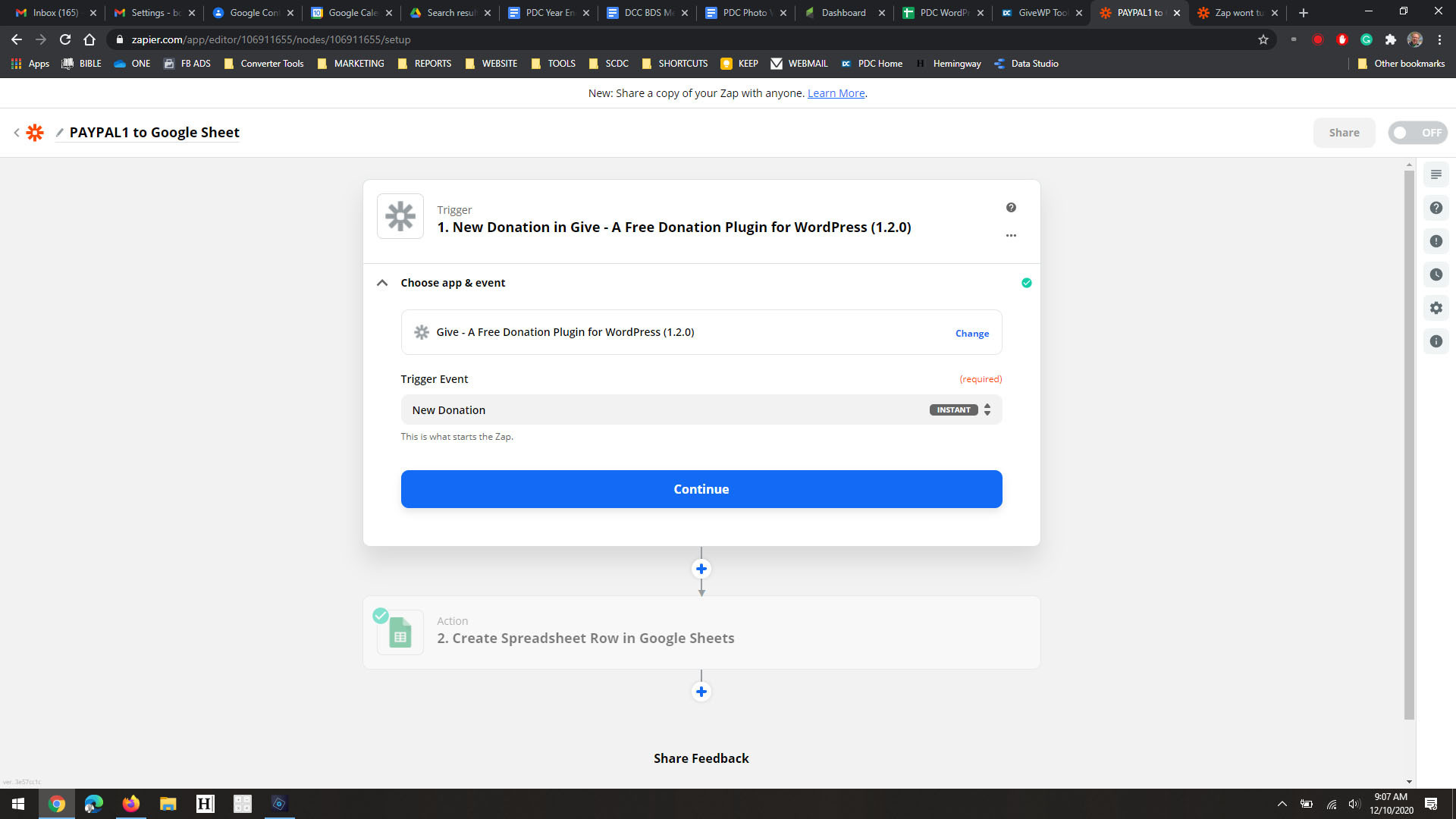
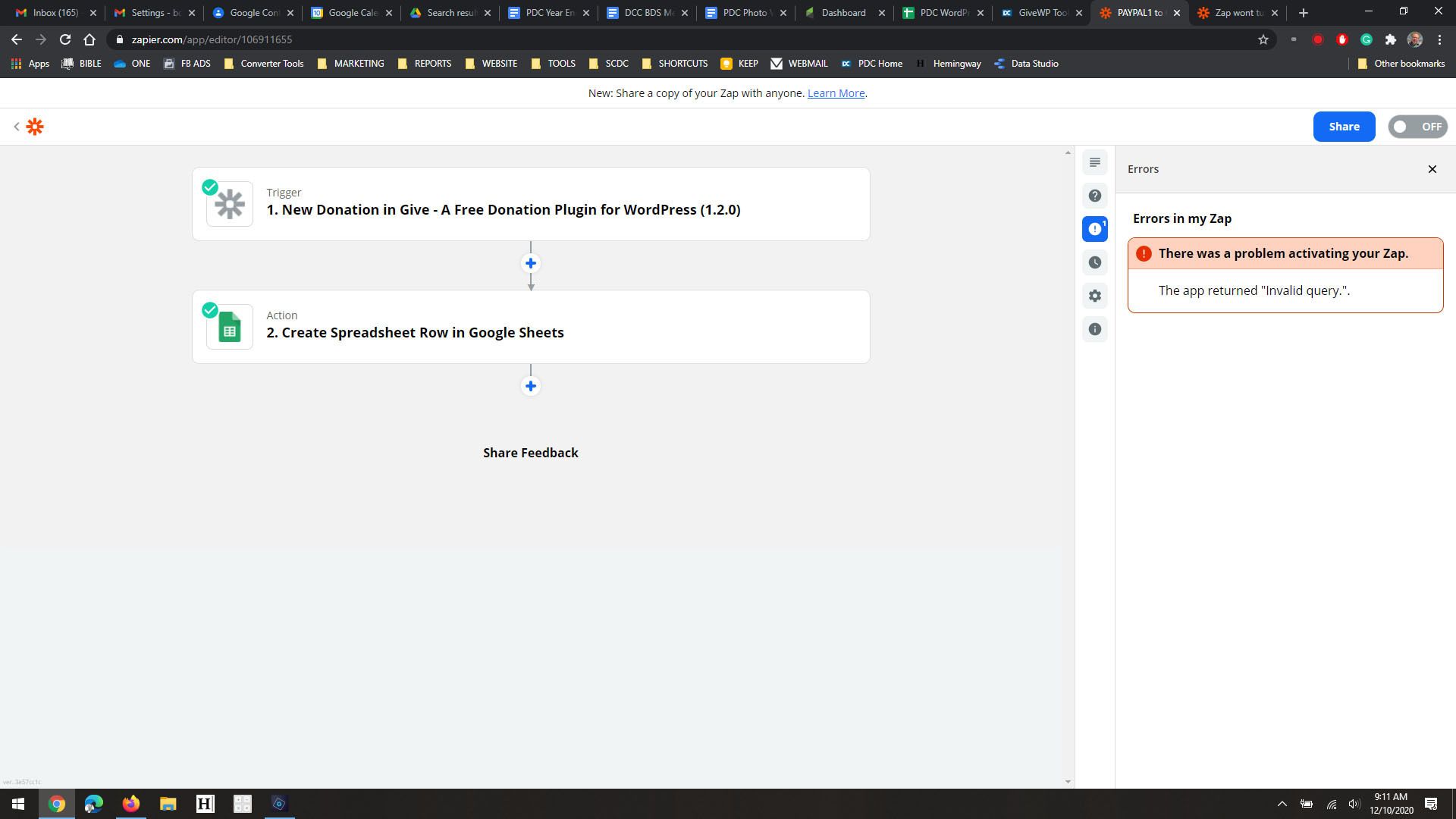
I’m creating a zap to go from GiveWP to Google Sheet. Setup seems fine, testing does create a new spreadsheet row just fine. But every time I try to turn on the zap i get this error -
The app returned "Invalid query.".

I’m creating a zap to go from GiveWP to Google Sheet. Setup seems fine, testing does create a new spreadsheet row just fine. But every time I try to turn on the zap i get this error -
The app returned "Invalid query.".
Best answer by nicksimard
Hi
I feel like this wasn’t always the case, but the GiveWP integration is now invite-only, meaning we don’t have as much insight or access to it. In fact, we don’t have a space where we would report a bug because the integration isn’t publicly-available (anyone can create on our Developer Platform and keep it private or invite-only).
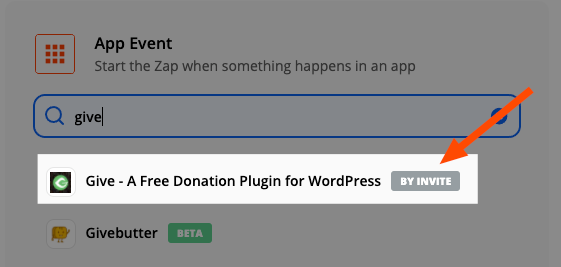
I did find their detailed documentation (looks a little outdated so I don’t know how accurate it will be) for working with the Zapier integration, so maybe that will help you resolve this :)
If not, I’d suggest getting in touch with the GiveWP team to see if they can help you troubleshoot that.

Build and deploy automations from AI tools you already use. With Agentic Management, if anything breaks, the agent diagnoses the issue and proposes a fix.

Join us September 23rd, 2026 for a free, one-day virtual event with 30+ sessions on AI automation. Get live build-alongs, playbooks, and strategies to lead AI transformation at your organization.
No account yet? Create an account
Enter your E-mail address. We'll send you an e-mail with instructions to reset your password.