Best answer

[Woocommerce - ACF fields (metadata)] How to get string url instead of id from file input field ?

  • May 23, 2022
  • 4 replies
  • 264 views

Hello everyone, i need help on my automation.

So i want to retrieve my file url from a custom field in wordrpress using woocommerce product. But when i fetch the product to get the data instead of having a string value (url) i get the file id. 

I am a beginner so i’m a little bit lost on that.

Best answer by Troy Tessalone

@Jeremy.kh 

Might be best to open a ticket with Zapier Support for further help: https://zapier.com/app/get-help

This post has been closed for comments. Please create a new post if you need help or have a question about this topic.

4 replies

Troy Tessalone
Zapier Orchestrator & Solution Partner
Forum|alt.badge.img+14
  • Zapier Orchestrator & Solution Partner
  • May 23, 2022

Hi @Jeremy.kh 

Good question.

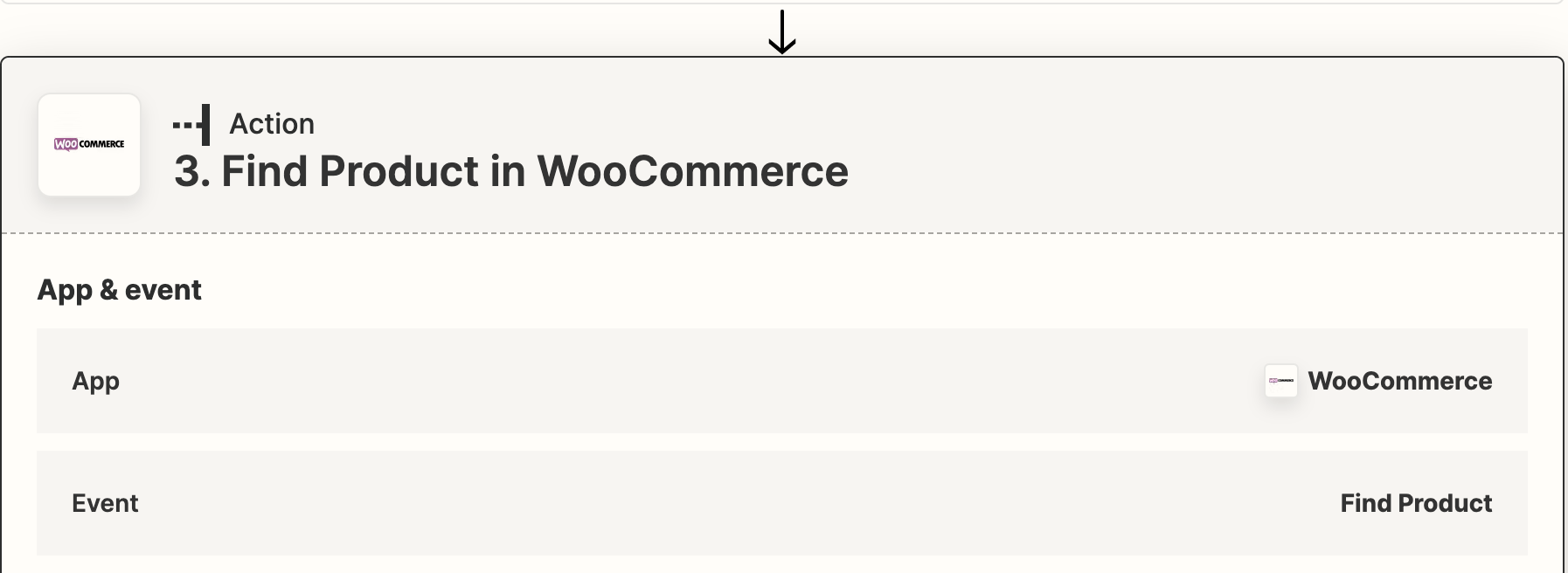
Try adding a WooCommerce Find Product step to the Zap.


  • Author
  • Beginner
  • May 24, 2022

Hi @Jeremy.kh 

Good question.

Try adding a WooCommerce Find Product step to the Zap.


Hi, thank you for your answer.

That’s what i was doing and it was working nice but now that woo commerce plugin updated to a new version, i think, in zapier it doesn’t work anymore.

Before i got the full path of my file but now i got the file id.


Troy Tessalone
Zapier Orchestrator & Solution Partner
Forum|alt.badge.img+14
  • Zapier Orchestrator & Solution Partner
  • Answer
  • May 24, 2022

@Jeremy.kh 

Might be best to open a ticket with Zapier Support for further help: https://zapier.com/app/get-help


Danvers
Forum|alt.badge.img+12
  • Zapier Staff
  • May 25, 2022

Hi @Jeremy.kh

I can’t see an existing issue report for the change in fields that are returned from the Find Product step, so Troy is right that it’s best to get in touch with the Support Team on this one. They will be able to really dig into the logs of your Zap and the details of the WooCommerce app to try and help you with this.