Best answer

[Webflow + Google Drive] File from Webflow form can't be uploaded to GDrive folder

  • December 22, 2021
  • 6 replies
  • 519 views

Hi community, 


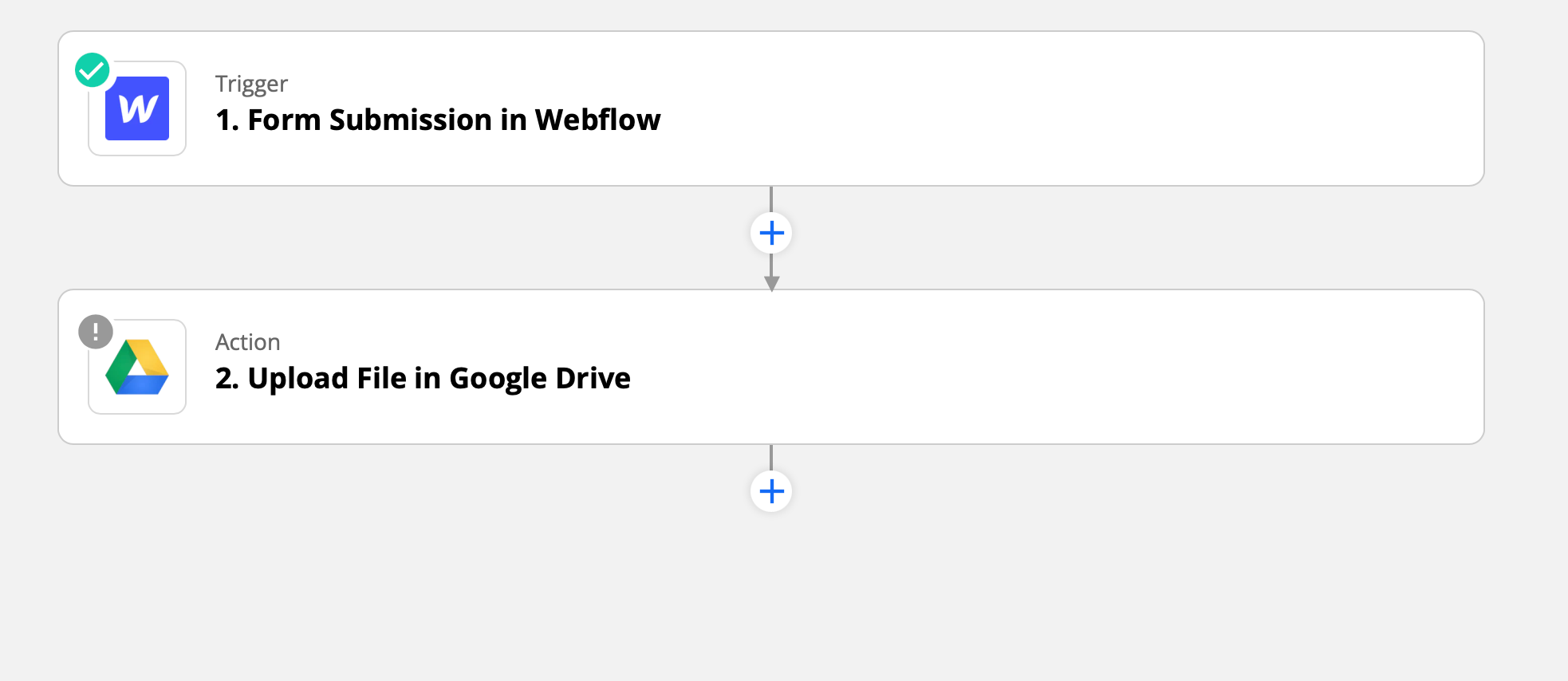
I want to build a really simple Zap, but always get an error that I can’t resolve. I want to connect a Webflow form with GDrive, so that people can upload a PDF file on my Webflow website and this PDF is automatically uploaded to a GDrive folder.


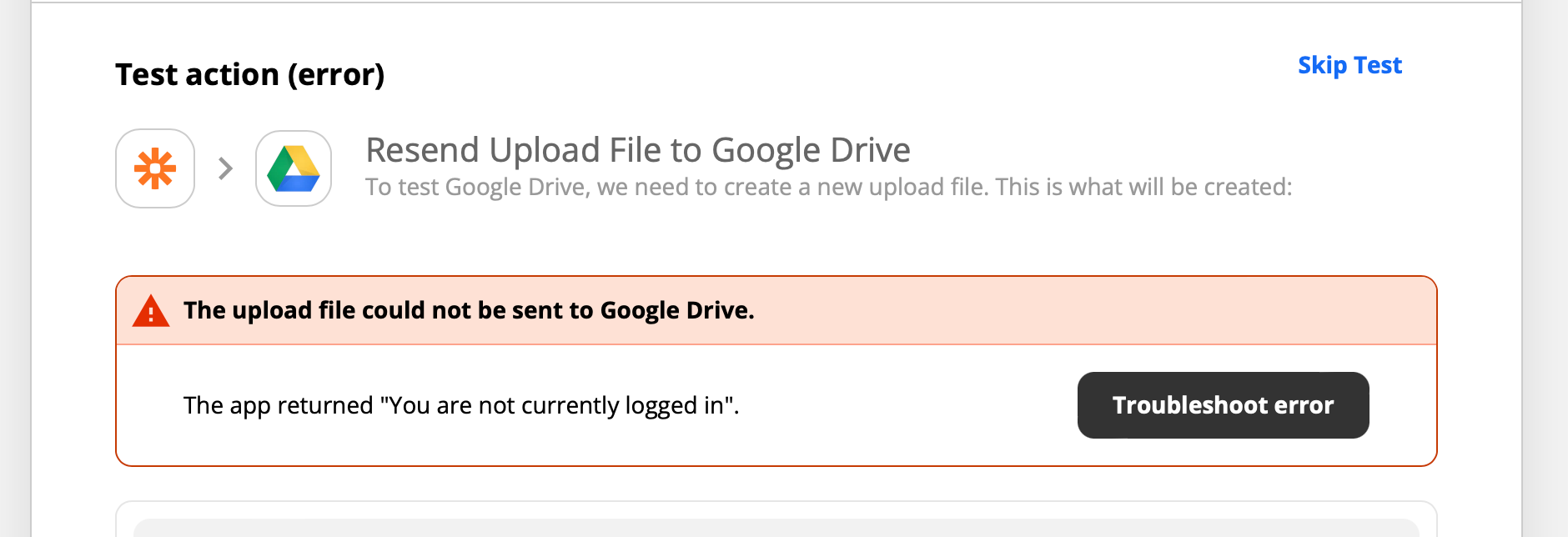
When I want to test the Zap, I always get the error message “The app returned: You are not currently logged in” (See pictures attached)


I reconnected both Webflow and Google Drive accounts twice, but it still does not work. Any idea what’s causing the issue? 


Best answer by SamB

Hey @scaleupnrw!

It sounds like you’ve got the Restrict uploaded file access setting in Webflow enabled. You’ll want to disable it in order to get publicly accessible file links sent to the Zap. You can find out more about how to disable that setting here: Managing file submissions > restrict uploaded file access

Hopefully that’ll sort it! :)

This post has been closed for comments. Please create a new post if you need help or have a question about this topic.

6 replies

mzsadiek
Forum|alt.badge.img+5
  • Zapier Solution Partner
  • December 22, 2021

Hi @scaleupnrw! Are you sure the pdf from Webflow is accessible by the link you are passing to Google Drive?


Troy Tessalone
Zapier Orchestrator & Solution Partner
Forum|alt.badge.img+14
  • Zapier Orchestrator & Solution Partner
  • December 22, 2021

Hi @scaleupnrw 

Check your app connections here: https://zapier.com/app/connections


Make sure your file URL is publicly accessible.

You can check this by copying/pasting the file URL into a new private browser to see if the file is accessible.

Help article about using files in Zaps: https://zapier.com/help/create/basics/send-files-in-zaps


  • Author
  • Beginner
  • January 4, 2022

Many thanks for your answers. You’re right. The issue is, that Zapier only grabs a Webflow-Link to the PDF that is restricted. The publicly available AWS download link is only visible for logged in users on Webflow. Any idea how to find a workaround for that? I do not see the AWS link in the submissions on Zapier. 


Restricted link from Zapier: https://webflow.com/api/sites/scaleup-nrw/formUploads/6ed17dc4-1c7d-44df-bd66-50f5XXXXXX.pdf


Needed public AWS link: https://webflow-user-file-uploads-production.s3.amazonaws.com/61c1a76d0557c92c45XXXXXXX17dc4-1c7d-44df-bd66-50f5d3e8b383.pdf?X-Amz-Algorithm=AWS4-HMAC-SHA256&X-Amz-Credential=AKIAJK5SSHKXXXX%2F20220104%2Fus-east-1%2Fs3%2Faws4_request&X-Amz-Date=20220104T094332Z&X-Amz-Expires=300&X-Amz-Signature=ac3f2be0d247182a101ad20975ec7131c687e14373503e095bXXXXXXXX0&X-Amz-SignedHeaders=host


Troy Tessalone
Zapier Orchestrator & Solution Partner
Forum|alt.badge.img+14
  • Zapier Orchestrator & Solution Partner
  • January 4, 2022

@scaleupnrw 

Might want to try opening a ticket with Zapier Support for additional help: https://zapier.com/app/get-help


SamB
Community Manager
Forum|alt.badge.img+11
  • Community Manager
  • Answer
  • January 5, 2022

Hey @scaleupnrw!

It sounds like you’ve got the Restrict uploaded file access setting in Webflow enabled. You’ll want to disable it in order to get publicly accessible file links sent to the Zap. You can find out more about how to disable that setting here: Managing file submissions > restrict uploaded file access

Hopefully that’ll sort it! :)


Hey @scaleupnrw!

It sounds like you’ve got the Restrict uploaded file access setting in Webflow enabled. You’ll want to disable it in order to get publicly accessible file links sent to the Zap. You can find out more about how to disable that setting here: Managing file submissions > restrict uploaded file access

Hopefully that’ll sort it! :)

This was it. Thanks!