Question

Uploading video files that were uploaded through Slack Workflows into ClickUp task comments

  • August 15, 2025
  • 3 replies
  • 21 views

Forum|alt.badge.img

Dear Zapier Community,


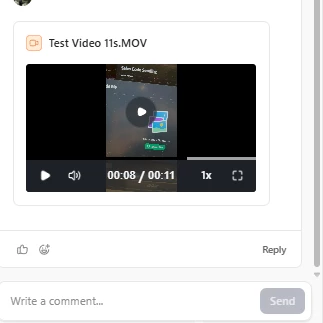
I was wondering if it is possible to use Zapier to get the video files that i uploaded via Slack workflows to post into ClickUp task comments? (Shown in screenshot where i manually uploaded a video attachment) 
 

This post has been closed for comments. Please create a new post if you need help or have a question about this topic.

3 replies

Forum|alt.badge.img+1
  • Zapier Staff
  • August 15, 2025

Hey there ​@Laksa 

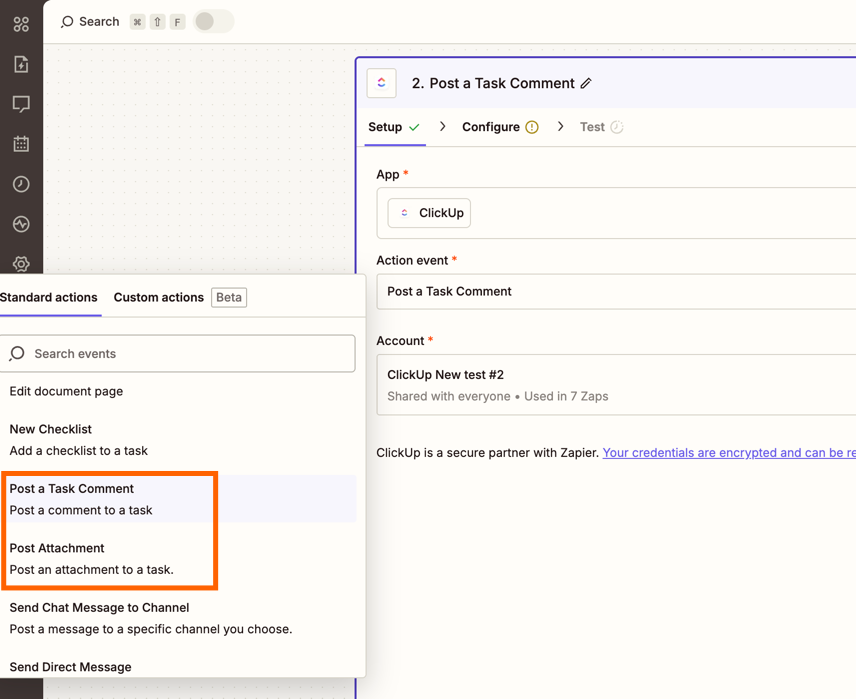
I took a peek at the actions in the ClickUp app and there is an option to “Post Attachment” and “Post Comment” to task.

33dc9e90f6bd4dbd0d9e9d1cb62d1a00.png
(view larger)


How the file is displayed may depends on the format of the file being sent to Click Up.

Please give it a whirl and see if it is displayed in the way you expect!


Forum|alt.badge.img
  • Author
  • Beginner
  • August 15, 2025

Hey ​@laura.giles ,


Thanks for your comment, I am actually facing more trouble trying to extract the file that was uploaded to the slack workflow. Posting the attachment seems to work find for me but I can’t seem to get the source file to input into the “Post Attachment” action for ClickUp


SamB
Community Manager
Forum|alt.badge.img+11
  • Community Manager
  • August 19, 2025

Hey there, ​@Laksa 👋

Have you had any luck in getting this sorted? If not, can you confirm which Slack trigger you’re using for the Zap?

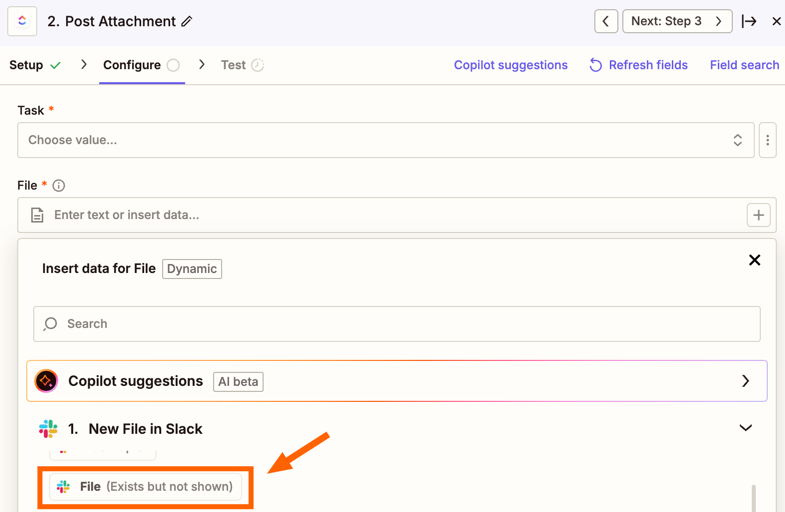
Looking at the New File Slack trigger, it appears to have a File field that would contains the file:

b269c02869ecbae2005a54f536d5957c.png
 

So I would have thought that if you select that in the Post Attachment ClickUp action it would allow the Zap to pass over the file to ClickUp. You can learn more about how to pass files between Zap steps here: Send files in Zaps

Keep us posted on how it goes! 🙂