
Best answer

Trying to find calendar events in Outlook and write them to Google Sheets

  • May 10, 2025
  • 3 replies
  • 85 views

Hi all,

I am trying to create a Zap that will be scheduled to run each morning at 7.00am.  It should connect to Oulook and find all my calendar events for that day.  And then write the Title, Start Time, End Time, Description, Attendees into a row in Google Sheets.  The trigger is a Schedule by Zapier for each morning. However, I am having difficulty understanding or getting the Find Calendar Event action to work with Outlook.  How do I configure it so that it would bring back everything for that day?  Right now, it require me to enter a search term, that doesn’t seem to bring back anything.  And then for the Create Spreadsheet Row action for Google Sheets, how do I map the Outlook calendar event fields?

Best answer by Troy Tessalone

Hi ​@MJP2025 

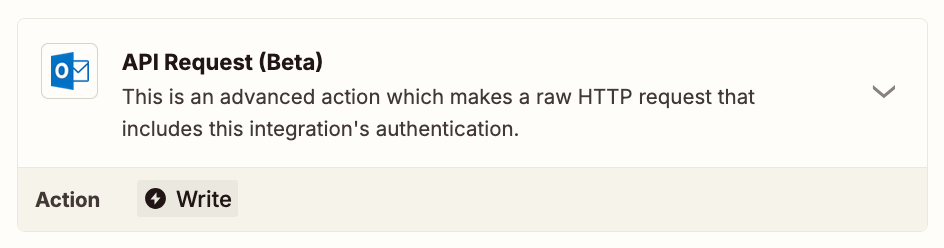
You would have to use the Outlook API to query for and handle multiple events as the

Outlook API: https://learn.microsoft.com/en-us/outlook/rest/get-started

OPTIONS

If you need to hire help, there is a directory of Certified Zapier Experts: https://zapier.com/experts


This post has been closed for comments. Please create a new post if you need help or have a question about this topic.

3 replies

Troy Tessalone
Zapier Orchestrator & Solution Partner
Forum|alt.badge.img+14
  • Zapier Orchestrator & Solution Partner
  • Answer
  • May 10, 2025

Hi ​@MJP2025 

You would have to use the Outlook API to query for and handle multiple events as the

Outlook API: https://learn.microsoft.com/en-us/outlook/rest/get-started

OPTIONS

If you need to hire help, there is a directory of Certified Zapier Experts: https://zapier.com/experts


  • Author
  • New
  • May 11, 2025

Hi Troy,


That’s really helpful!  Thank you.  It took me a few hours to get it working, but the Outlook API has worked.  Exactly what I need. 

Much appreciated,

Mark


JammerS
Forum|alt.badge.img+6
  • Zapier Staff
  • May 12, 2025

Wow! Thank you for confirming that Troy’s resolution got the Zap running. This will significantly help our Community members to have as a reference for the same issue.




