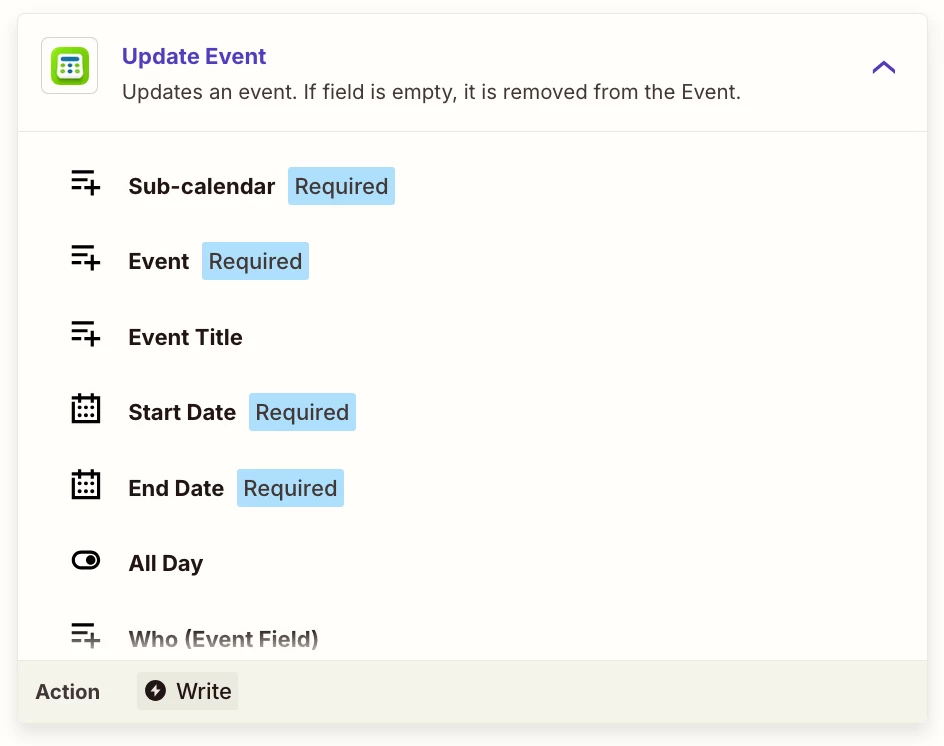
I’m trying to do something which i think should be relatively straightforward but can’t find a solution.
When a client’s address is added Hubspot (contact information) I want this to be reflected in the TeamUp event for the same client.
How can I do this? I can’t find anyway to locate the relevant event in TeamUp!
Best answer by charliewellorganised
Thanks for your message.
Before getting your suggestions I found a way to get it to work by using tables.
When an event or updated in TeamUp the table is updated with event details including event remote ID and the email address of the client. I can then find the event remote ID in future zaps by referring back to the table.
Thanks for your help.
This post has been closed for comments. Please create a new post if you need help or have a question about this topic.
Before getting your suggestions I found a way to get it to work by using tables.
When an event or updated in TeamUp the table is updated with event details including event remote ID and the email address of the client. I can then find the event remote ID in future zaps by referring back to the table.
Thanks so much for circling back to share how you got it solved @charliewellorganised. Really pleased you were able to get a solution in place with Tables! 🎉
And thank you to @Fahad S and @Troy Tessalone for jumping in to offer some suggestions here.
ZapConnect 2026 is coming
Join us September 23rd, 2026 for a free, one-day virtual event with 30+ sessions on AI automation. Get live build-alongs, playbooks, and strategies to lead AI transformation at your organization.