Question

Syncing client addresses from HubSpot to TeamUp events

  • April 23, 2026
  • 2 replies
  • 13 views

I’m trying to do something which i think should be relatively straightforward but can’t find a solution.

When a client’s address is added Hubspot (contact information) I want this to be reflected in the TeamUp event for the same client.

How can I do this? I can’t find anyway to locate the relevant event in TeamUp!

 

2 replies

Forum|alt.badge.img+3
  • Zapier Solution Partner
  • April 23, 2026

Hy ​@charliewellorganised 

The trick is using TeamUp's "Find Event Matching Remote ID" action in Zapier — that's how you locate the right event.

One-time setup: When creating TeamUp events for clients, store the HubSpot Contact ID in the event's Remote ID field. This links the two together.

Your Zap (3 steps):

  1. Trigger: HubSpot → New Contact Property Change (watch the address field)
  2. Action: TeamUp → Find Event Matching Remote ID (use the HubSpot Contact ID)
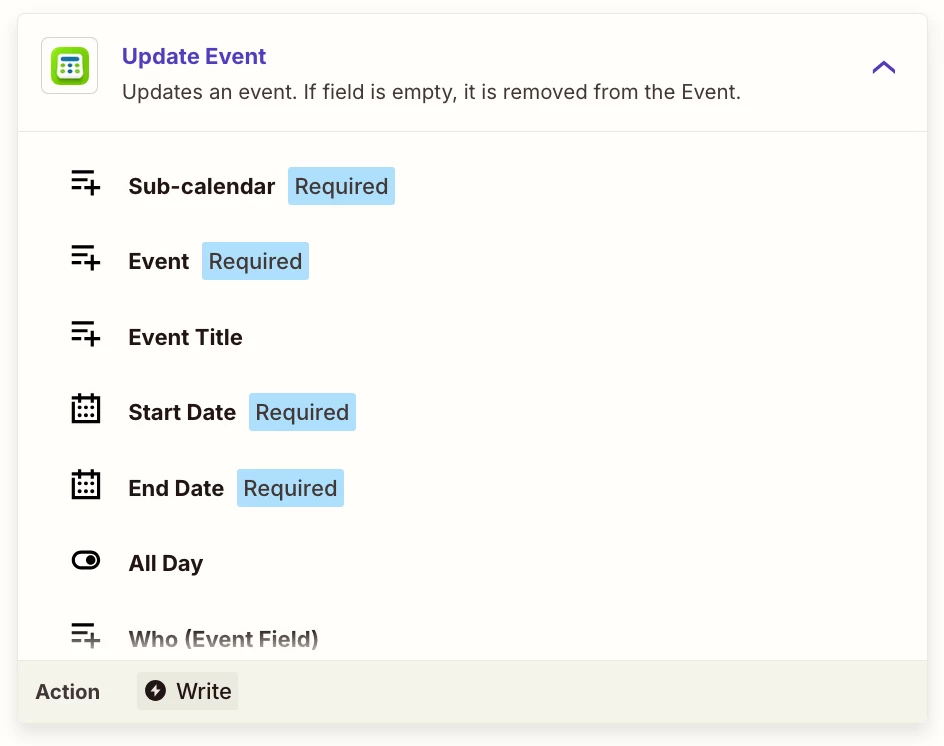
  3. Action: TeamUp → Update Event (map the new address to the Location/Notes field)

Hope this helps you get it sorted!


Troy Tessalone
Zapier Orchestrator & Solution Partner
Forum|alt.badge.img+14
  • Zapier Orchestrator & Solution Partner
  • April 23, 2026

Hi ​@charliewellorganised 

For the Zap action: TeamUp Calendar - Update Event

The Event field expects the internal TeamUp Calendar Event ID.


You either need to add a Zap step to find that TeamUp Calendar Event. (e.g. TeamUp Calendar - Find Event Matching Remote ID)

Or you would have stored the TeamUp Calendar Event ID on the HubSpot Contact in a custom Property from a different Zap.