Question

Setting up Zaps to Update Hubspot Deal Pipeline

  • September 4, 2024
  • 9 replies
  • 50 views

I am trying to create Zaps to automatically update our Microsoft Teams Sales Channel whenever a deal is created or won / lost. 

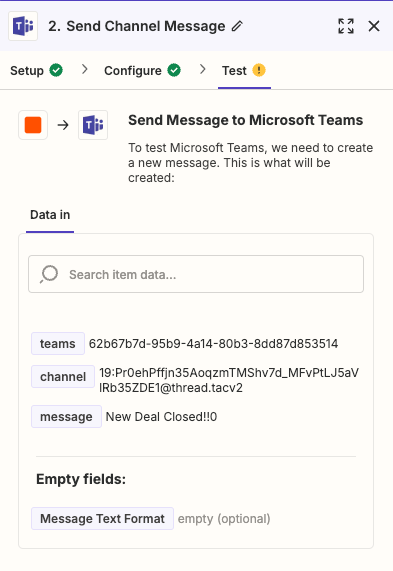
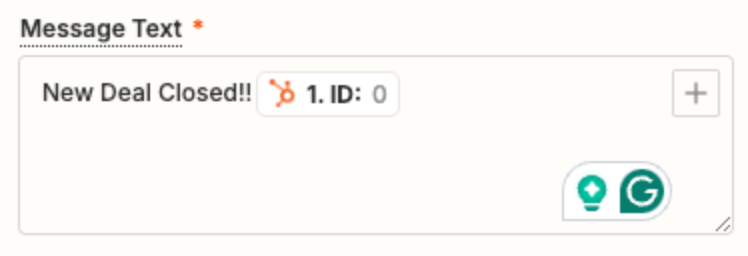
I have the Zaps set up and they’re triggering just fine based on deals being reclassified in Hubspot, but the output into the teams channel isn’t pulling any of the deal data in it. It only pings Teams the free text I added to the message and not any of the deal fields I want it to include… any advice?


This post has been closed for comments. Please create a new post if you need help or have a question about this topic.

9 replies

Troy Tessalone
Zapier Orchestrator & Solution Partner
Forum|alt.badge.img+14
  • Zapier Orchestrator & Solution Partner
  • September 4, 2024

Hi @stirling_h 

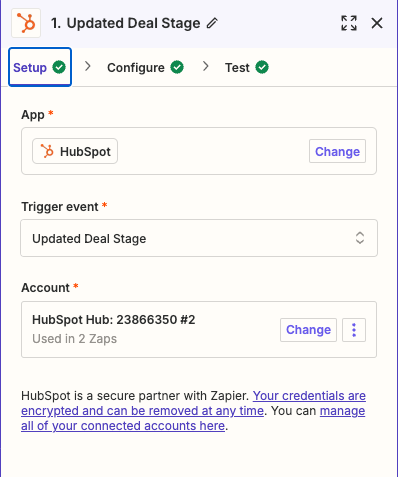
For us to have more info, post screenshots showing how your Zap action steps are configured in EDIT mode.


  • Author
  • New
  • September 4, 2024


Troy Tessalone
Zapier Orchestrator & Solution Partner
Forum|alt.badge.img+14
  • Zapier Orchestrator & Solution Partner
  • September 4, 2024

@stirling_h 

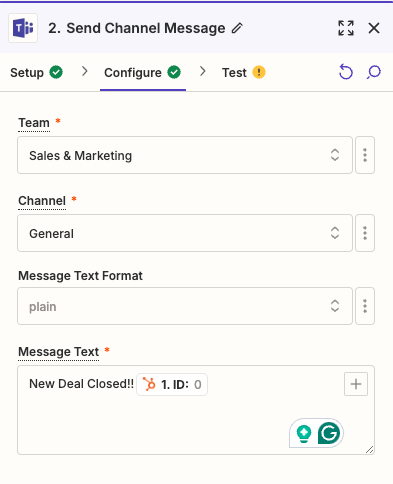
You would need to map more dynamic variables from Step 1 using the [+] button.


  • Author
  • New
  • September 4, 2024

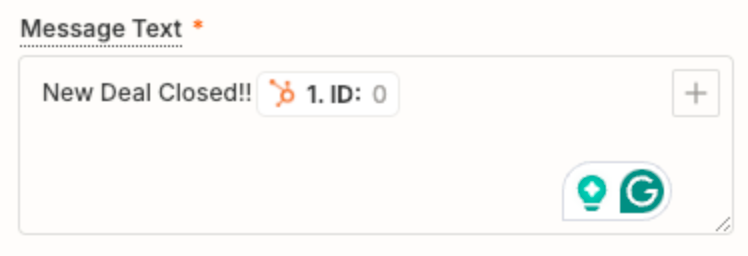
And how do I do that? As you can see from the pictures, I thought I had already mapped variables for Deal Name, Revenue, and Deal Owner. Why aren’t those variables pulling in?  


Troy Tessalone
Zapier Orchestrator & Solution Partner
Forum|alt.badge.img+14
  • Zapier Orchestrator & Solution Partner
  • September 4, 2024

@stirling_h 

In Step 2, you need to map the desired dynamic variables from Step 1 using the [+] button, the same way you did for the ID variable.


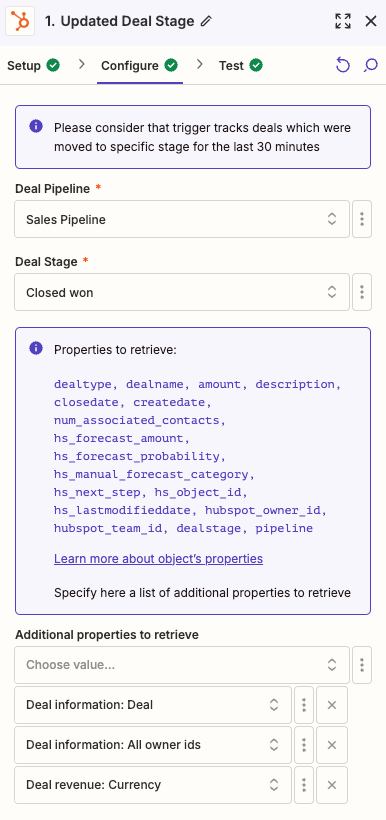
The 3 other variables you mentioned are configured in Step 1, so that those are then available from step 1 to be mapped to step 2.


  • Author
  • New
  • September 4, 2024

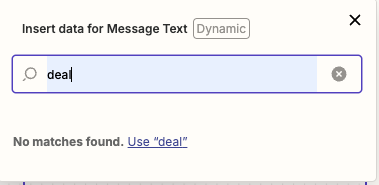
When I try to + a variable, nothing populates for any of the variables I tagged in step 1


Troy Tessalone
Zapier Orchestrator & Solution Partner
Forum|alt.badge.img+14
  • Zapier Orchestrator & Solution Partner
  • September 4, 2024

@stirling_h 

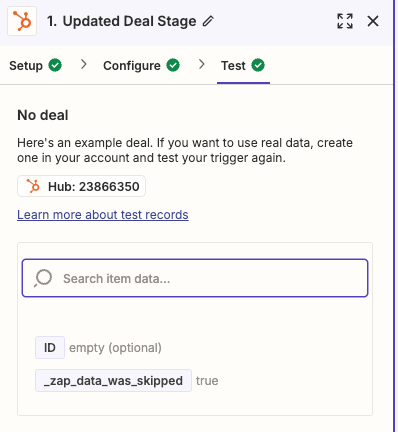
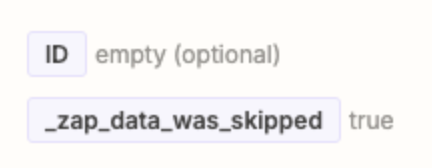
Make sure to test Zap step 1 to get real results returned from HubSpot to help you configure your Zap action steps.

Previous screenshots show you skipped testing Zap step 1.


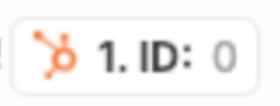
As a clue, there is no HubSpot Deal with ID = 0, so that means Zap step 1 is returning dummy data until you test Zap step 1.


  • Author
  • New
  • September 4, 2024

That worked - thank you!

Last question - is there any way to have the Deal Amount have a numerical output vs. just string of numbers, without using the Zapier converter (I don’t have enterprise and thus no multi-step Zaps).

Current output: Deal Amount - 15000
Desired output: Deal Amount - $15,000


Troy Tessalone
Zapier Orchestrator & Solution Partner
Forum|alt.badge.img+14
  • Zapier Orchestrator & Solution Partner
  • September 4, 2024

@stirling_h 

You would have to use a Formatter step or the data would have to come from HubSpot already formatted as you want.