Question

Setting up quote reminders in AroFlo based on expiry date

  • February 25, 2026
  • 2 replies
  • 23 views

Does anyone know how to setup quote reminders based on the quote expiry date in AroFlo?

2 replies

Troy Tessalone
Zapier Orchestrator & Solution Partner
Forum|alt.badge.img+14
  • Zapier Orchestrator & Solution Partner
  • February 25, 2026

Hi ​@RikkiST 

You’d have to define more logic about the reminder schedule you are trying to configure.

e.g. Send reminder N days before.


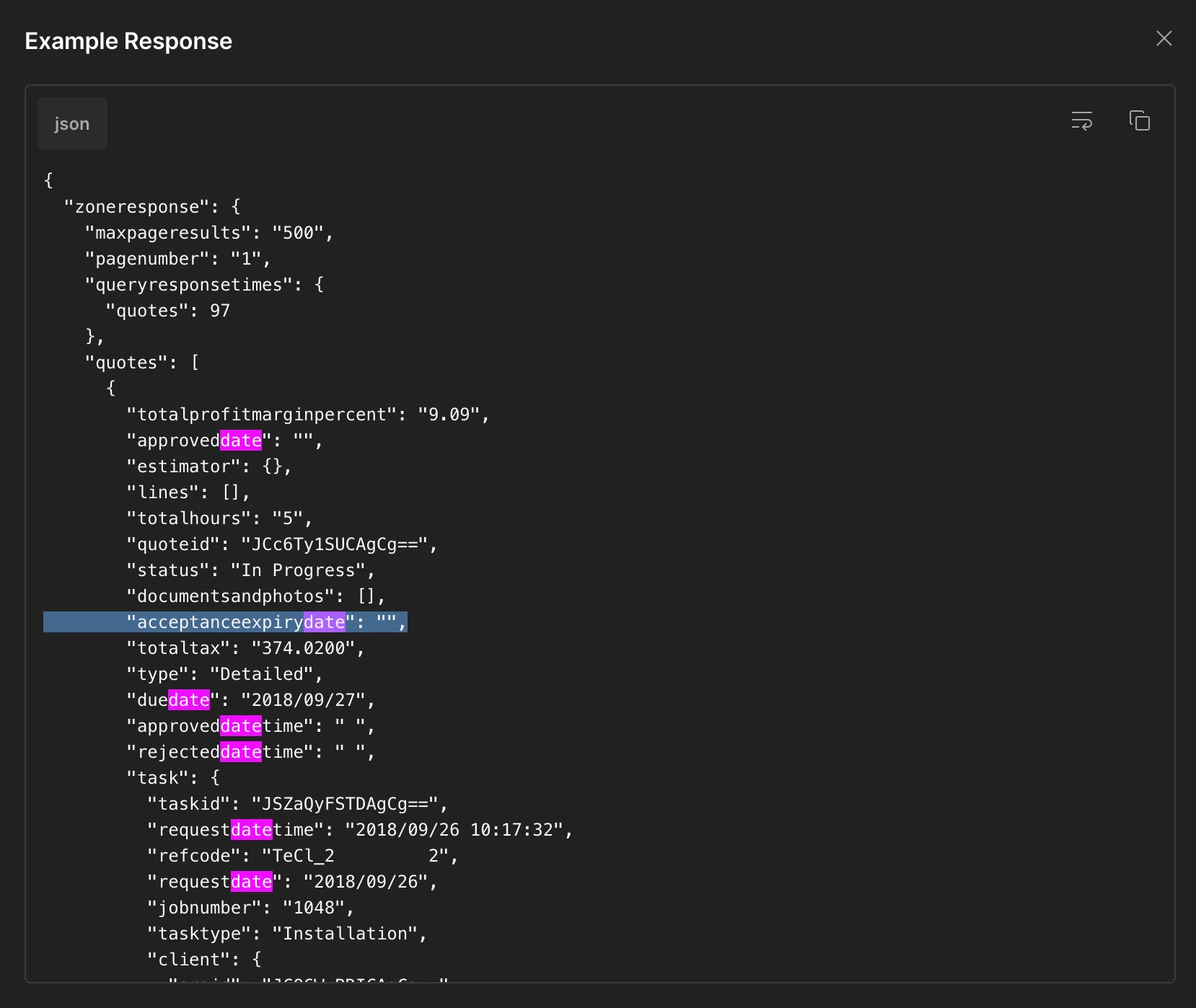
You’ll likely have to use the AroFlo API and custom Code step to fetch and filter.

Endpoint: Get In Progress Quotes

https://apidocs.aroflo.com/#e4fbdda7-2dc0-45ce-8c95-7cbc3daed620


General concept for Zap steps:

  1. Trigger: Schedule
    1. Daily at X Time in Y time zone
  2. Action: Code (JavaScript / Python)
    1. GET API ArfFlo - Get In Progress Quotes
  3. Action: Filter
    1. Check there are Quotes to process
  4. Action: Looping - Create Loop from Line Items
    1. https://zapier.com/apps/looping/integrations#help
  5. Action: [APP] - [EVENT]
    1. UP TO YOU
      1. e.g. Gmail - Send Email


If you are looking to hire help, I’m a Zapier Partner: https://zapier.com/partnerdirectory/automation-ace


SamB
Community Manager
Forum|alt.badge.img+11
  • Community Manager
  • March 5, 2026

Hey there ​@RikkiST 👋 

How did you get on with the approach Troy suggested for this. Were you able to get your Zap sending out quote reminders relative to the expiry dates?

Let us know how it went. Happy to lend a hand if you got stuck at all 🙂