Hi
One quick question:
is there a way to add a refresh or similar in order to force Zapier to collect the latest post on "find data"?

Hi
One quick question:
is there a way to add a refresh or similar in order to force Zapier to collect the latest post on "find data"?
Best answer by Danvers
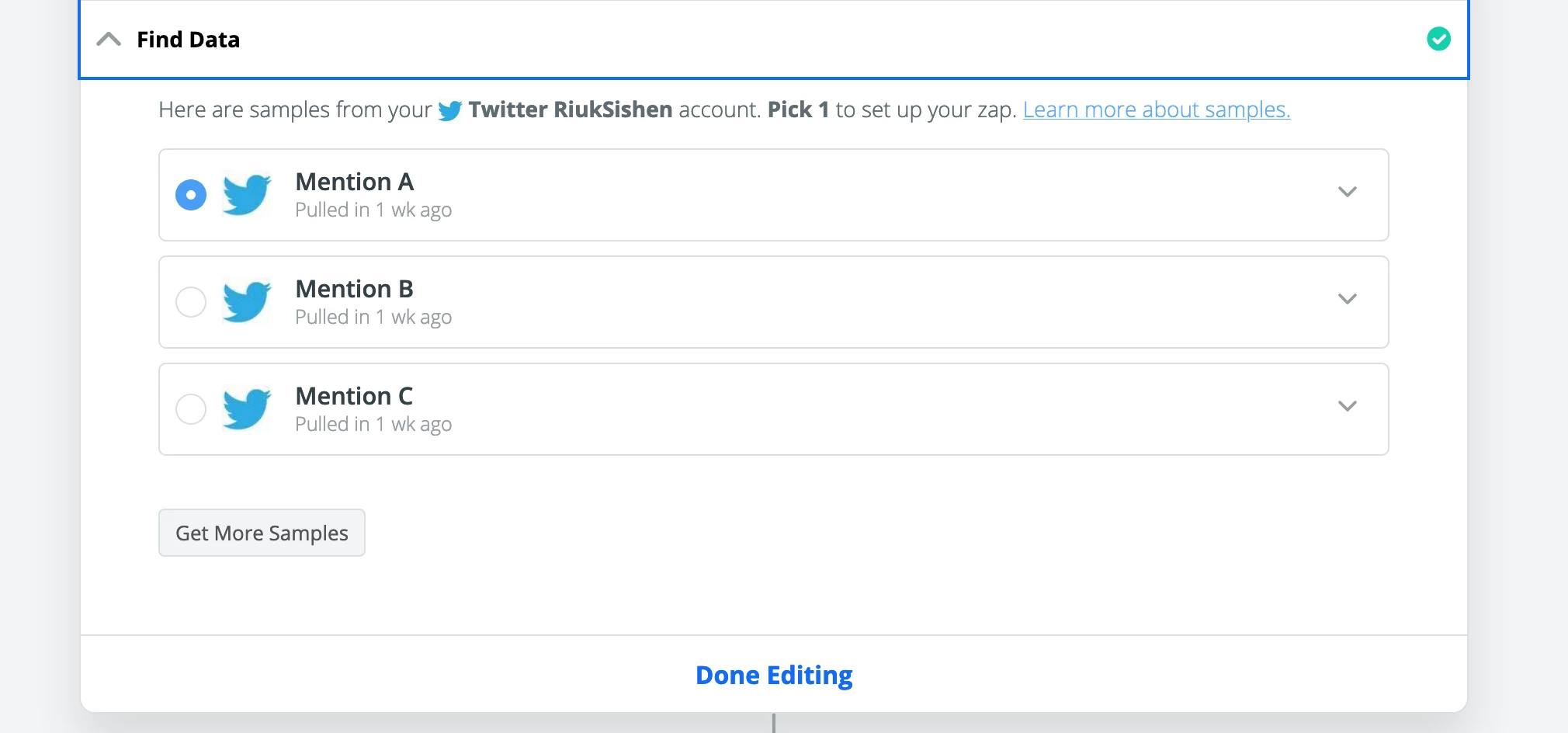 This should find a recent post for you. You can see the details of the post by clicking on the down arrow at the end of the box. Finally, don't forget to select the sample that you want to use in the Zap.
I hope that helps!

Build and deploy automations from AI tools you already use. With Agentic Management, if anything breaks, the agent diagnoses the issue and proposes a fix.
Enter your E-mail address. We'll send you an e-mail with instructions to reset your password.


