Question

Optimizing Zapier tasks for course completion data integration with Salesforce

  • July 13, 2026
  • 6 replies
  • 44 views

Hey Guys! I am pretty new to zapier, but have used other middleware tools like dell boomi in the past.

I am trying to create a declarative solution to capture course completions from our LMS and post it into Salesforce. I am using quite a lot of tasks since I am looping through each course completion record, using rest API’s to fetch the course name, the username, search that user in sf to get the contact id and then post it into SF.

With 60 course completions DAILY, this is causing me to use quite a few tasks every run.

Has anyone else had a similar situation? How did you or would you solve this?

Thanks,

Danny

 

6 replies

Troy Tessalone
Zapier Orchestrator & Solution Partner
Forum|alt.badge.img+14
  • Zapier Orchestrator & Solution Partner
  • July 13, 2026

Hi ​@Danny93 

For us to have more context, post screenshots showing how your Zap steps are outlined to see if we can offer suggestions for how to optimize.


Don’t forget about the ROI of automation: 


  • Author
  • New
  • July 14, 2026

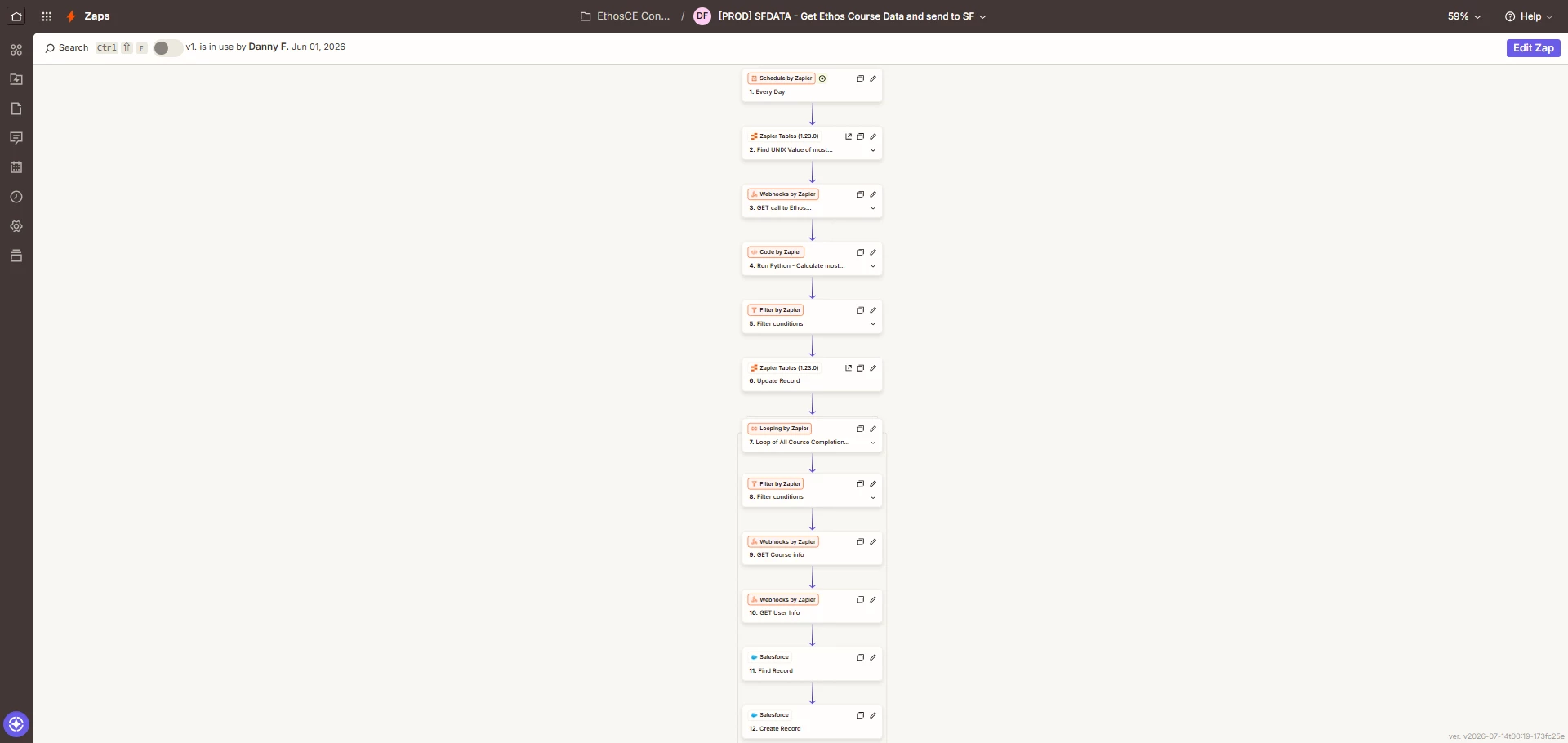
Good call ​@Troy Tessalone! Here is a screenshot of that flow. I tried to label each step as best I could!

To cut down on the number of records I got back I created a zapier table to get the unix value of the last time this process was run, use that as a parameter for my rest call in Step 3. I use a code snippet to find the largest value then update the table with that value for the next run (Step 6). The filter step in Step 5 is used to make sure that I am not updating the table with a 0 value incase no results are returned.

The looping seems to be where most the tasks are used but open to feedback!


Troy Tessalone
Zapier Orchestrator & Solution Partner
Forum|alt.badge.img+14
  • Zapier Orchestrator & Solution Partner
  • July 14, 2026

@Danny93 

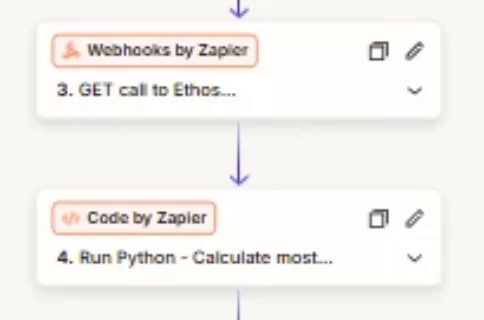
You could combine steps 3-4 into 1 code step, since the code can make the API request and handle the response.


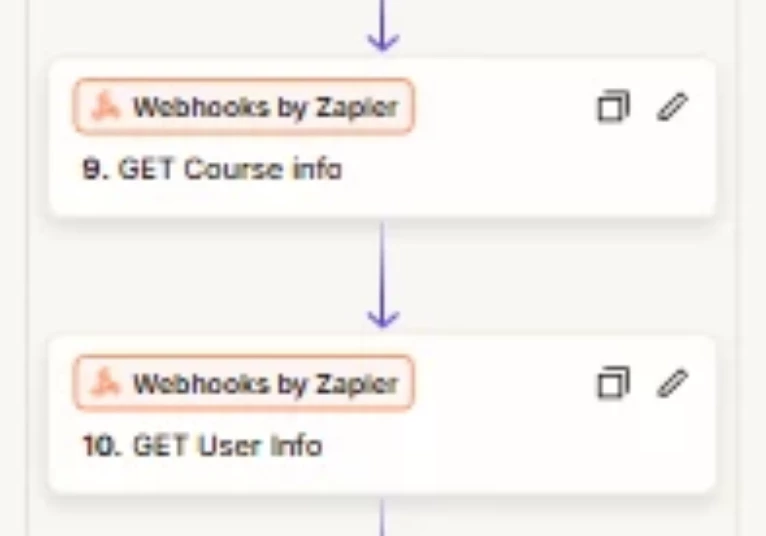
You can combine steps 9-10 into 1 code step to do the API request/response.


Fabi.SPL
Forum|alt.badge.img
  • New
  • July 18, 2026

zapier looping through each record like that is gonna burn through tasks fast, especially with 60 daily completions. the non-obvious risk here is hitting zapier's task limits before you even get the data right, and then paying for overage or having it just stop mid-run.

honestly, i'd flip the approach. instead of fetching course name and username per loop, batch that data upstream. if your lms can dump a daily csv or a single api call with all 60 completions at once, you can use zapier's code step to parse it in one shot. then do a single bulk upsert to salesforce. that kills the per-record loops.

it depends on whether your lms has a "get all completions since yesterday" endpoint or a webhook that sends a batch. if not, you're stuck with the loop but you could cache the course names in a lookup table inside zapier to save one api call per record.

what does your lms actually support for bulk export?


SamB
Community Manager
Forum|alt.badge.img+11
  • Community Manager
  • July 22, 2026

Hey ​@Danny93 👋 How did you get on with Troy and Fabi.SPL’s suggestions?

Let us know if you got it sorted or if you could do with some more help reducing your task usage!


Forum|alt.badge.img+1
  • New
  • July 22, 2026

One more lever on top of consolidating those API calls into Code steps: the course name lookup is almost certainly repeating. Sixty completions a day across a much smaller set of courses means you are fetching the same course names over and over.

Pull the course list once at the top of the run into a dictionary inside a Code step, then resolve names from memory during the loop. Same idea on the Salesforce side, one SOQL query with an IN clause over all the usernames returns every contact id in a single call instead of one search per record.

That turns a per record fan out into roughly two reads plus the writes, which is where your task count actually lives. The loop then only does work that genuinely differs per record.