Hey Guys! I am pretty new to zapier, but have used other middleware tools like dell boomi in the past.
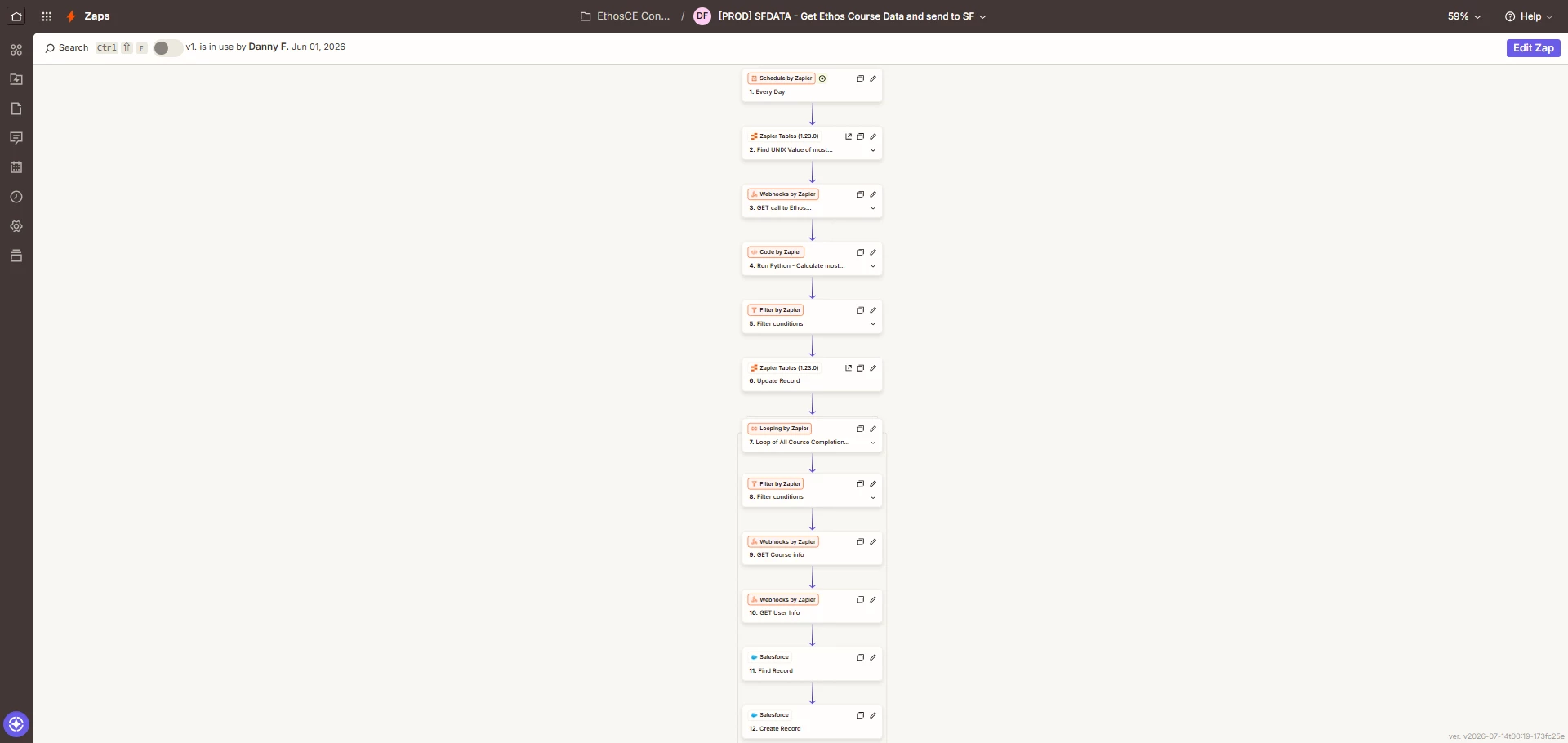
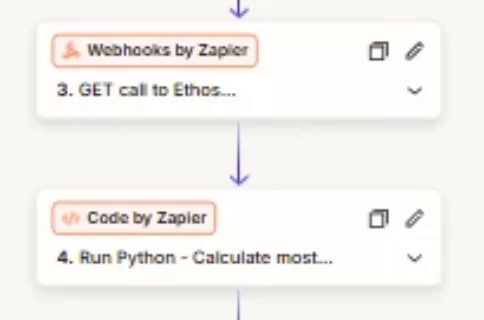
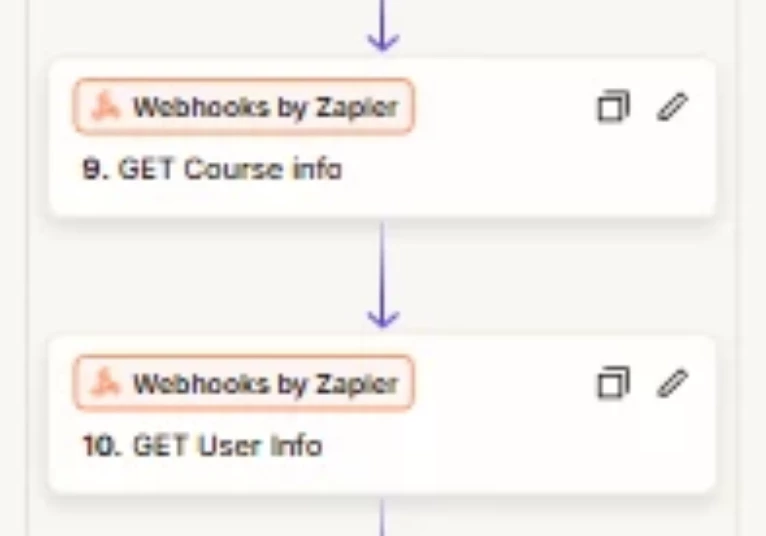
I am trying to create a declarative solution to capture course completions from our LMS and post it into Salesforce. I am using quite a lot of tasks since I am looping through each course completion record, using rest API’s to fetch the course name, the username, search that user in sf to get the contact id and then post it into SF.
With 60 course completions DAILY, this is causing me to use quite a few tasks every run.
Has anyone else had a similar situation? How did you or would you solve this?
Thanks,
Danny

Question
Optimizing Zapier tasks for course completion data integration with Salesforce
This post has been closed for comments. Please create a new post if you need help or have a question about this topic.









Early access

Next Gen Zaps
Build and deploy automations from AI tools you already use. With Agentic Management, if anything breaks, the agent diagnoses the issue and proposes a fix.
Request access now
Enter your E-mail address. We'll send you an e-mail with instructions to reset your password.