Best answer

OpenPhone Xola

  • March 9, 2023
  • 10 replies
  • 82 views

MaxineDenis

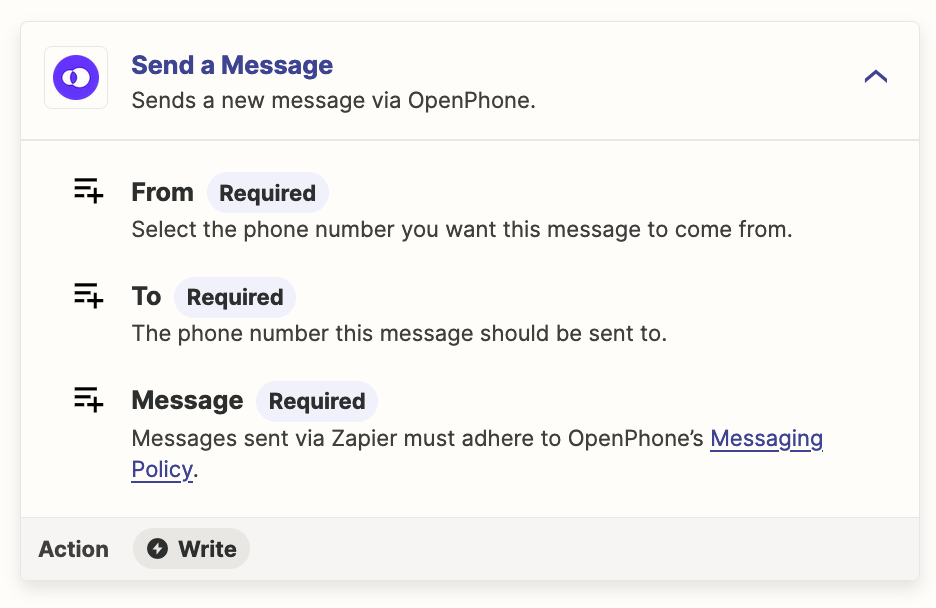
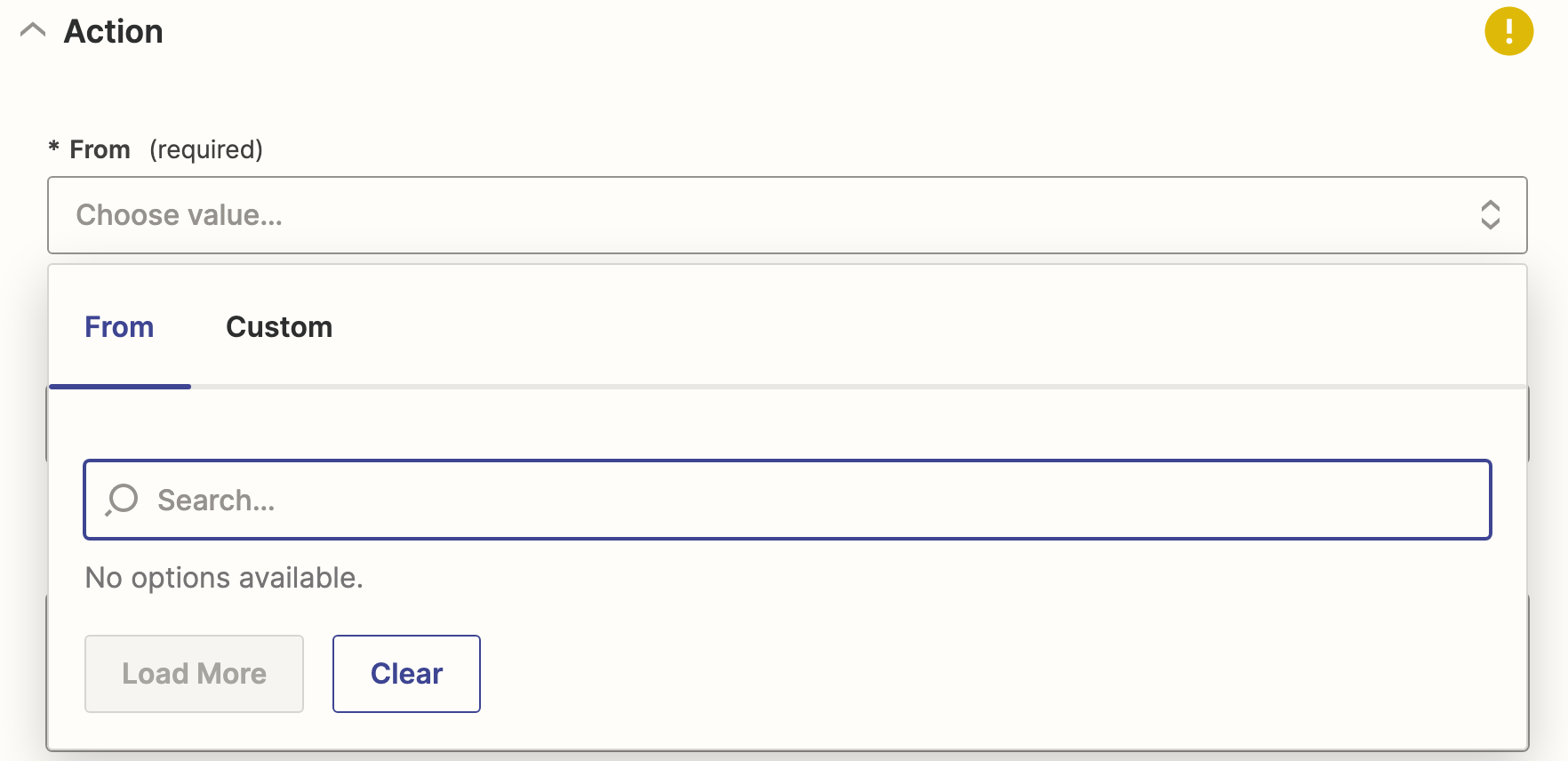
I am trying to connect Xola with my OpenPhone account to send text messages to people who have made new bookings. When I click on the “from” field in the openphone action it pulls up data from Xola, but I want the text to come from my openphone number.

Best answer by MaxineDenis

I got it figured out. It was that my account had to be marked as admin in OpenPhone. 

This post has been closed for comments. Please create a new post if you need help or have a question about this topic.


10 replies

Troy Tessalone
Zapier Orchestrator & Solution Partner
Forum|alt.badge.img+14
  • Zapier Orchestrator & Solution Partner
  • March 9, 2023

Hi @MaxineDenis 

Good question.

Don’t use the ‘Custom’ mapping, instead use the other tab and select from the list.


MaxineDenis
  • Author
  • Beginner
  • March 9, 2023

I would, except nothing comes up. 


Troy Tessalone
Zapier Orchestrator & Solution Partner
Forum|alt.badge.img+14
  • Zapier Orchestrator & Solution Partner
  • March 9, 2023

@MaxineDenis

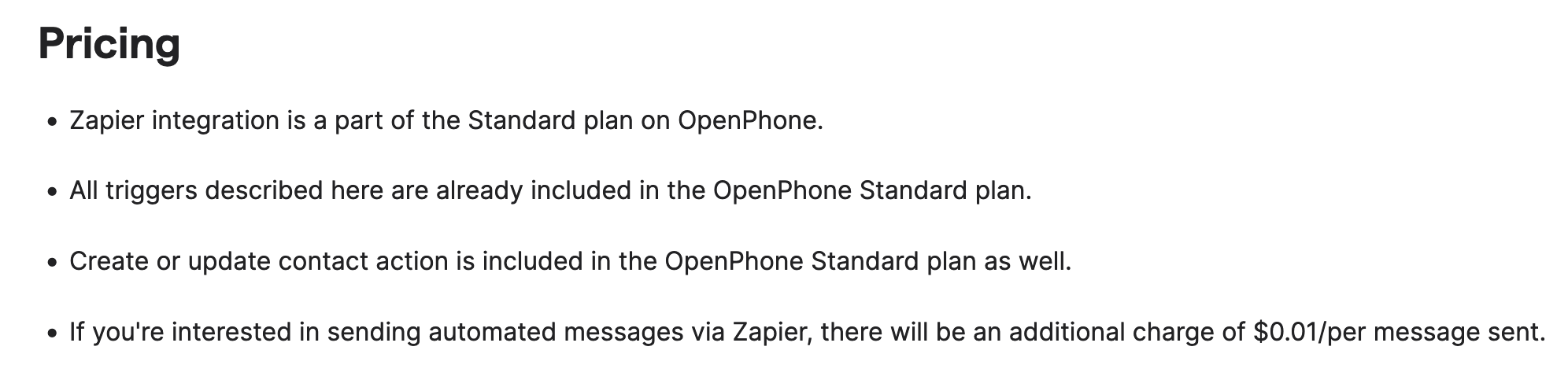
Have you paid for an OpenPhone account and have a Phone # connected in OpenPhone?


https://support.openphone.co/hc/en-us/articles/1500009860942-Getting-started-with-the-Zapier-integration#looking-for-inspiration-


MaxineDenis
  • Author
  • Beginner
  • March 10, 2023

Yes, I tested the connection and that showed that it was working.


Troy Tessalone
Zapier Orchestrator & Solution Partner
Forum|alt.badge.img+14
  • Zapier Orchestrator & Solution Partner
  • March 10, 2023

MaxineDenis
  • Author
  • Beginner
  • March 10, 2023

Yes I have a standard OpenPhone Plan.


Troy Tessalone
Zapier Orchestrator & Solution Partner
Forum|alt.badge.img+14
  • Zapier Orchestrator & Solution Partner
  • March 10, 2023

@MaxineDenis 

Check your OpenPhone Zap app connection here: https://zapier.com/app/connections

In OpenPhone make sure you have a Phone Number connected.

Try refreshing the Zap Editor.


MaxineDenis
  • Author
  • Beginner
  • Answer
  • March 10, 2023

I got it figured out. It was that my account had to be marked as admin in OpenPhone. 


Jace443
  • New
  • March 15, 2023

I am trying to connect Xola with my OpenPhone account to send text messages to people who have made new bookings. When I click on the “from” field in the openphone action it pulls up data from Xola, but I want the text to come from my openphone number. http://accedi.com


To send text messages from your OpenPhone number instead of Xola's number, you may need to adjust the integration settings. Here's how you can do it:

  1. Log in to your Xola account and go to the integration settings for OpenPhone.
  2. Look for the "from" field and click on it to edit it.
  3. Change the "from" field to your OpenPhone number instead of Xola's number. Make sure to include the country code and area code if applicable.
  4. Save the changes and test the integration by making a new booking in Xola.

ken.a
Forum|alt.badge.img+6
  • Zapier Staff
  • March 16, 2023

Hey @Jace443,

Thanks for your suggestion. It looks like MaxineDenis took another route, and it worked for them! 🤗