This feels pretty basic but I have a zap that triggers based on a Google Calendar event start time. I want to take the event description and send it as a tweet. Only if the search term Tweet is found. That all seems to work fine.
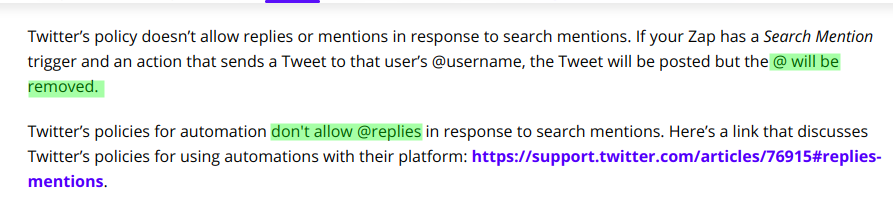
My problem is the @ symbols seemed to be stripped from the tweet. Is there a way to escape these in the event description so they are included in the tweet?
Best answer by ikbelkirasan
Hi @BrettJephson
When you input the tweet message in the "Create Tweet" step, there's a note below that describes why the @ are removed.
The content of your new tweet. You can truncate text with a Formatter action to meet Twitter's 280 character limit. Note: In order to comply with Twitter's terms of service, this text will have all @mentions removed. Read more here: http://zpr.io/6MUuH
When you input the tweet message in the "Create Tweet" step, there's a note below that describes why the @ are removed.
The content of your new tweet. You can truncate text with a Formatter action to meet Twitter's 280 character limit. Note: In order to comply with Twitter's terms of service, this text will have all @mentions removed. Read more here: http://zpr.io/6MUuH
@ikbelkirasan Can't believe I missed that. Thanks!
Early access
Next Gen Zaps
Build and deploy automations from AI tools you already use. With Agentic Management, if anything breaks, the agent diagnoses the issue and proposes a fix.