

Best answer

Monday.com create update from webform (Gravity forms)

  • May 4, 2025
  • 2 replies
  • 34 views

Hi there,

I’m using gravity forms to record submission data. I want to use this data to create an update on an existing monday.com item.

The issue i have is our item names are not reliable to map to. We have another column for ‘job number’ which is accurate. on our web form we have a field for ‘job number’ too.  

So i want to use zapier to some how check web form ‘job number’ field against monday.com ‘job number’ column to find the applicable item id.  Then proceed with creating an update for that item.


Any suggestions how to achieve this?
Best answer by Troy Tessalone

Hi ​@M-M 

Try these Zap steps:

  1. Trigger: Gravity Forms - Form Sumbission
  2. Action: Filter
    1. Check to make sure the Job # value exists
    2. Help: https://zapier.com/apps/filter/integrations#help
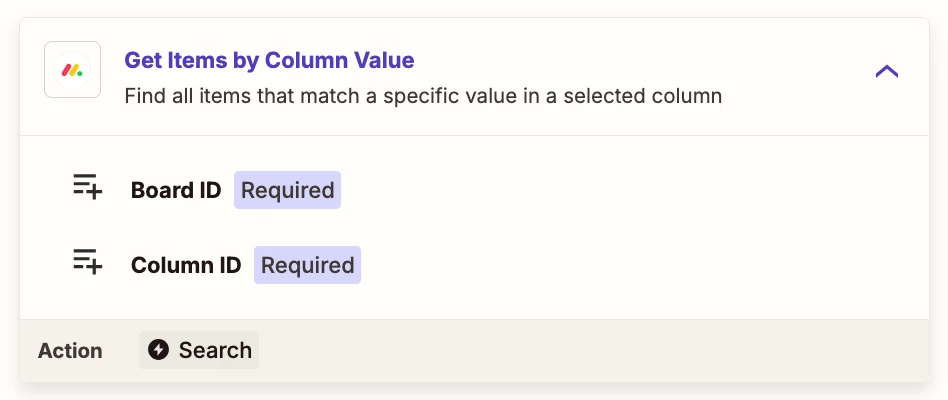
  3. Action: Monday - Get Items by Column Value
    1. Search by the Job #
  4. Action: Monday - Create Update
    1. Map the ID of the Item from the previous step


This post has been closed for comments. Please create a new post if you need help or have a question about this topic.

2 replies

Troy Tessalone
Zapier Orchestrator & Solution Partner
Forum|alt.badge.img+14
  • Zapier Orchestrator & Solution Partner
  • Answer
  • May 5, 2025

Hi ​@M-M 

Try these Zap steps:

  1. Trigger: Gravity Forms - Form Sumbission
  2. Action: Filter
    1. Check to make sure the Job # value exists
    2. Help: https://zapier.com/apps/filter/integrations#help
  3. Action: Monday - Get Items by Column Value
    1. Search by the Job #
  4. Action: Monday - Create Update
    1. Map the ID of the Item from the previous step


  • Author
  • Beginner
  • May 11, 2025

Legend thanks so much!




