Question

Looking for a way to trigger Zoom registrations from LinkedIn Events in Zapier

  • January 20, 2026
  • 2 replies
  • 21 views

Hi,

My colleague created a LinkedIn Event, and I’m trying to figure out if there is any way to connect that event to Zapier.

The goal would be to automatically send LinkedIn Event attendees to Zoom so that their registration in Zoom is created without me having to do it manually. Right now I have to add each person myself, and I also don’t have email addresses for all 15+ attendees.

I found this older video that shows a possible workflow, but it seems to be outdated and the method no longer works:
https://www.linkedin.com/posts/sean-mize-coach_how-to-connect-your-linkedin-event-with-zoom-activity-7069719207390650368-DG_Y/

Is there currently any supported way to trigger a Zap from LinkedIn Event registrations or to sync LinkedIn Event attendees with Zoom automatically?

Any suggestions or workarounds would be greatly appreciated!

2 replies

Troy Tessalone
Zapier Orchestrator & Solution Partner
Forum|alt.badge.img+14
  • Zapier Orchestrator & Solution Partner
  • January 20, 2026

Hi ​@Ibb Lampic Aaltonen 

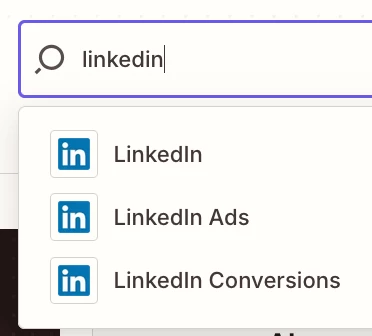
Zap apps can be searched here by name “LinkedIn”: https://zapier.com/apps 

Each Zap app has a profile page that lists the available triggers/actions and help links to reference.

That should help you get a better understanding of what LinkedIn apps and options are available to use.


SamB
Community Manager
Forum|alt.badge.img+11
  • Community Manager
  • February 10, 2026

Hey ​@Ibb Lampic Aaltonen 👋 Were you able to get this sorted?

If not, it looks like the New Lead Gen Form Response (Organic Content) for the LinkedIn Ads app might be what you’re need to use for the trigger. It seems like it would allow you to trigger the Zap whenever someone fills out a form to register for an event on LinkedIn. Then you could use Zoom’s Create Meeting Registrant or Create Webinar Registrant action to add them to Zoom. 

If you give that a try, let us know how it goes. Want to make sure you’re all set! 🙂