Best answer

Links from uploaded images in Interfaces not being separated when posted on Monday.com

  • January 19, 2026
  • 6 replies
  • 28 views

Forum|alt.badge.img

Hello,

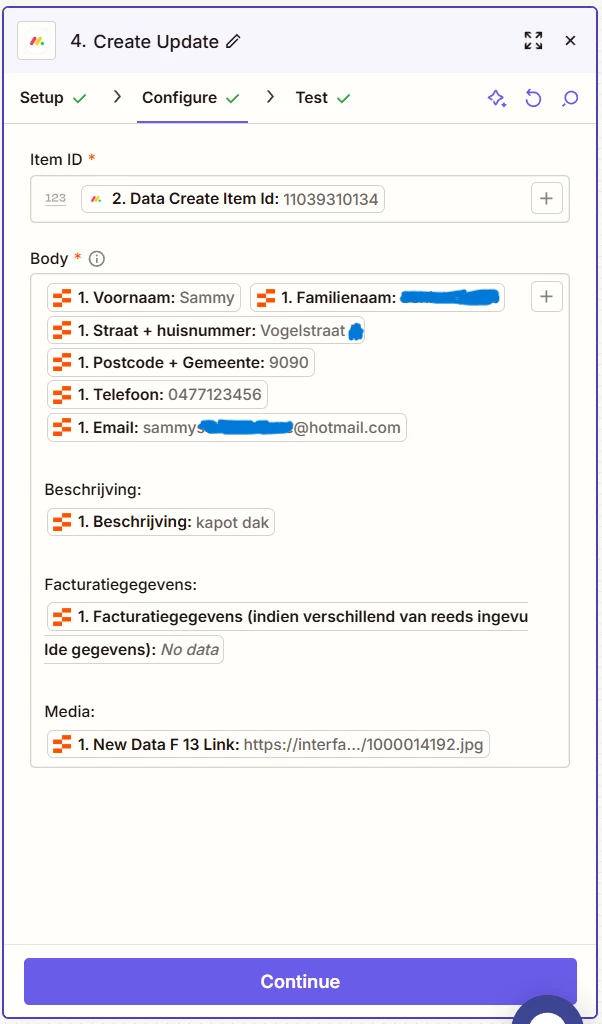
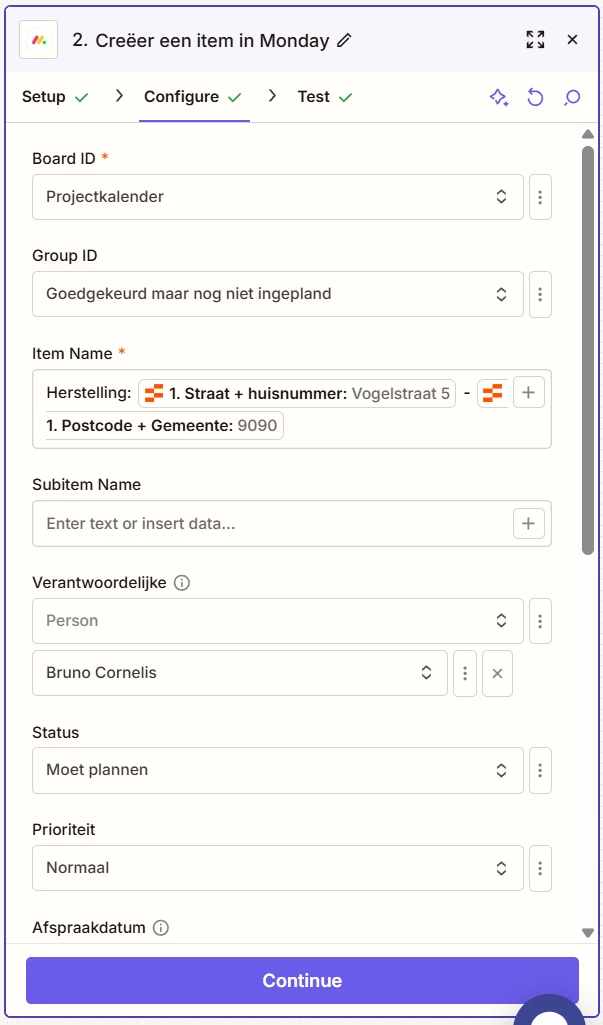
I have an online form that customers can fill out to request a repair at our company. On this form, they have the option to upload one or more photos. After that, all this information is automatically sent to Monday and posted in an update. There we can see all the customer information and normally also the uploaded photos.

However, it is not possible to upload the photos directly. Zapier stores them on their server and then posts the links to those photos in Monday. This is not a problem for me in itself, but the issue is that when posting the links in Monday (if there is more than one), they are all stuck together, resulting in what appears to be one long link, which therefore does not work when clicked.

See example:
Media:
interfaces-cdn.zapier.com/XXXXXXXX-XXXX-XXXX-XXXX-XXXXXXXXXXXX/Schermafbeelding20251127122212Groot.png,https://interfaces-cdn.zapier.com/XXXXXXXX-XXXX-XXXX-XXXX-XXXXXXXXXXXX/Schermafbeelding20251127122238Groot.png,https://interfaces-cdn.zapier.com/XXXXXXXX-XXXX-XXXX-XXXX-XXXXXXXXXXXX/Schermafbeelding20251127122228Groot.png,https://interfaces-cdn.zapier.com/XXXXXXXX-XXXX-XXXX-XXXX-XXXXXXXXXXXX/Schermafbeelding20251127122158Groot.png


I have tried for hours and hours to fix it with the AI assistant, but it won’t change.
It should be simply changed to a separation between each link i think.
Does anyone have a solution?

This post has been edited by a moderator to remove personally sensitive information. Please remember that this is a public forum and avoid sharing personal or potentially sensitive details.


Best answer by Troy Tessalone

@SammyS 

Data is returned as an array of items.

Add this Zap action: Formatter > Utilities > Line Items to Text

Add this separator: [:newline:]


HELP

6 replies

Troy Tessalone
Zapier Orchestrator & Solution Partner
Forum|alt.badge.img+14
  • Zapier Orchestrator & Solution Partner
  • January 19, 2026

Hi ​@SammyS 

Help us have more info by posting these screenshots: 

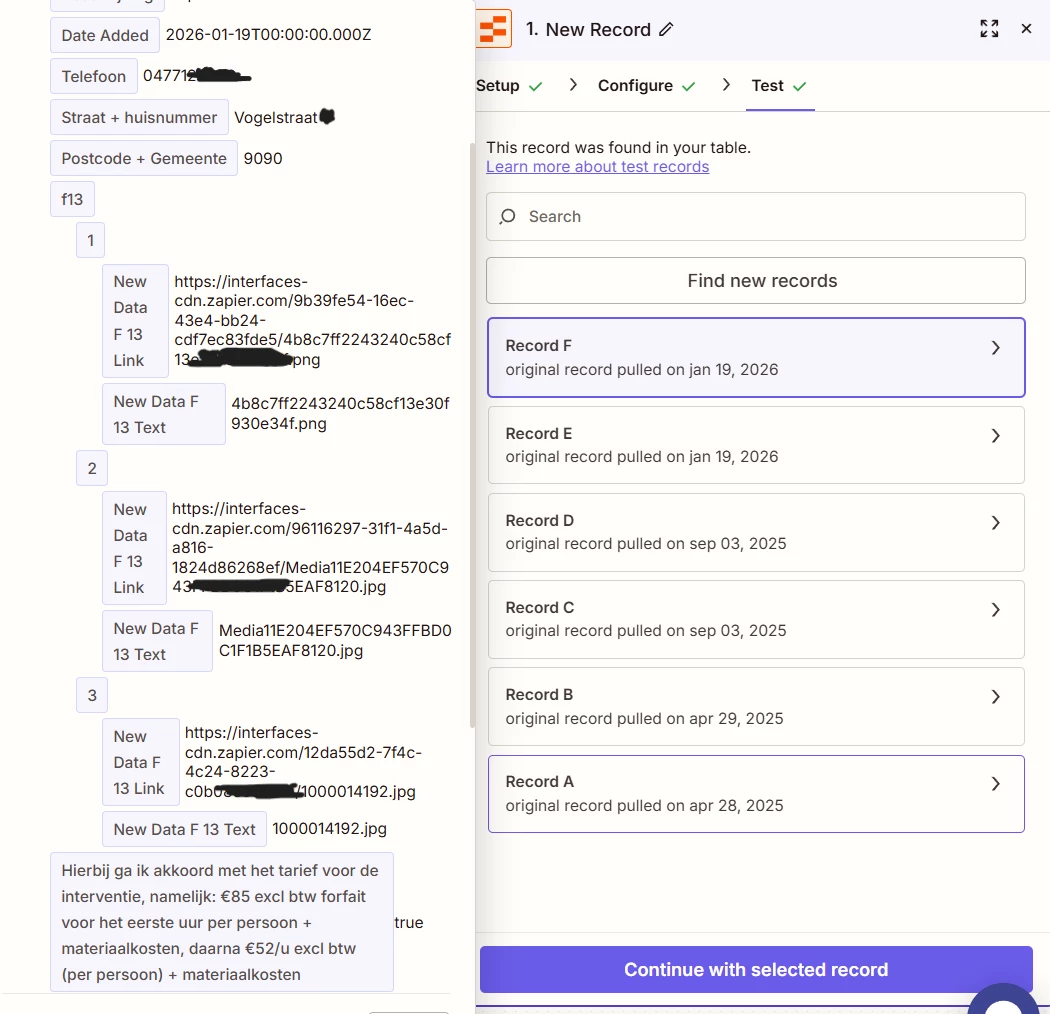
  • the DATA OUT from Zap step 1 showing how 2+ links are structured
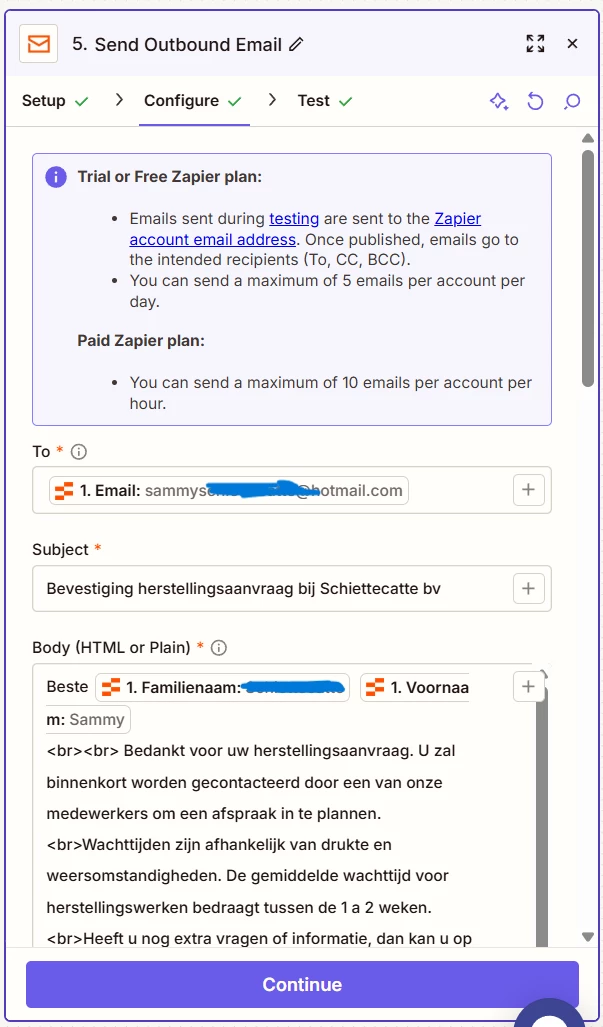
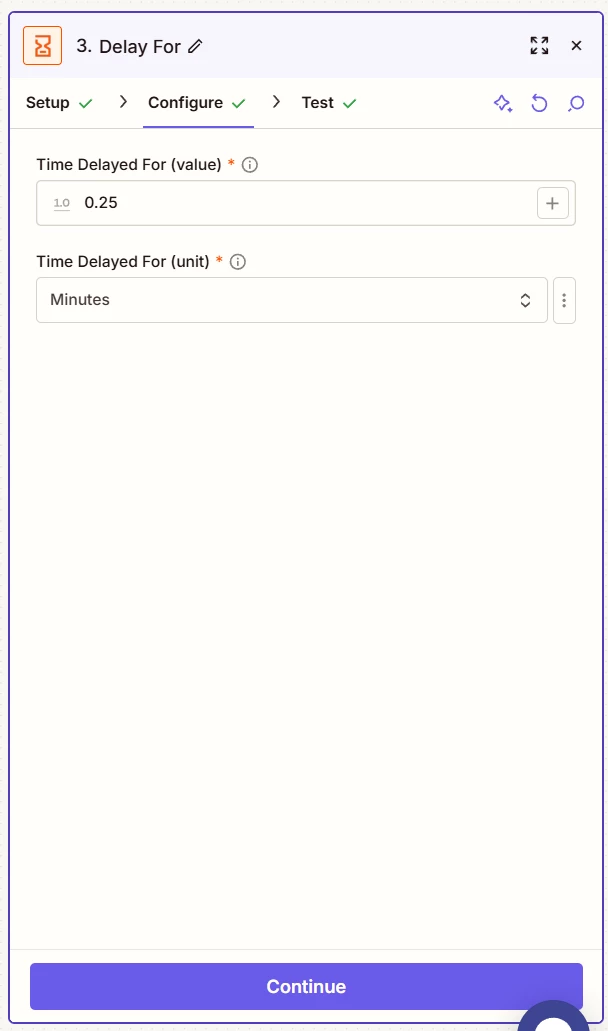
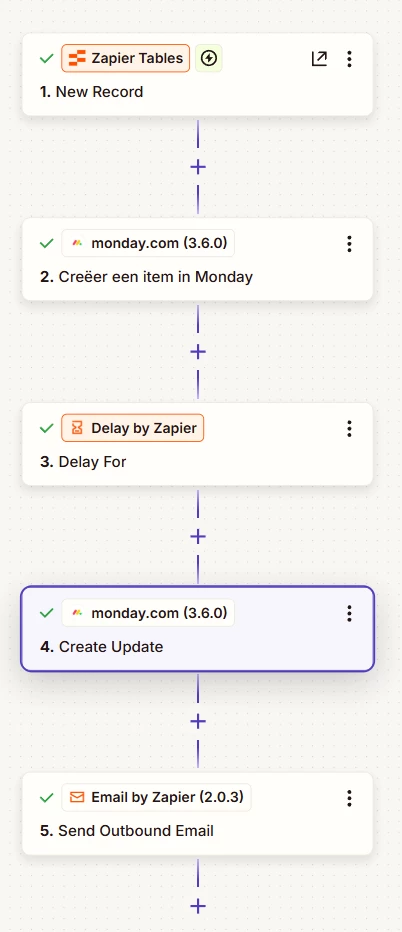
  • how your Zap steps are outlined
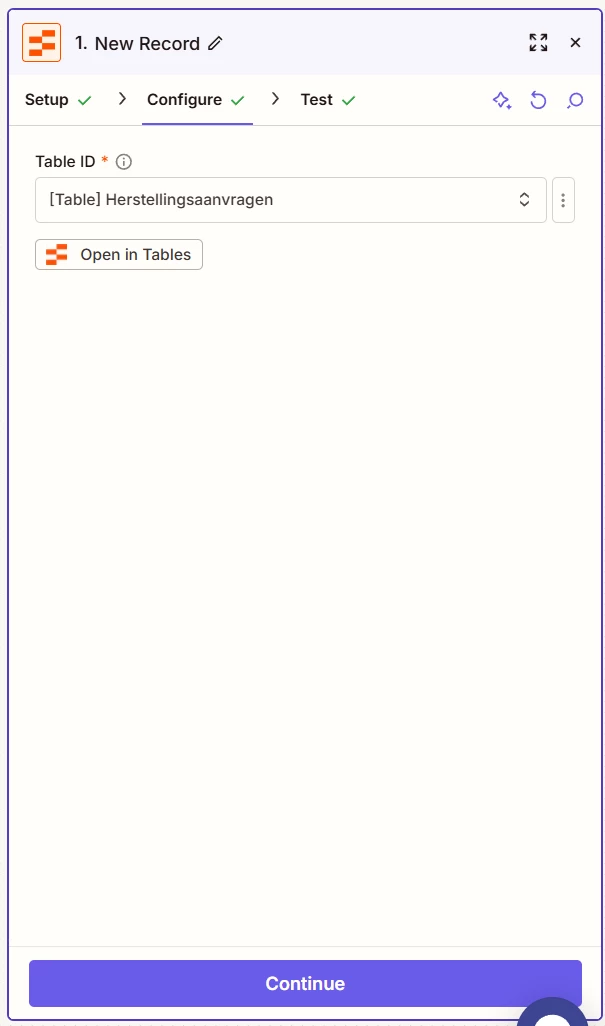
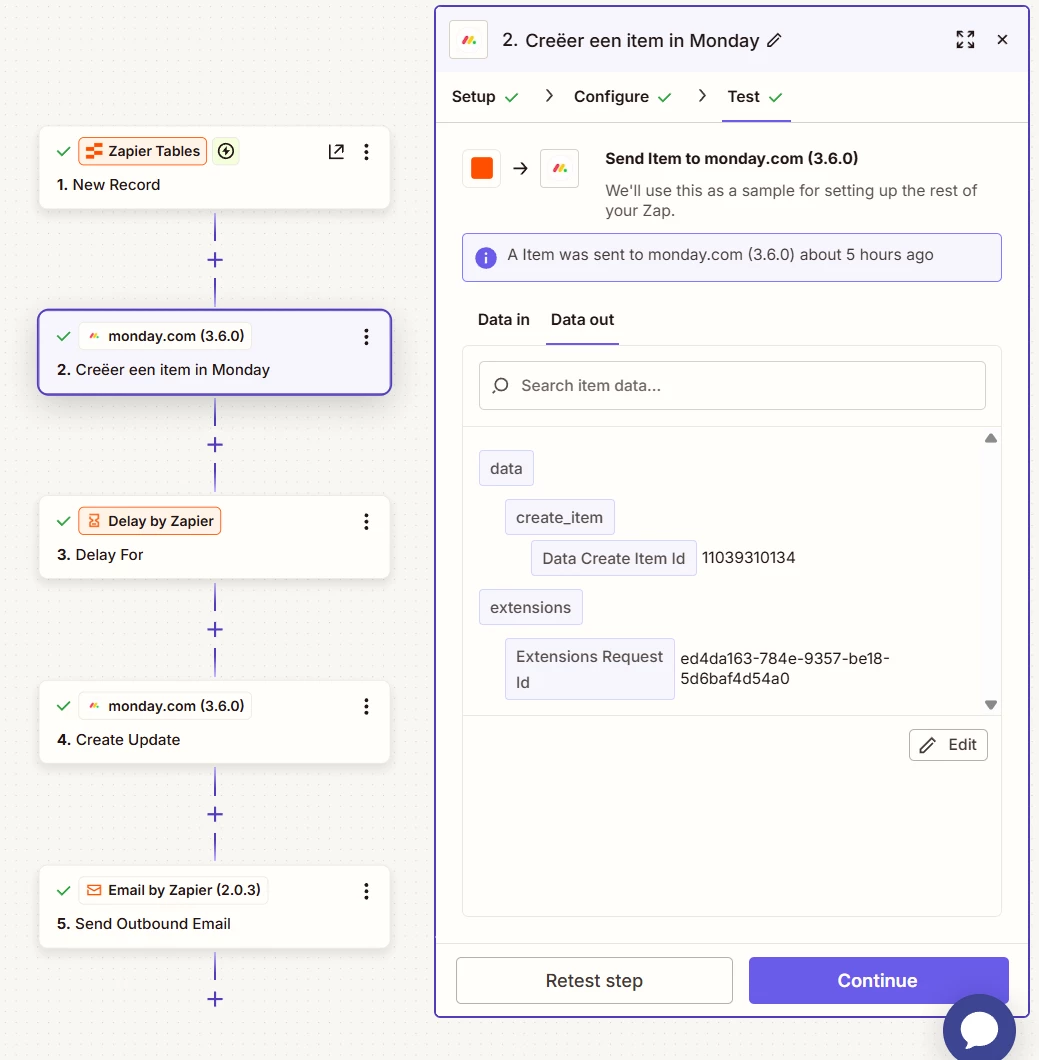
  • how your Zap steps are configured in the CONFIGURE tab while in EDIT mode with the field mappings visible

Forum|alt.badge.img
  • Author
  • Beginner
  • January 19, 2026


Troy Tessalone
Zapier Orchestrator & Solution Partner
Forum|alt.badge.img+14
  • Zapier Orchestrator & Solution Partner
  • Answer
  • January 19, 2026

@SammyS 

Data is returned as an array of items.

Add this Zap action: Formatter > Utilities > Line Items to Text

Add this separator: [:newline:]


HELP


Forum|alt.badge.img
  • Author
  • Beginner
  • January 19, 2026

Ok thx Troy, and between which steps?


Troy Tessalone
Zapier Orchestrator & Solution Partner
Forum|alt.badge.img+14
  • Zapier Orchestrator & Solution Partner
  • January 19, 2026

@SammyS 

Add after Zap step 1, so it becomes Zap step 2.

Map the link data from Zap step 1 to the Formatter step.

Then map the data from the Formatter step to the Monday step.


Forum|alt.badge.img
  • Author
  • Beginner
  • January 20, 2026

@Troy Tessalone Woohoow, it works perfectly now! Thank you so much!!! You’re a lifesaver!