Best answer

Is it possible to create a Zap to send a welcome message to a new user instead of to me?

  • January 29, 2024
  • 5 replies
  • 143 views

I can’t seem to figure out how to send the welcome message to the new user. Right now it’s sending it to me, not the new user… Here’s what I am working with:
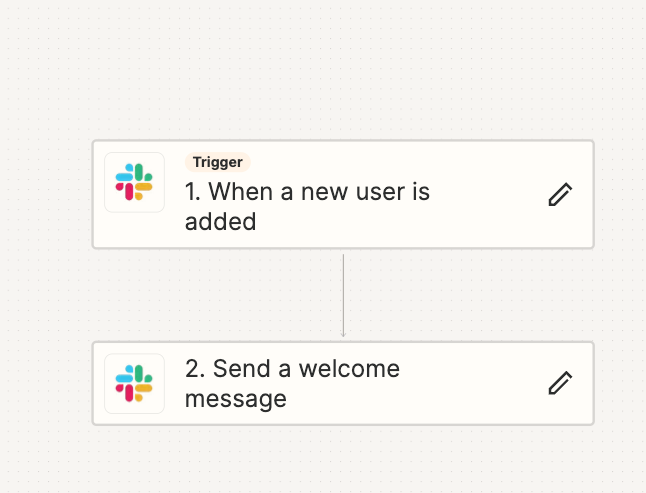
I click to edit the second step “2. Send a welcome message”
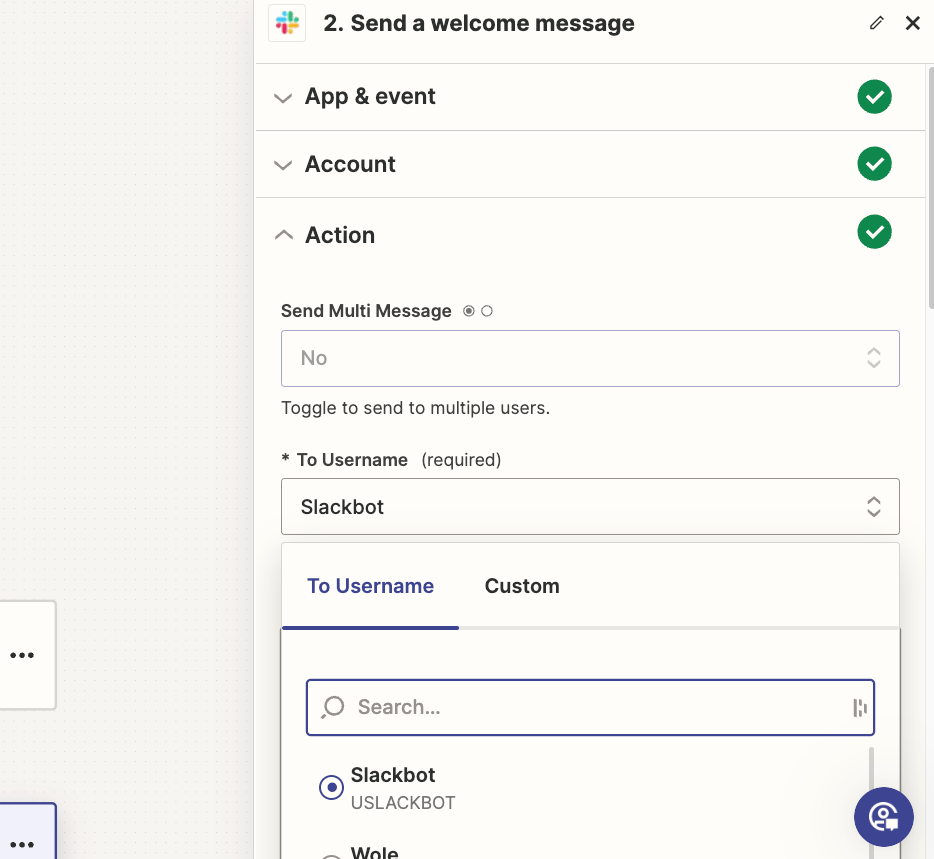
but it only shows existing users… there is no “new user” option… 
Best answer by Troy Tessalone

Hi @kylie3 

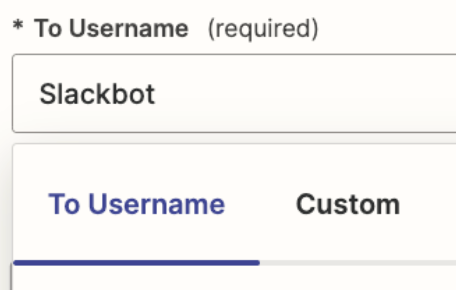
Try using the ‘Custom’ tab to map the Slack User ID from step 1.


This post has been closed for comments. Please create a new post if you need help or have a question about this topic.

5 replies

Troy Tessalone
Zapier Orchestrator & Solution Partner
Forum|alt.badge.img+14
  • Zapier Orchestrator & Solution Partner
  • Answer
  • January 29, 2024

Hi @kylie3 

Try using the ‘Custom’ tab to map the Slack User ID from step 1.


  • Author
  • New
  • January 30, 2024

Hi Troy! Thanks for the quick response. I appreciate your patience.


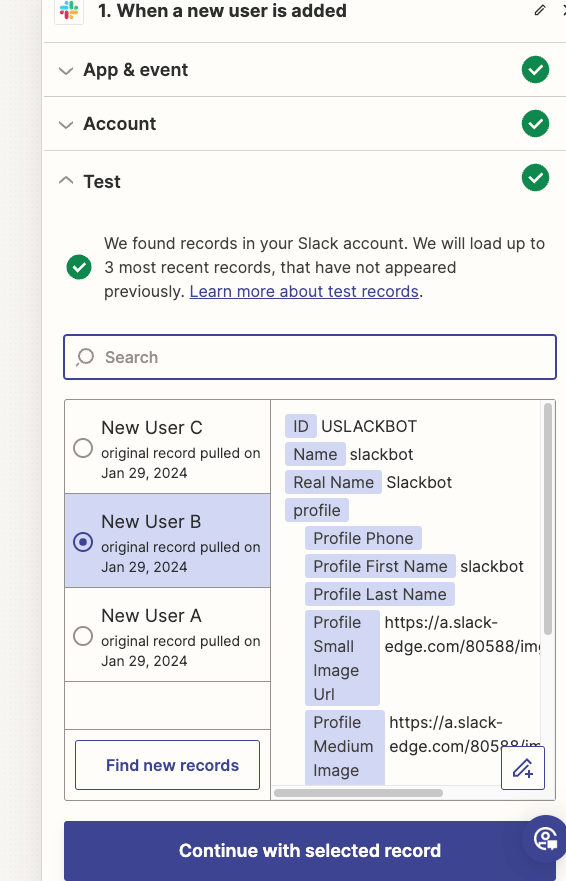
Step One looks like this:


(I linked Slack and my account) 

I’ve selected Slackbot to avoid showing any personal user information.


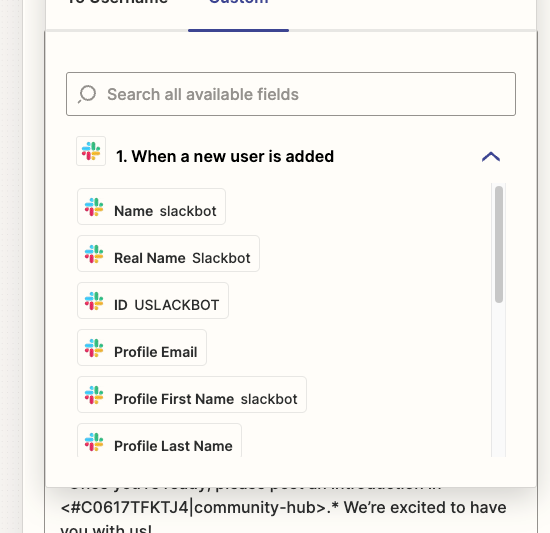
When I navigate to “Custom” in Step Two I see this:

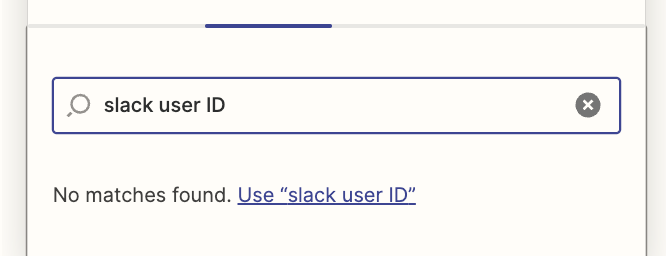
It is still unclear to me how to set this up so any new user in the workspace will receive the welcome message… Thanks so much for your help!


Troy Tessalone
Zapier Orchestrator & Solution Partner
Forum|alt.badge.img+14
  • Zapier Orchestrator & Solution Partner
  • January 30, 2024

@kylie3 

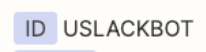
Map this variable.


  • Author
  • New
  • January 30, 2024

Thanks a million, Troy! It’s working now :) 


ken.a
Forum|alt.badge.img+6
  • Zapier Staff
  • January 30, 2024

That’s awesome @kylie3! A huge thanks to Troy for lending a hand here!

Happy Zapping!⚡️