Best answer

Incomplete contacts from Google to Follow Up Boss

  • August 26, 2021
  • 3 replies
  • 73 views

Hello,

I created a Zap from New Contacts in Google to Follow Up Boss CRM.

I’m having an issue with the Zap sending contact information to Follow up Boss for any random email I get in Gmail.  Every email I receive from a new person in Gmail is creating a contact for that sender in Follow Up Boss CRM.  My CRM is getting overloaded with people that should not be in there.   I only want the manual contacts created in Gmail to show up in Follow Boss CRM -- not every contact.

Not sure what to do to correct the problem?
Best answer by Troy Tessalone

Hi @marzpix 

Try using these Zap steps

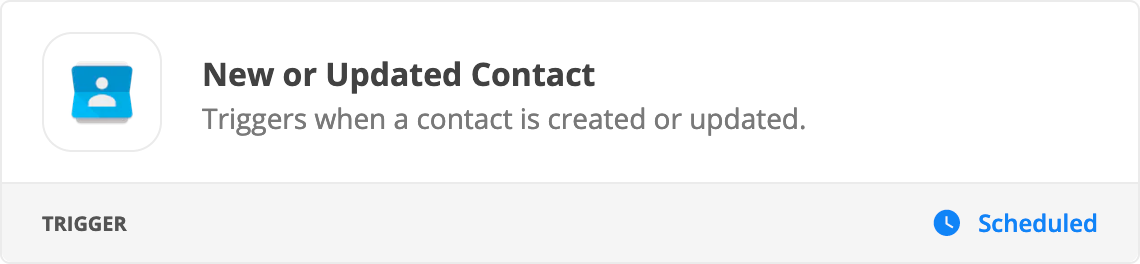
  1. Trigger: GContacts - New/Updated Contact
  2. Action: Filter (for Contacts in a certain Group)
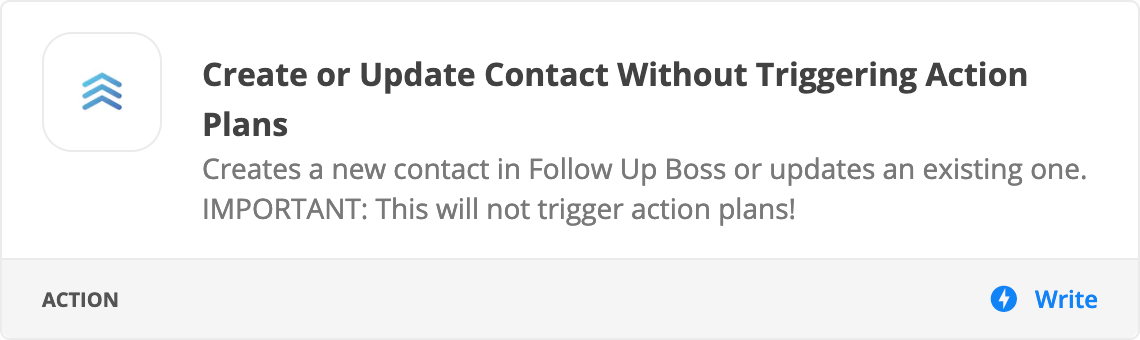
  3. Action: FUB - Create/Update Contact w/o Triggering Action Plans


This post has been closed for comments. Please create a new post if you need help or have a question about this topic.

3 replies

Troy Tessalone
Zapier Orchestrator & Solution Partner
Forum|alt.badge.img+14
  • Zapier Orchestrator & Solution Partner
  • Answer
  • August 26, 2021

Hi @marzpix 

Try using these Zap steps

  1. Trigger: GContacts - New/Updated Contact
  2. Action: Filter (for Contacts in a certain Group)
  3. Action: FUB - Create/Update Contact w/o Triggering Action Plans


Troy Tessalone
Zapier Orchestrator & Solution Partner
Forum|alt.badge.img+14
  • Zapier Orchestrator & Solution Partner
  • August 26, 2021

@marzpix 

Or you could try these Zap steps

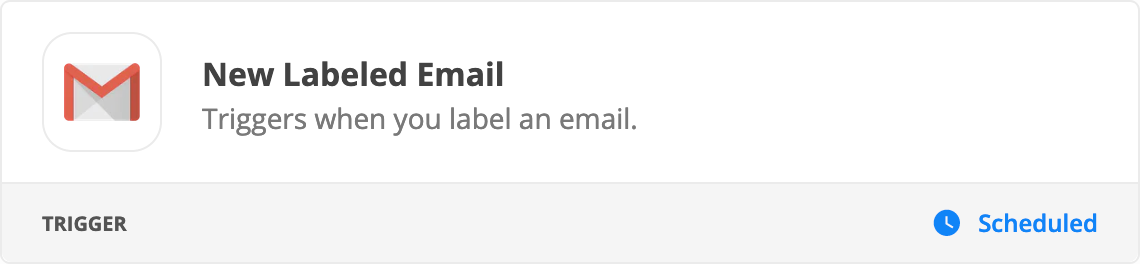
  1. Trigger: Gmail - New Labeled Email
  2. Action: FUB - Create/Update Contact w/o Triggering Action Plans


  • Author
  • Beginner
  • August 26, 2021

Troy,


Thanks for the help!