Answer

In Monday.com how do I get the Item Id from a search?

  • January 24, 2023
  • 3 replies
  • 652 views

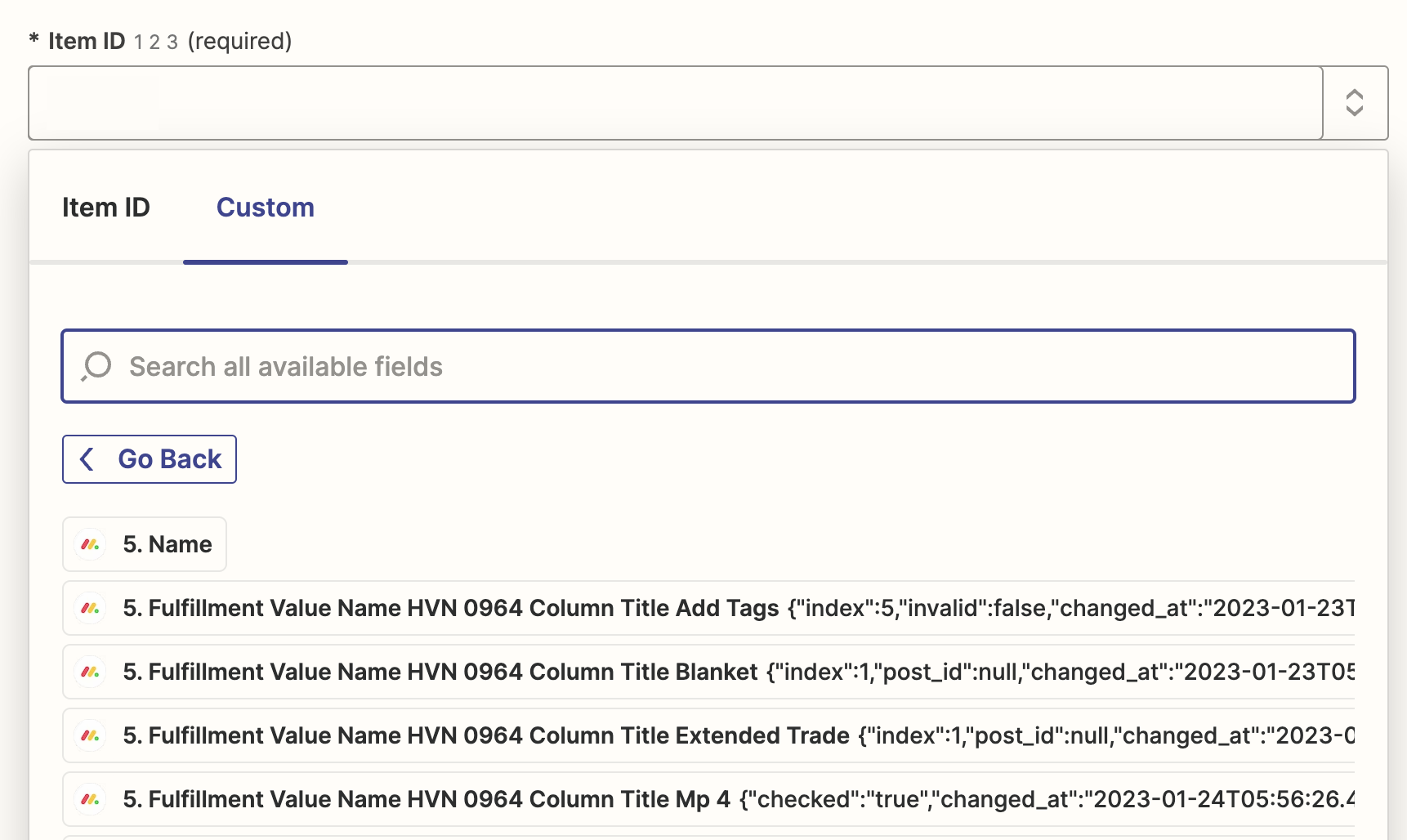
Seems like it should be a simple thing to do, I have a search - Get Item by Column Value - and it returns all the values except the Item ID, I know the ID variable name, is there a manual way to refer to a step in the zap and add a variable name or refer to the variables parent? ie (5. Name).itemId 


thanks
Best answer by Troy Tessalone

@Joshmce 

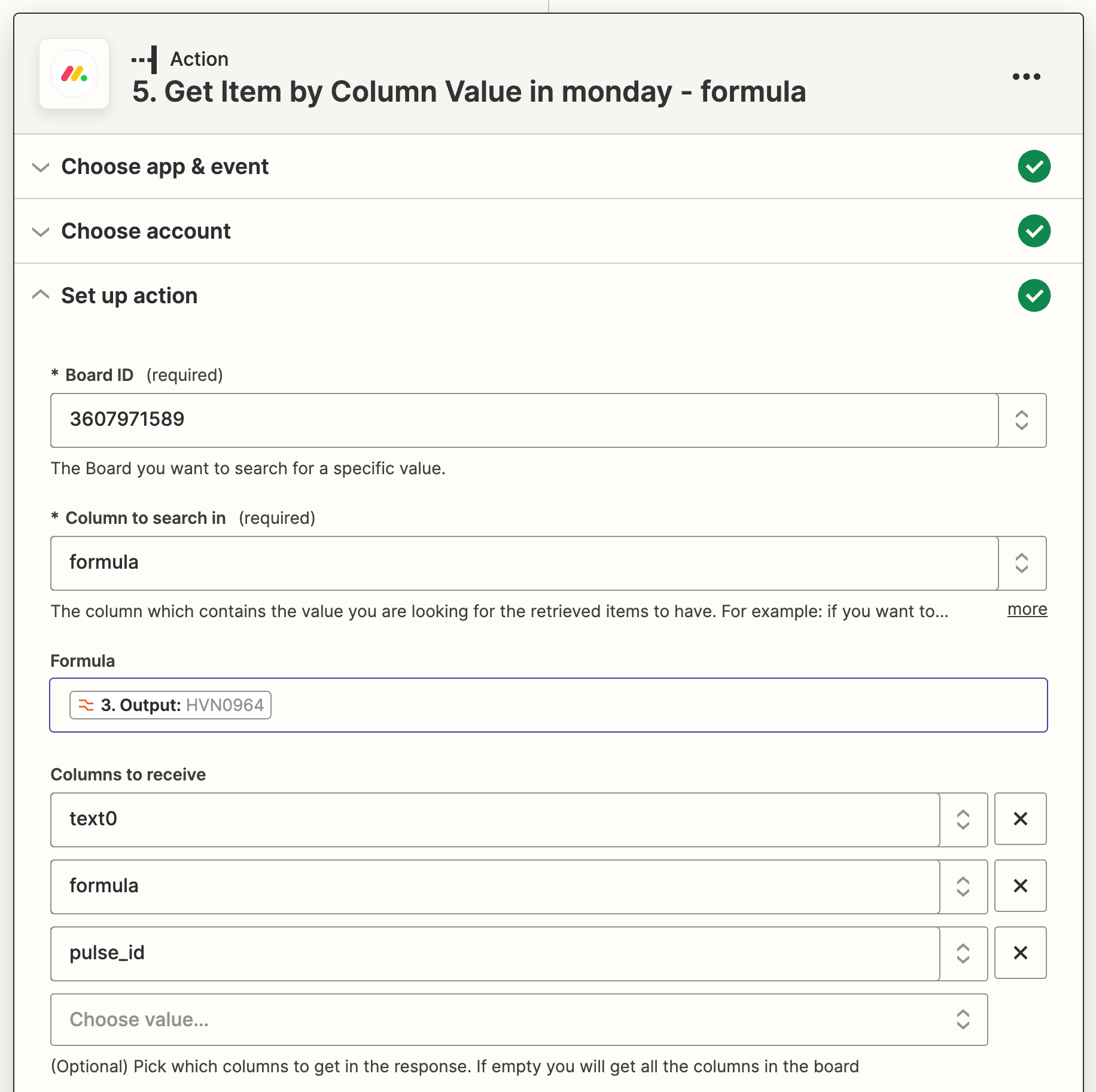
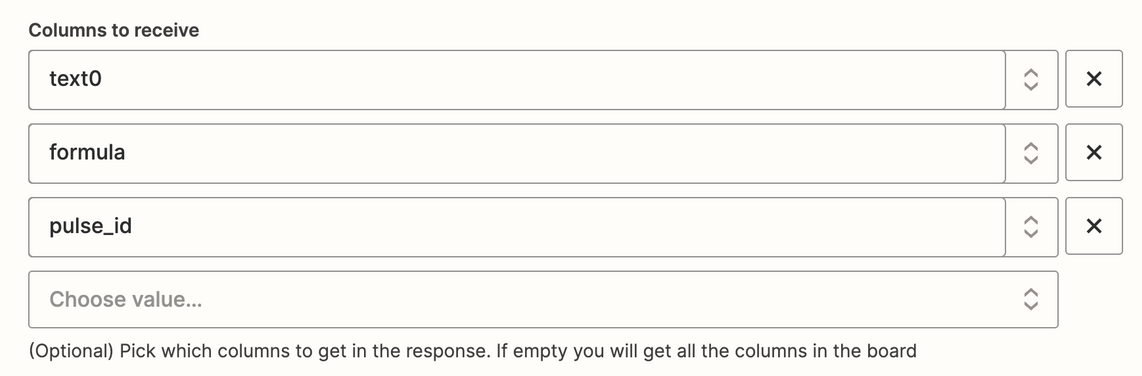
Take note of the field description.

Try removing all the selections so that all Item columns are returned.


This post has been closed for comments. Please create a new post if you need help or have a question about this topic.

3 replies

Troy Tessalone
Zapier Orchestrator & Solution Partner
Forum|alt.badge.img+14
  • Zapier Orchestrator & Solution Partner
  • January 24, 2023

Hi @Joshmce 

Good question.

If a Monday Item is found, then the Monday Item ID will be returned.


  • Author
  • Beginner
  • January 24, 2023

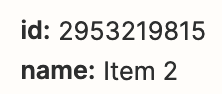
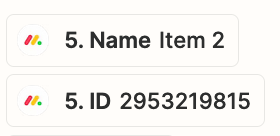
Thanks Troy, maybe it’s not finding the item in the right way then, I can see a name, but no ID, also the Name appears to be empty. However it’s getting other data. See below the search and output.


Search:


Output:


Troy Tessalone
Zapier Orchestrator & Solution Partner
Forum|alt.badge.img+14
  • Zapier Orchestrator & Solution Partner
  • Answer
  • January 24, 2023

@Joshmce 

Take note of the field description.

Try removing all the selections so that all Item columns are returned.