Question

In Monday.com, Get the ID or URL link of a new board created from template, and paste it in a column in the original board

  • April 14, 2024
  • 3 replies
  • 91 views

I’m very new to Zapier. 

In Monday, Our team is creating many different boards (Out of template) through our main board of activities.
They do that through a “checkbox column” that if it changes, a board is being created.
Over time the new boards list grew longer, and it is somehow difficult to find the relevant board to the item in the main board. 
 

I’m trying to find a solution for that.
I want to add a column in our main board of activities, which has a link to the new board that was created out of template through the checkbox column.

I’ve tried to play with zapier apps to get the new board ID and paste it in a link column in the main board, but couldn’t find how to do that. 

I would love to get some help with that, 

Thank you

 

This post has been closed for comments. Please create a new post if you need help or have a question about this topic.

3 replies

Troy Tessalone
Zapier Orchestrator & Solution Partner
Forum|alt.badge.img+14
  • Zapier Orchestrator & Solution Partner
  • April 14, 2024

Hi @liranlustig 

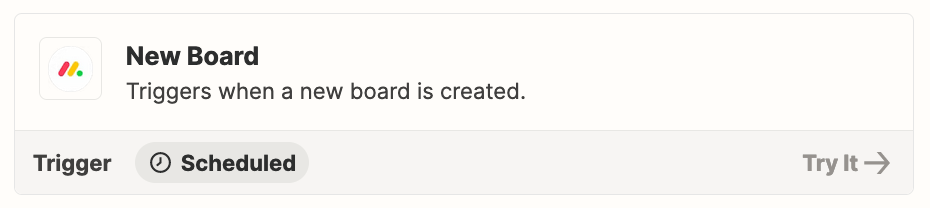
This Zap trigger would provide the Board ID: Monday - New Board


  • Author
  • New
  • April 15, 2024

Thank you for your answer, 

I found it on Zapier, but unfortunately I don’t know how to continue from there. 
Can you please guide me on what can be the next step for taking that new board URL and insert it in a link column in another board?


Thank you very much for your time


Liran


Troy Tessalone
Zapier Orchestrator & Solution Partner
Forum|alt.badge.img+14
  • Zapier Orchestrator & Solution Partner
  • April 15, 2024

@liranlustig 

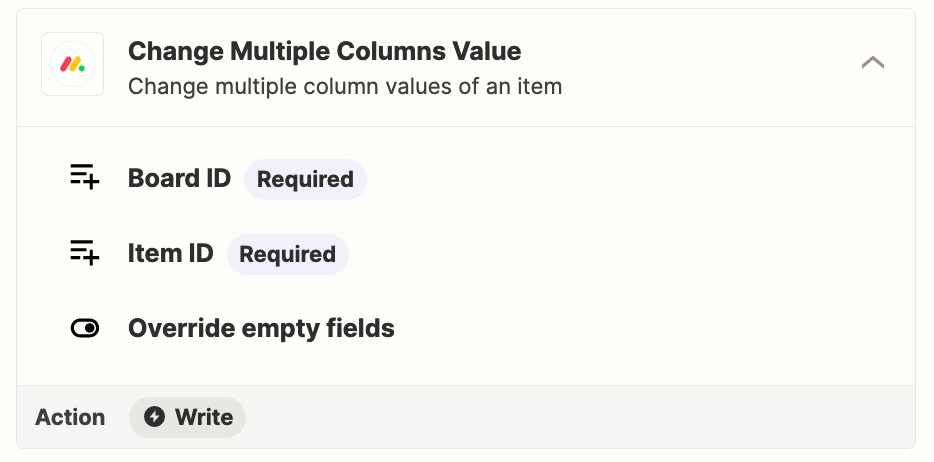
Try adding this Zap action: Monday - Change Multiple Columns Value