
Question

I want to create a Zap to attach Roofr reports to customer profiles in JobNimbus automatically.

  • June 17, 2023
  • 15 replies
  • 120 views

Afra

How to create a zap for automatically attaching a report from Roofr with the relevant customer name profile in Job nimbus?

This post has been closed for comments. Please create a new post if you need help or have a question about this topic.


15 replies

Troy Tessalone
Zapier Orchestrator & Solution Partner
Forum|alt.badge.img+14
  • Zapier Orchestrator & Solution Partner
  • June 18, 2023

Hi @Afra 

Good question.

Try these Zap steps:

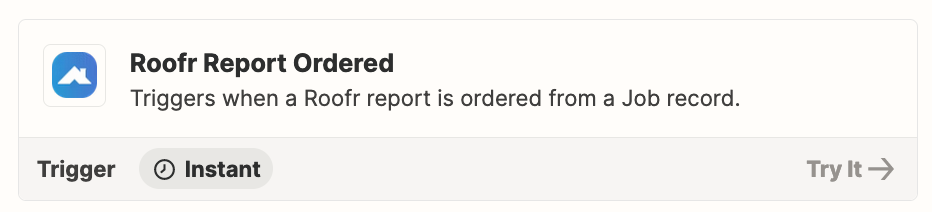
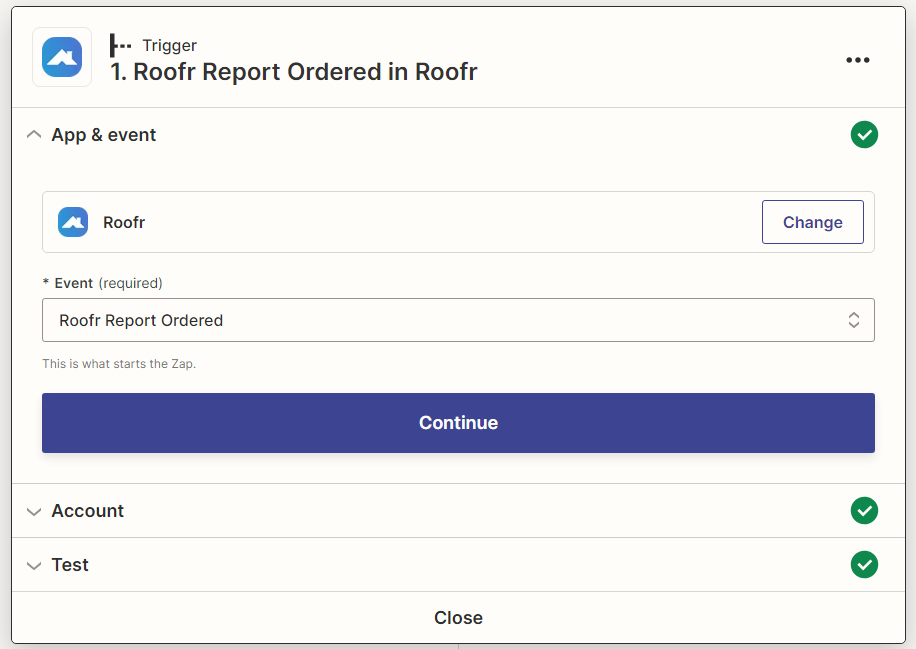
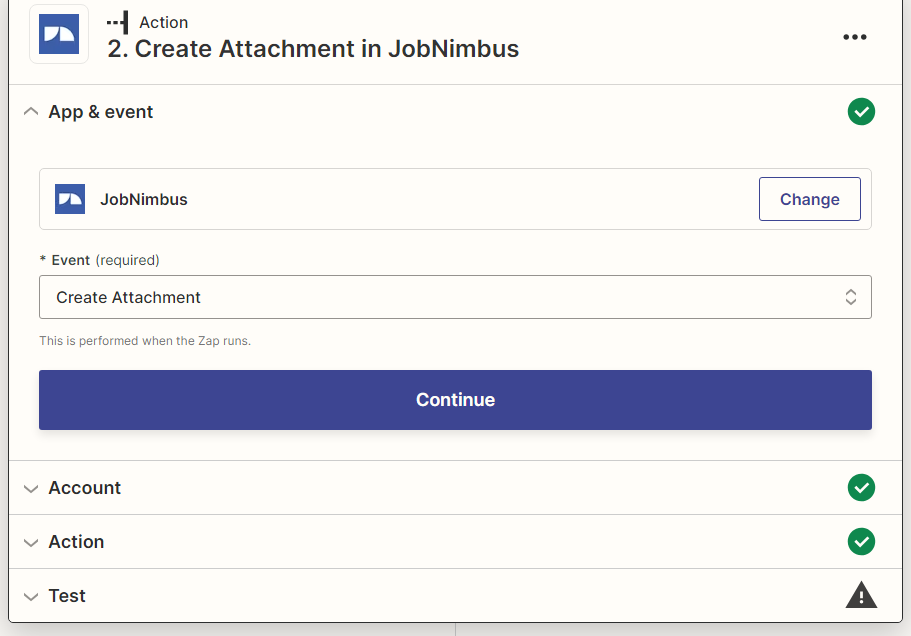
  1. Trigger: Roofr - Roofr Report Ordered
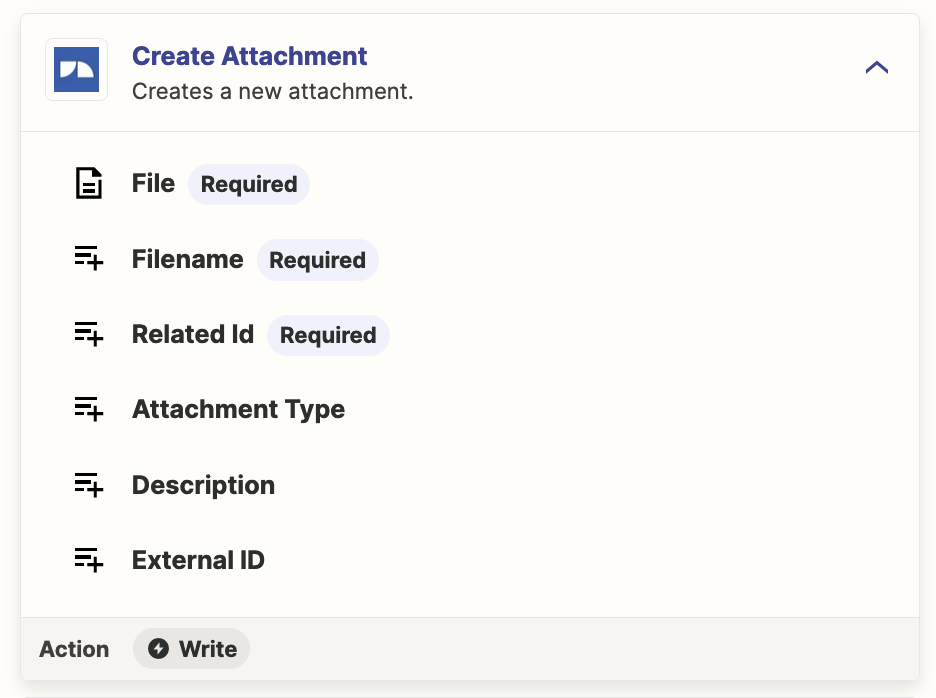
  2. Action: JobNimbus - Create Attachment


Afra
  • Author
  • Beginner
  • June 18, 2023

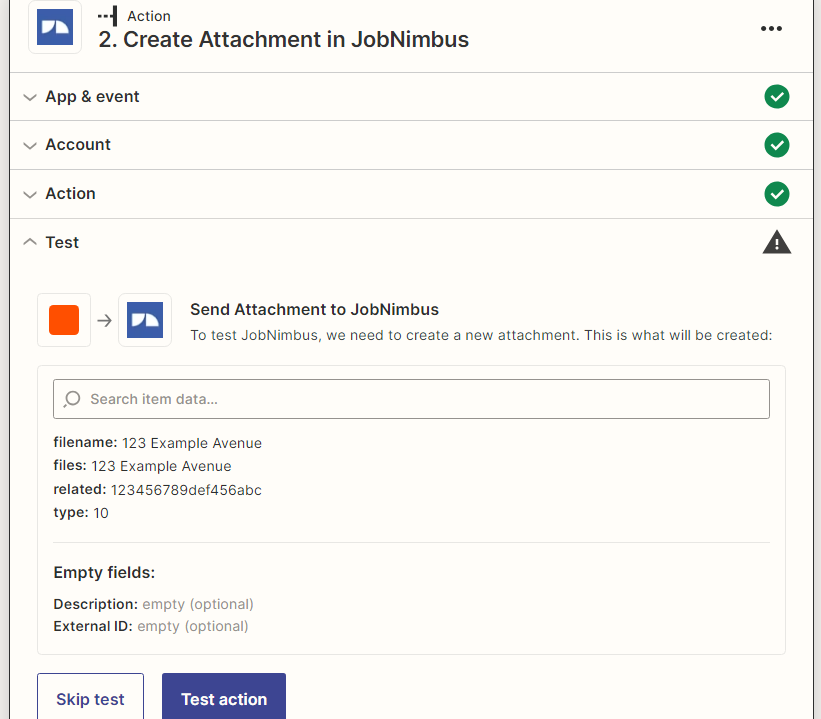
did that already but it wouldnt create an attachement and shows error


Troy Tessalone
Zapier Orchestrator & Solution Partner
Forum|alt.badge.img+14
  • Zapier Orchestrator & Solution Partner
  • June 18, 2023

@Afra 

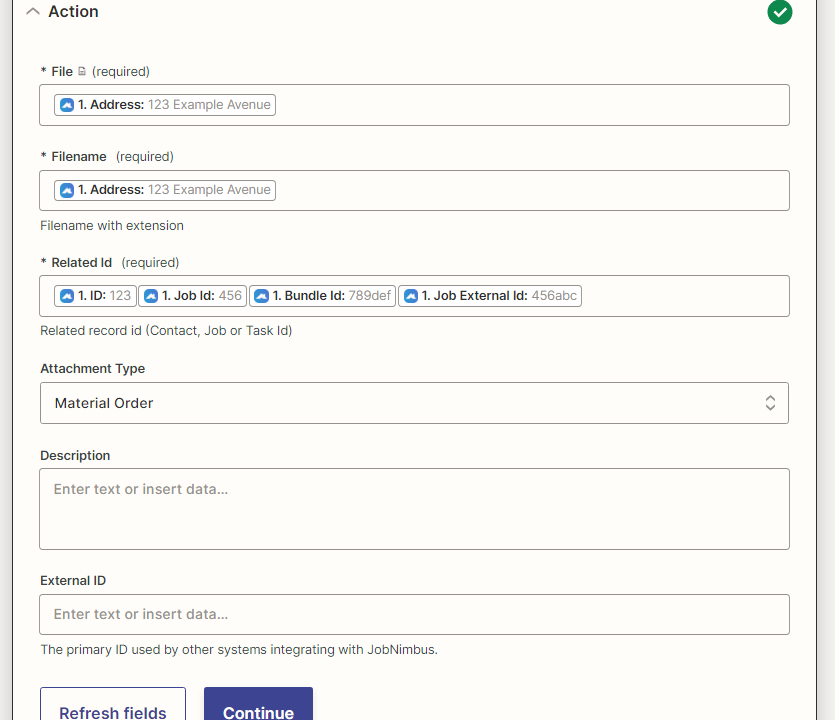
Please post detailed screenshots with how your Zap steps are configured along with the encountered error to give us context.


Afra
  • Author
  • Beginner
  • June 18, 2023


Afra
  • Author
  • Beginner
  • June 18, 2023


Afra
  • Author
  • Beginner
  • June 18, 2023


Afra
  • Author
  • Beginner
  • June 18, 2023


Afra
  • Author
  • Beginner
  • June 18, 2023


Troy Tessalone
Zapier Orchestrator & Solution Partner
Forum|alt.badge.img+14
  • Zapier Orchestrator & Solution Partner
  • June 18, 2023

@Afra 

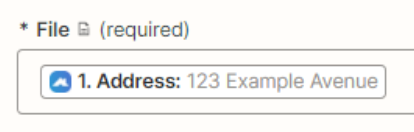
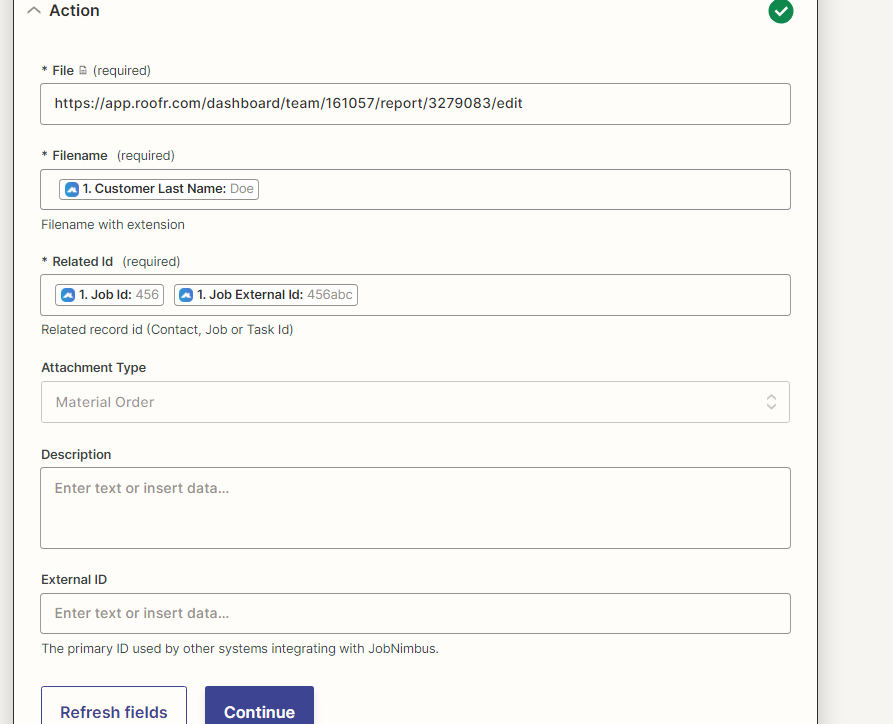
Mapping the Address variable which contains value of an address won’t work.

The File field expects a file object or a file url.

Help article about using files in Zaps: https://help.zapier.com/hc/en-us/articles/8496288813453


Observation

You may want to add spaces and labels between the mapped variables otherwise it will be 1 concatenated text blob.


Afra
  • Author
  • Beginner
  • June 21, 2023

I tried correcting it


Afra
  • Author
  • Beginner
  • June 21, 2023

can i get one to one assistance?


nicksimard
Forum|alt.badge.img+11
  • Zapier Staff
  • June 22, 2023

Hi @Afra,

In that screenshot you shared, that doesn’t appear to be a publicly available link to a file. It has to be something that if anyone entered it into their web browser, without logging in to any app/service, it would provide the file. Either loading in the browser directly (like an image), or downloading to their computer (like a PDF might do). 

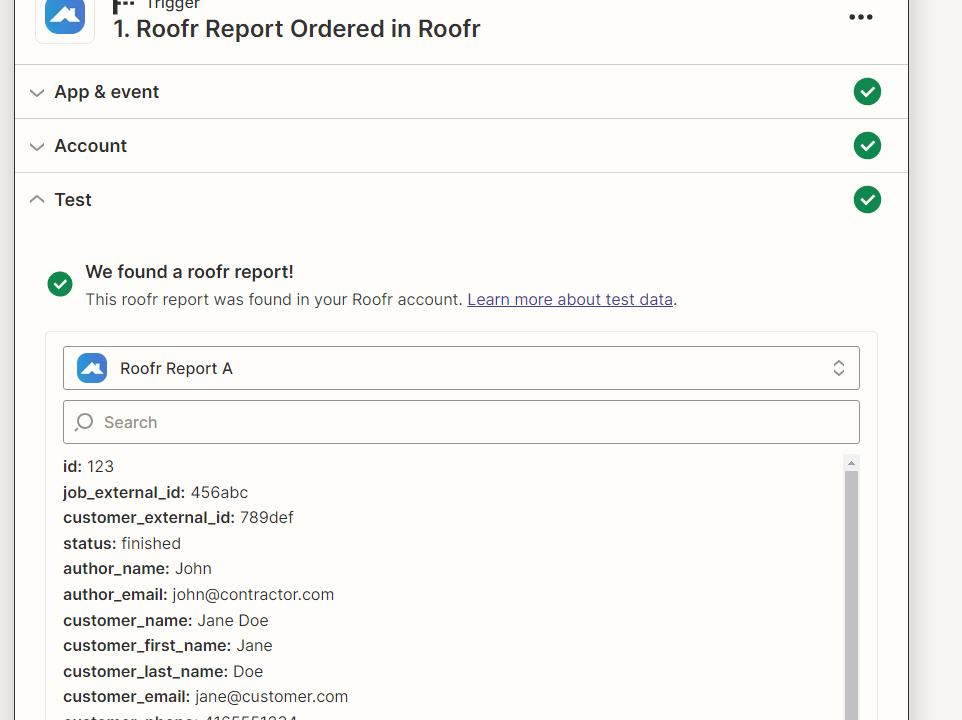
As far as I can tell, the Roofr Report Ordered trigger doesn’t provide a file object/link for you to use. To request that it be added, you can contact our Support team and/or Roofr directly since they own/maintain the Zapier integration.

Also, since it doesn’t come from the trigger step, the way you have it in that screenshot, it would always upload the file from the link you typed in (assuming it was a file). It wouldn’t be dynamic based on the trigger step.


there seems to be no solution here, I am getting the exact same results a year later


  • New
  • August 15, 2024

there seems to be no solution here, I am getting the exact same results a year later


JammerS
Forum|alt.badge.img+6
  • Zapier Staff
  • August 16, 2024

We apologize for any inconvenience, you might want to consider to contact our Support team to verify the resolution on this matter.