
Best answer

I'm new here! Anyone have experience with updating a Google Sheet based on PipeDrive data?

  • June 15, 2022
  • 2 replies
  • 54 views

Currently, our business maintains a list of its subscribers in a Google Doc which is viewable by our partners. Partners check to make sure our subscribers are in good standing before honoring a discount. As of now, we manually add names (or remove them) from this list as needed.

We’d like to create a workflow/Zap that automates this process. For example, if we create a field in an Organization within PipeDrive that lists each subscriber as ‘paid’, could we create a Zap to edit the Google Doc as people pay (or are designated as not paid)?

I see options to add a row or edit a row with a Zap, but don’t understand how to set the condition of evaluating one field (‘Paid’), then updating the Sheet. Initial trials have proved frustrating. Am I making this too complicated? Or not understanding the complexity sufficiently?

The videos outlining the basics of Zapier are easy to understand.. but I’ve so far been unable to translate them into actions that make sense. 
Best answer by Troy Tessalone

Hi @AndyE 

Good question.

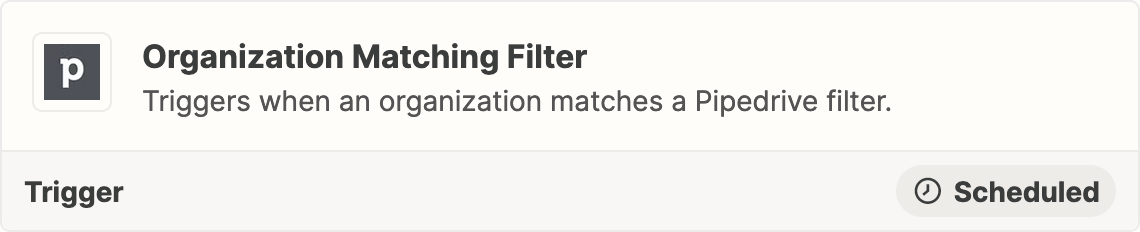
Try using this Zap trigger: Pipedrive - Org Matching Filter


Follow that with these steps…

  1. Trigger: Pipedrive - Org Matching Filter
  2. Action: GSheets - Lookup Row
  3. Action: GSheets - Update Row
    1. Map the Row ID from Step 2
This post has been closed for comments. Please create a new post if you need help or have a question about this topic.

2 replies

Troy Tessalone
Zapier Orchestrator & Solution Partner
Forum|alt.badge.img+14
  • Zapier Orchestrator & Solution Partner
  • Answer
  • June 15, 2022

Hi @AndyE 

Good question.

Try using this Zap trigger: Pipedrive - Org Matching Filter


Follow that with these steps…

  1. Trigger: Pipedrive - Org Matching Filter
  2. Action: GSheets - Lookup Row
  3. Action: GSheets - Update Row
    1. Map the Row ID from Step 2

christina.d
Forum|alt.badge.img+9
  • Zapier Staff
  • June 21, 2022

Hey @AndyE! I wanted to check in and see if Troy’s answer got ya on the right track? Let us know! 😊





