Best answer

I just can’t get Formatter by Zapier to work

  • August 29, 2025
  • 2 replies
  • 77 views

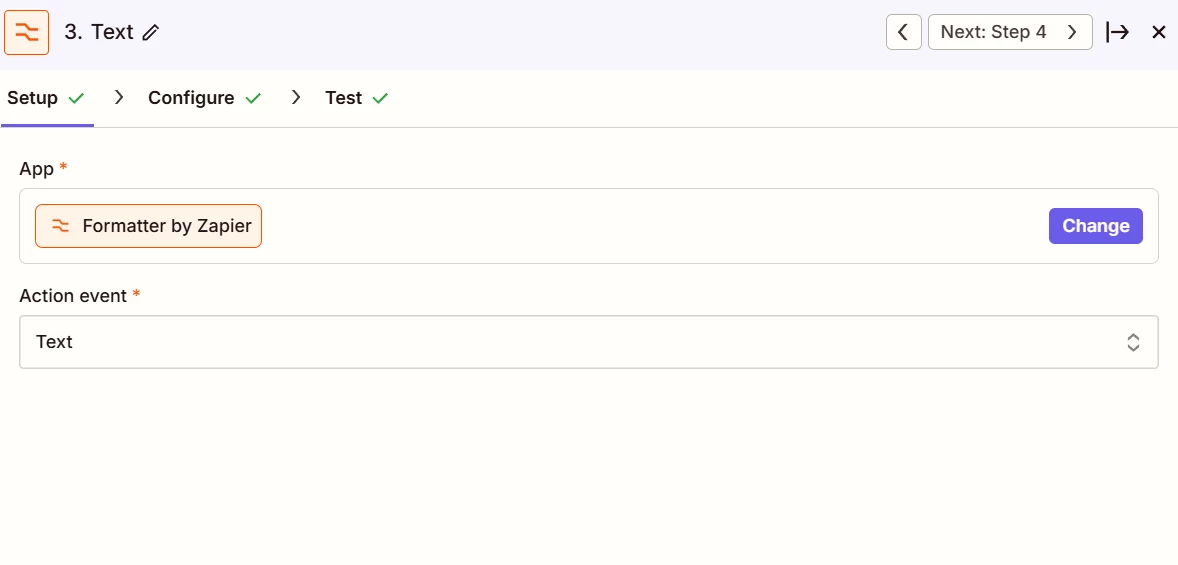
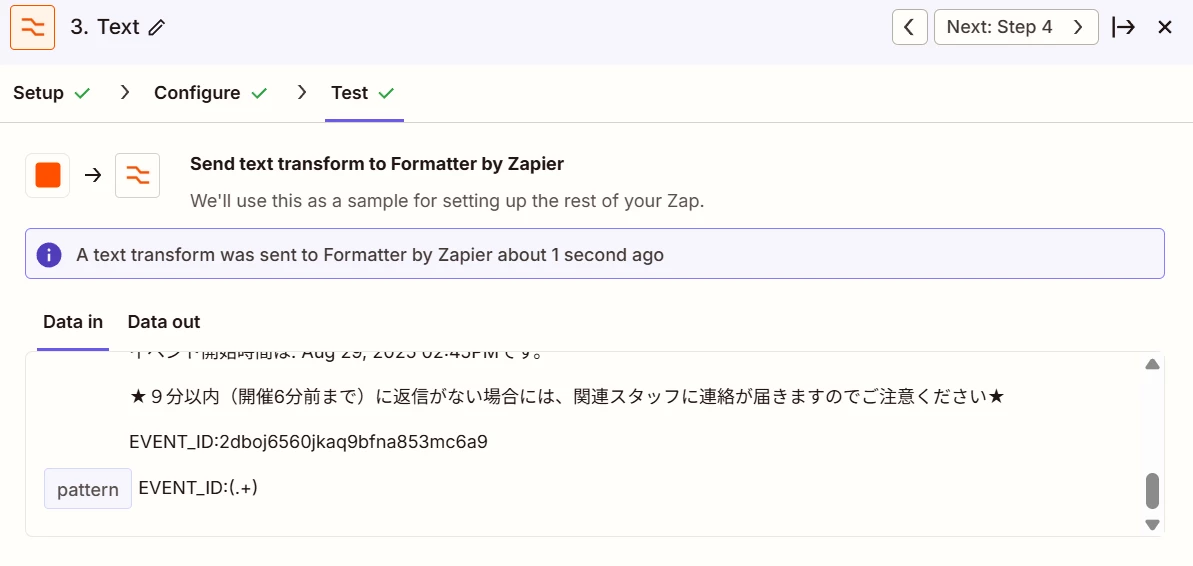
I used Formatter to extract the event ID from a reminder message I posted on Slack (the ID came from Google Calendar), like in this image, but it doesn’t show up in the Data Out.

Could the problem be the string I put in the Pattern field?

(I also tried: EVENT_ID:(\w+), EVENT_ID:\s*([^\s]+) too.

Since the previous step has already successfully detected a message containing the string "EVENT_ID:", the "EVENT_ID:" part itself should not be the problem.)

I’ve asked AI a few times, but nothing has worked… I’d really appreciate it if someone could help me!
 

Best answer by Troy Tessalone

Hi ​@UtokyoCAWK 

Try this Zap action: Formatter > Text > Split

Split by: EVENT_ID:

Segment: Keep the last segment

This post has been closed for comments. Please create a new post if you need help or have a question about this topic.

2 replies

Troy Tessalone
Zapier Orchestrator & Solution Partner
Forum|alt.badge.img+14
  • Zapier Orchestrator & Solution Partner
  • Answer
  • August 29, 2025

Hi ​@UtokyoCAWK 

Try this Zap action: Formatter > Text > Split

Split by: EVENT_ID:

Segment: Keep the last segment


  • Author
  • New
  • August 30, 2025

Hi! Thank you for your suggestion.

Yes, I tried that as well, but unfortunately it didn’t work either…

I’m currently trying another way to set up my Zap, but I really appreciate your help!