Question

HubSpot Pipeline shows as numbers instead of name

  • April 2, 2023
  • 4 replies
  • 115 views

RGTYSC

Hi everyone, 

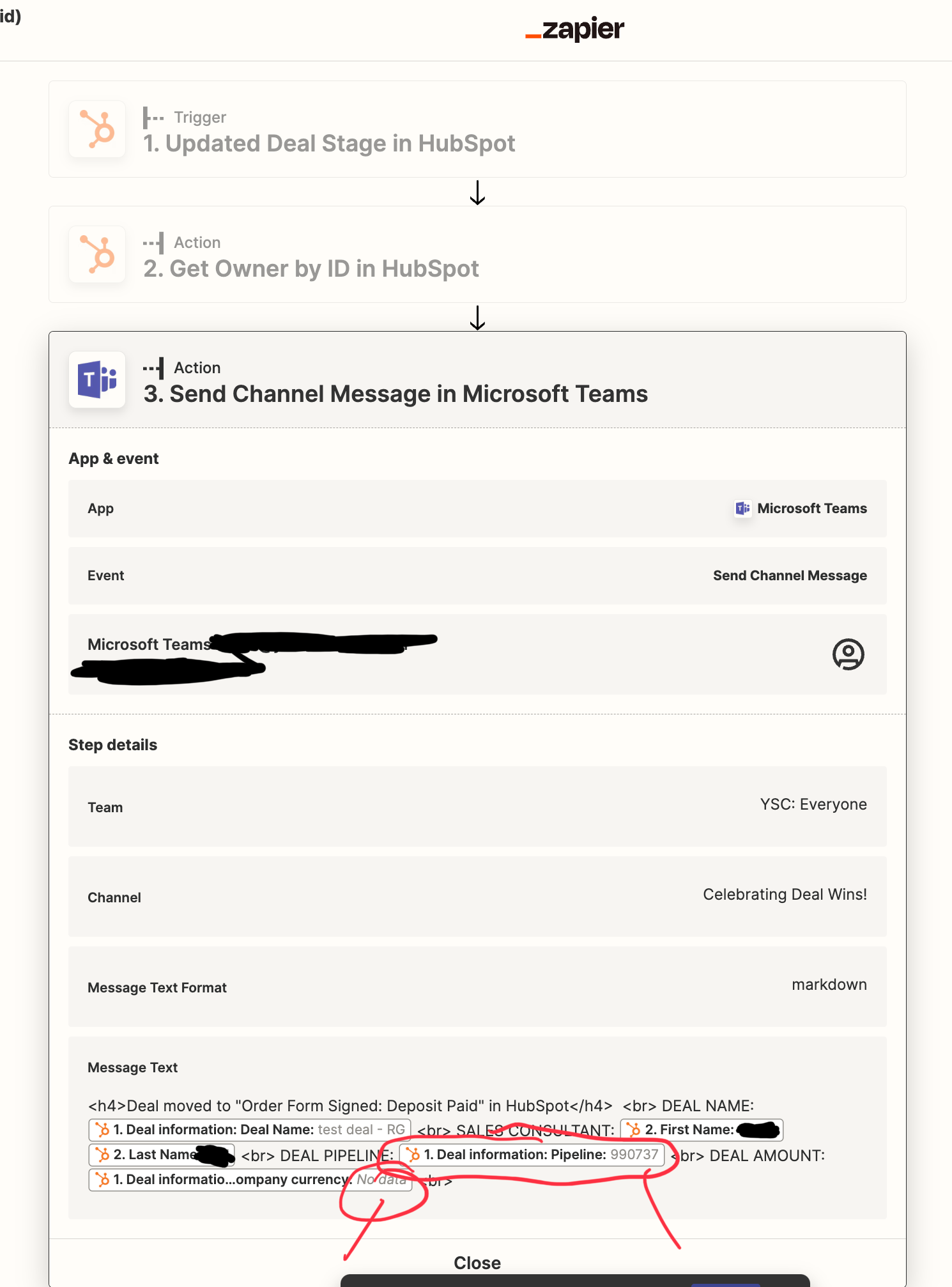
Does anyone know how to get the HubSpot pipeline to show in the zap, istead of the pipeline number?

Thanks in advance 

RG

 

This post has been closed for comments. Please create a new post if you need help or have a question about this topic.

4 replies

Troy Tessalone
Zapier Orchestrator & Solution Partner
Forum|alt.badge.img+14
  • Zapier Orchestrator & Solution Partner
  • April 3, 2023

Hi @RGTYSC 

Good question.

Please clarify with screenshots what Zap steps you are using, thanks.


RGTYSC
  • Author
  • Beginner
  • April 3, 2023

Hi @Troy Tessalone,

Thanks for your reply. Please see screenshot, showing that the deal pipeline is ocming through as numbers, not the deal pipeline name. Also, The Deal Amount is not coming through, despite the deal having a value entered. Any thoughts on that as well?


Thanks again 


RGTYSC
  • Author
  • Beginner
  • April 3, 2023


Troy Tessalone
Zapier Orchestrator & Solution Partner
Forum|alt.badge.img+14
  • Zapier Orchestrator & Solution Partner
  • April 3, 2023

@RGTYSC 

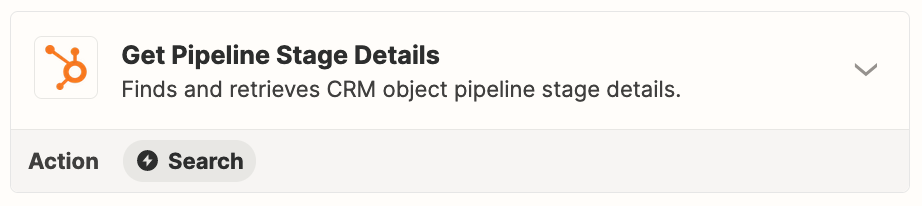
You may have to use this HubSpot Zap action, or use a Formatter > Utilities > Lookup Table.


Help article about how to change the trigger test data: https://help.zapier.com/hc/en-us/articles/8496310366093