Question

html-capable mail reader gmail

  • February 11, 2024
  • 8 replies
  • 44 views

Hi Team,

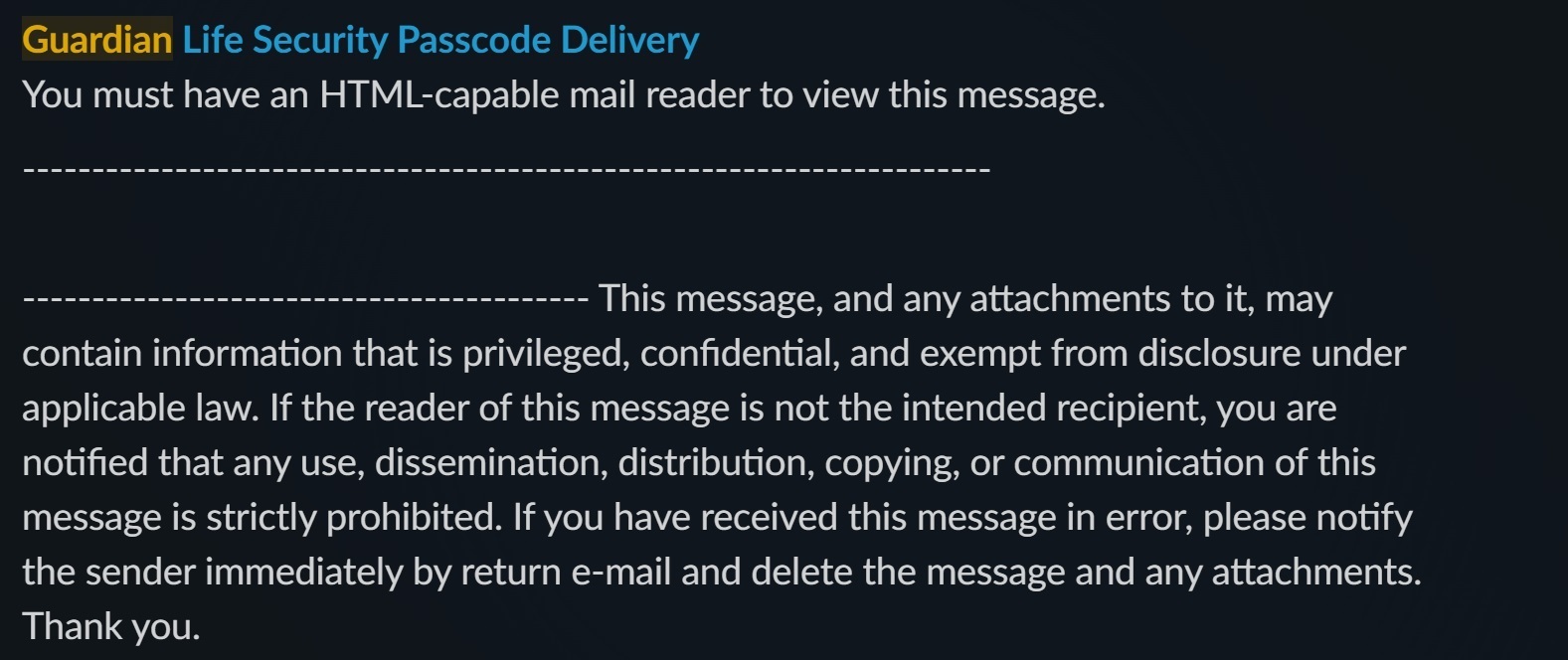
I am trying to push access codes to a slack channel from gmail. Some of the emails are showing up with the following message inside slack with: “you must have an html-capable mail reader to view this message.” For most emails, I’m able to view the entire code in my email and body of the email (this is the goal). 

Any ideas on how to ensure the entire body of the email ends up in slack?

  • James
This post has been closed for comments. Please create a new post if you need help or have a question about this topic.

8 replies

Troy Tessalone
Zapier Orchestrator & Solution Partner
Forum|alt.badge.img+14
  • Zapier Orchestrator & Solution Partner
  • February 11, 2024

Hi @JKNava 

For us to have full context, post screenshots with how your Zap steps are outlined and configured along with an example of the Slack message.


  • Author
  • Beginner
  • February 12, 2024


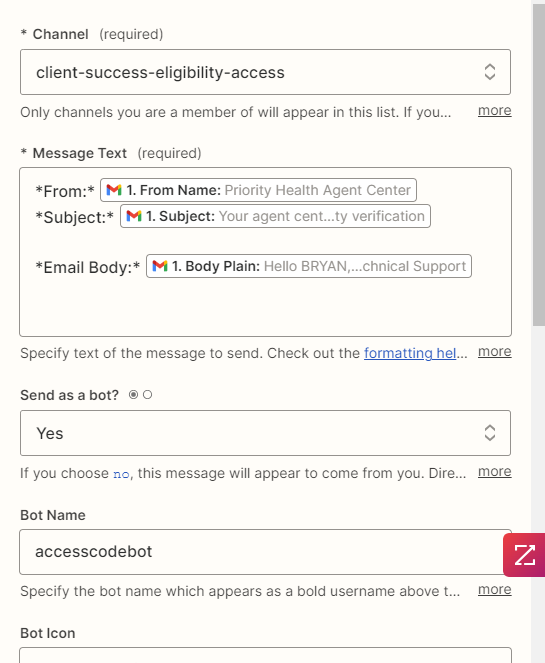
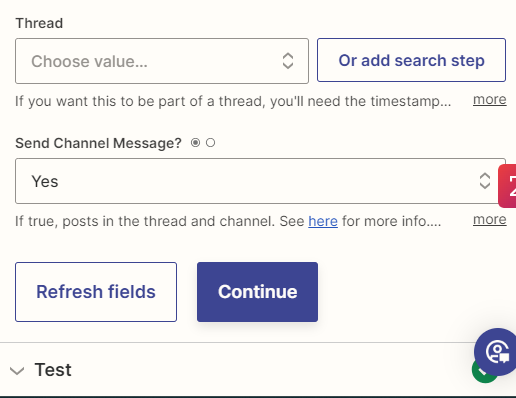
  • When a new email comes into my inbox and has a particular label, those emails are sent to slack
  • In the above, you see how the slack messages will post to the channel (Format, etc)


Below is how the slack notification looks:


​​​​​


Troy Tessalone
Zapier Orchestrator & Solution Partner
Forum|alt.badge.img+14
  • Zapier Orchestrator & Solution Partner
  • February 12, 2024

@JKNava 

The Slack Message screenshots did not get sent.


Troy Tessalone
Zapier Orchestrator & Solution Partner
Forum|alt.badge.img+14
  • Zapier Orchestrator & Solution Partner
  • February 12, 2024

@JKNava 

To help you troubleshoot, check the Zap Runs history to see the DATA IN/OUT for each Zap step: https://zapier.com/app/history/


  • Author
  • Beginner
  • February 12, 2024

Sorry about that: 


  • Author
  • Beginner
  • February 12, 2024

see attached


  • Author
  • Beginner
  • February 12, 2024


Troy Tessalone
Zapier Orchestrator & Solution Partner
Forum|alt.badge.img+14
  • Zapier Orchestrator & Solution Partner
  • February 12, 2024

Hi @JKNava 

Possible guidance:

If you are already using one of these clients, you might need to check the settings to ensure that HTML emails are enabled.
Sometimes, email clients are set to display emails in plain text for security reasons, and you might have to manually allow HTML for specific emails or senders.