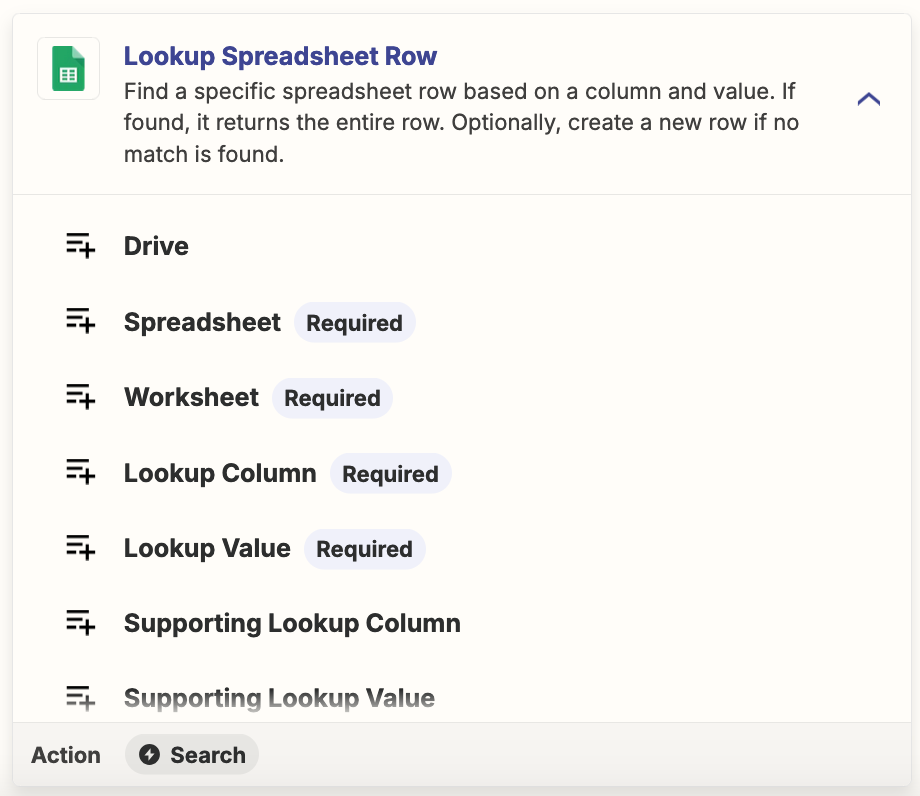
I want to find data in sheet and want to return ‘True’ if is in or ‘false’.
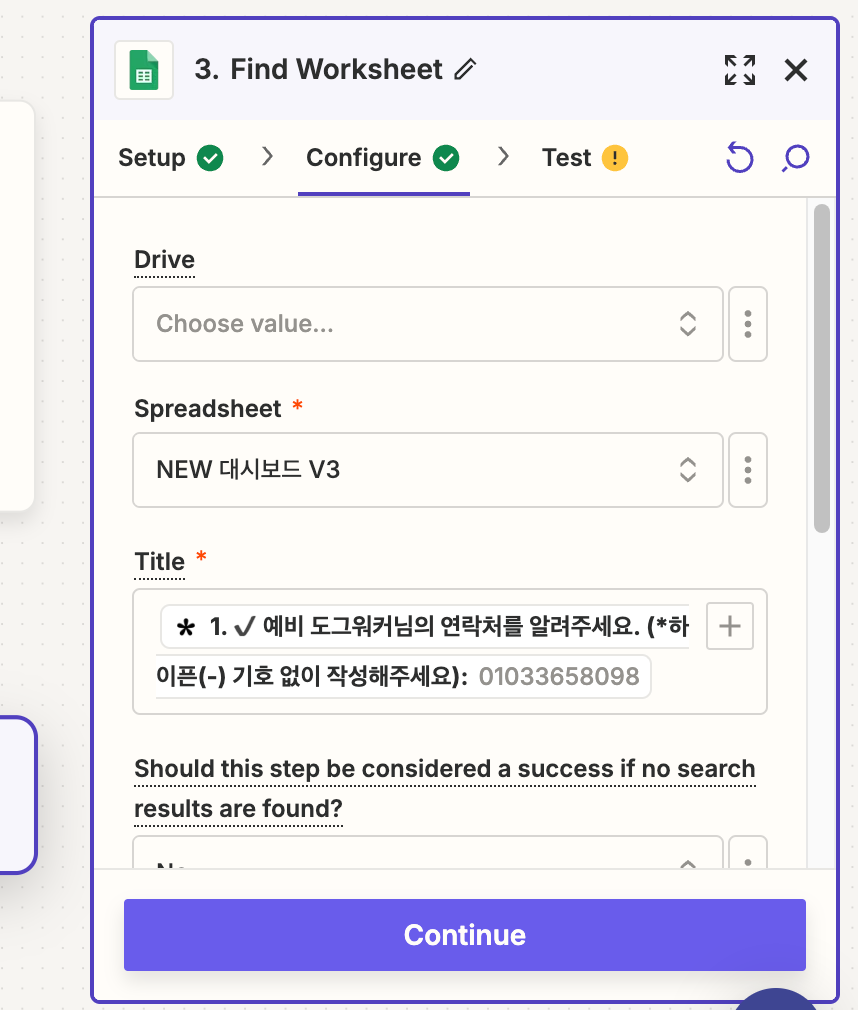
In this case, I want to find data ‘01033658098’ number in ‘New 대시보드 V3’ sheets.
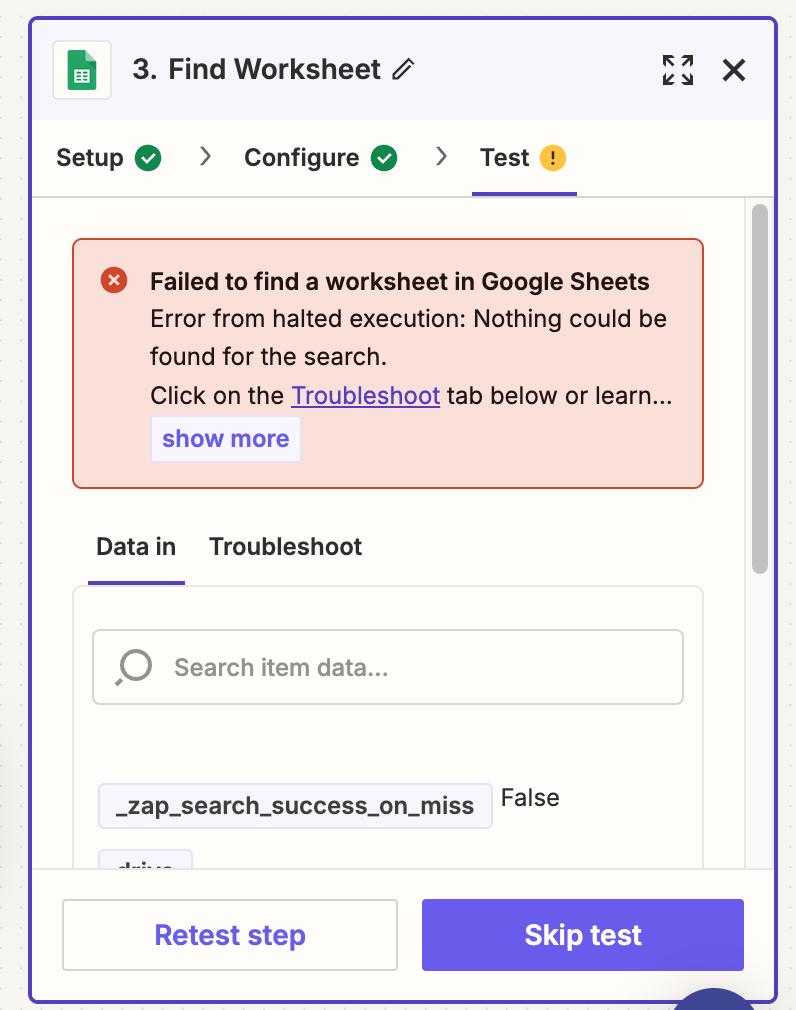
But failed..
Why?

I want to find data in sheet and want to return ‘True’ if is in or ‘false’.
In this case, I want to find data ‘01033658098’ number in ‘New 대시보드 V3’ sheets.
But failed..
Why?

Join us September 23rd, 2026 for a free, one-day virtual event with 30+ sessions on AI automation. Get live build-alongs, playbooks, and strategies to lead AI transformation at your organization.
No account yet? Create an account
Enter your E-mail address. We'll send you an e-mail with instructions to reset your password.